97
Service Manual
7 Settings Import/Export
7.4 Engineering Probe Table
The engineering probe table is in a format of probedataX.X.X.X-oo.tar.gz, X.X.X.X stands for the
current software version, oo stands for the system settings version. X.X.X.X is only for reference,
but oo must be consistent with the system settings version. Otherwise, the application presets could
not be imported. It is used to change probe parameters.
7.4.1 Exporting Probe Table File
Perform the steps as follows,
1. Connect the USB drive to the ultrasound system.
2. Enable the touch-screen keyboard, tap Shift, E and press the Menu key successively. Type the
month password when the following dialogue box pops up, and then press the Enter key to
confirm.
Password:
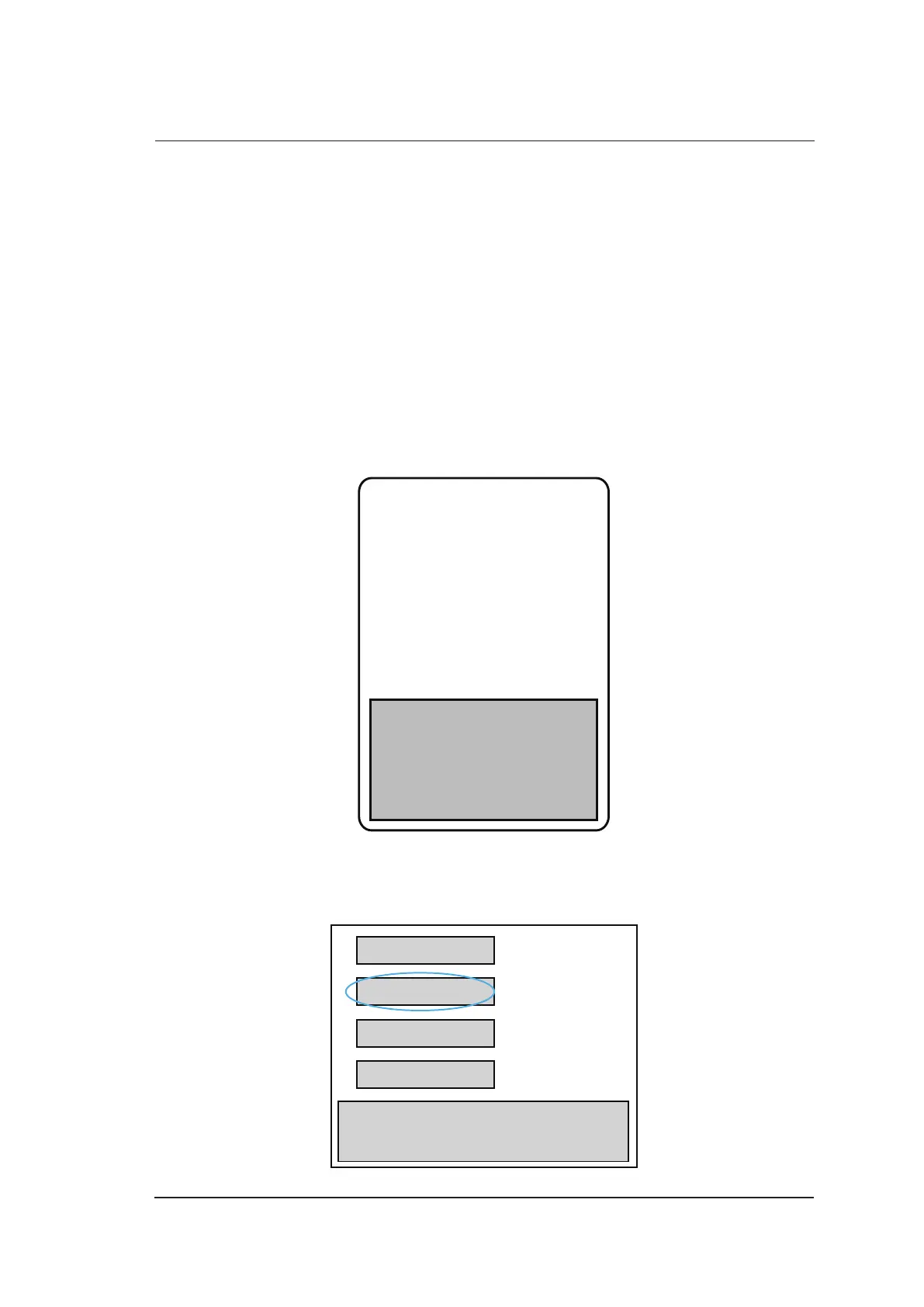
3. Select Probe Table Out in the following dialogue box, press the Set key to back up the probe
table into the USB drive. A prompt Successful is displayed to indicate the probe table is
successfully backed up.
Probe Table Out
Probe Table In
Software Update
Exit



 To Next Page