108 Service Manual
9 System Checks
9.1 General Checks
9.1.1 Overview
You can check the following items or log with the user to make the diagnostics.
Any exceptions occurred during system running
Accidental exception
Other requirements proposed by the user
9.1.2 Operating Environment
You should check the operating environment of the system. The measurement accuracy is closely
related to humidity, measurement application and circuit.
The system insulation worsens with life-to-date depreciation or malfunction, and the measurement
error may be larger with a greater humidity.
9.1.3 System Conguration
You should check the system configuration, including system settings, contrast and brightness of the
LCD monitor, optional probes.
9.1.3.1 System Settings
Press the Menu key, and select System Settings in the pop-up menu to display System Settings
menu. You can check the relevant settings by viewing this menu.
9.1.3.2 Contrast and Brightness of LCD Monitor
Adjusting the LCD monitor’s brightness is one of the most important factors for proper image
quality.
The proper setup displays a complete gray scale. The lowest level of black should just disappear into
the background and the highest white should be bright, but not saturated.
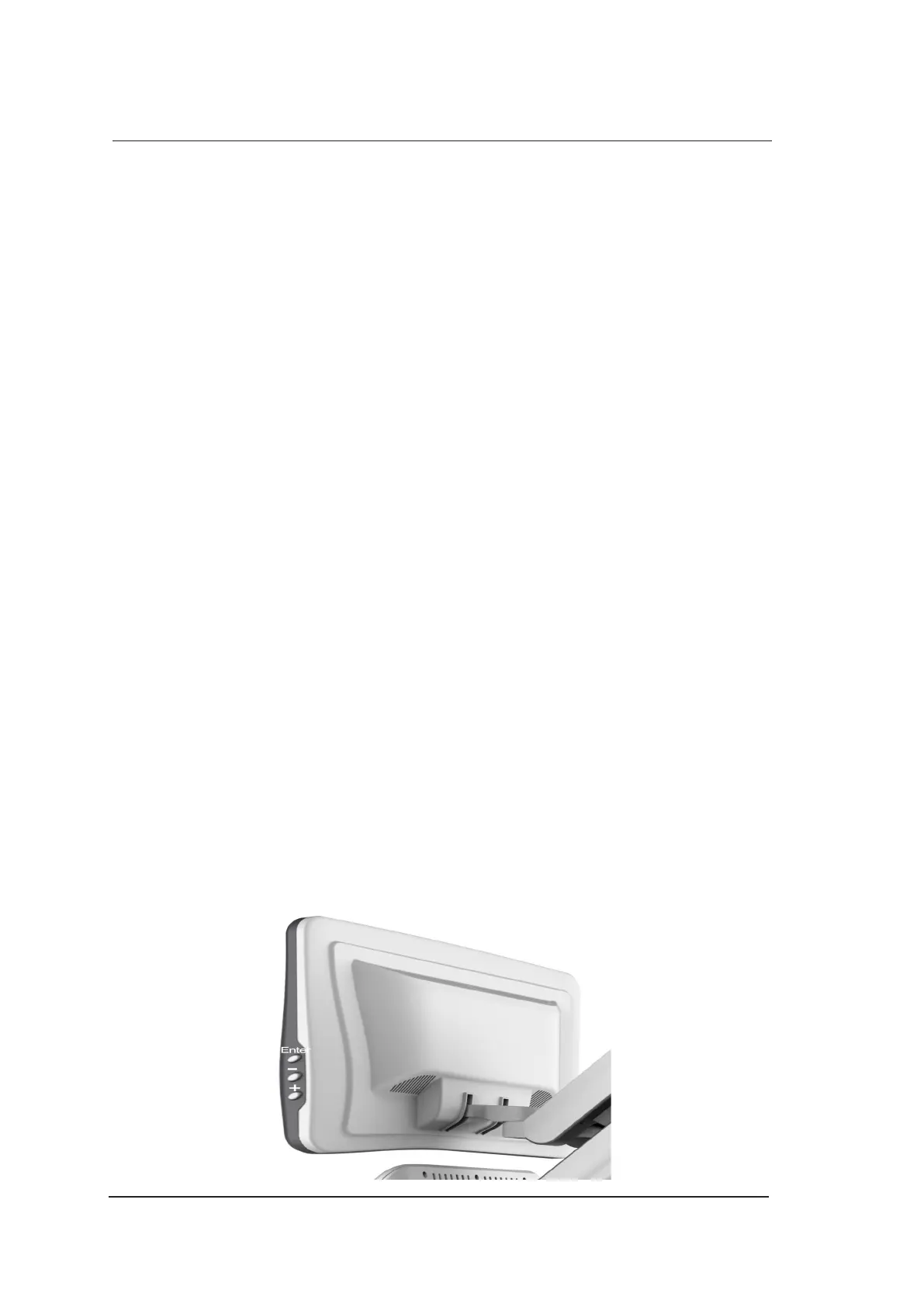
Use the buttons located on the side of the monitor to adjust the brightness and contrast settings of the
monitor.



 To Next Page