35
Service Manual
4 Parts Disassembly
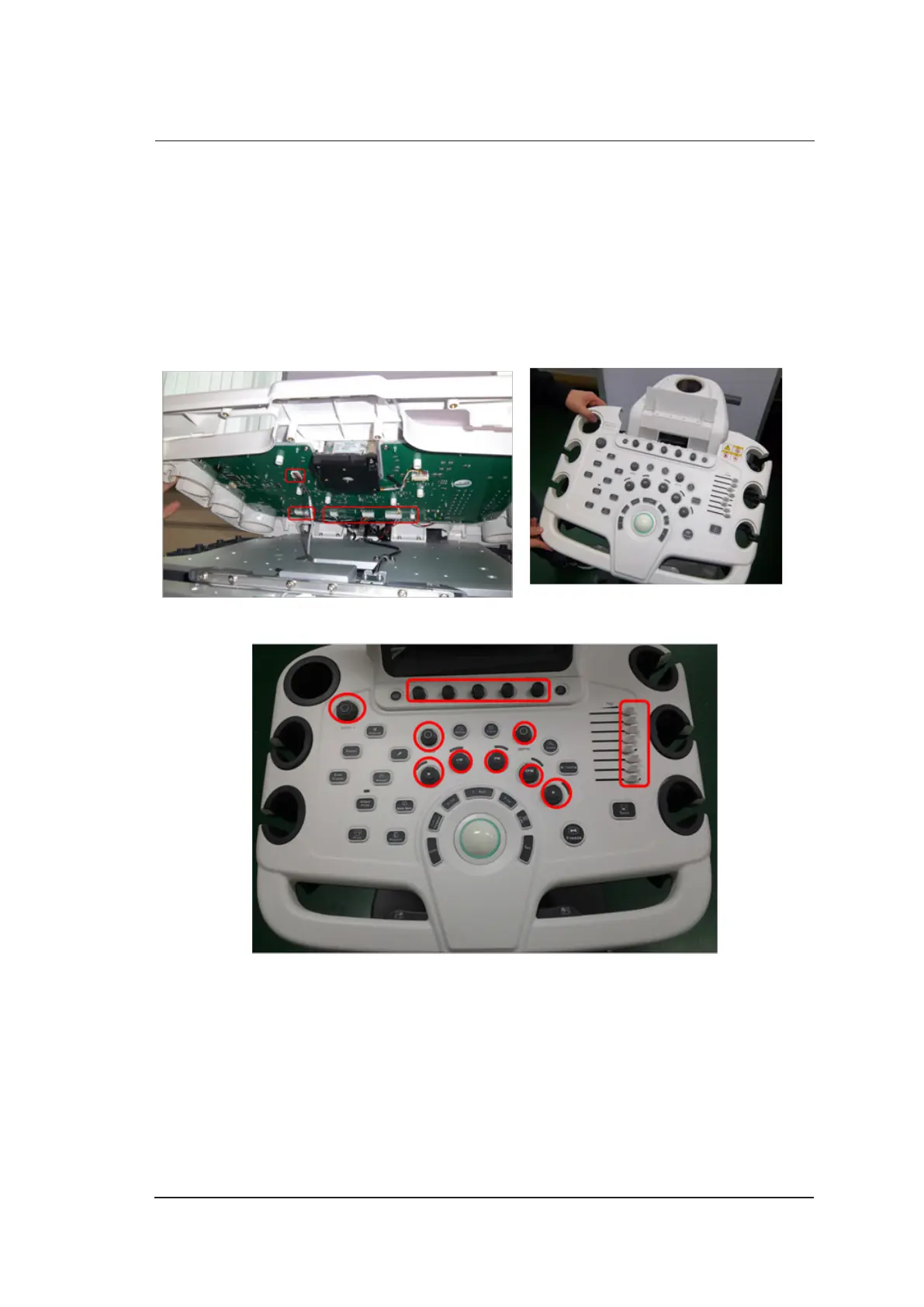
4.4 Key Panel Disassembly
One cross screwdriver and one short-handled screwdriver are needed during the key panel
disassembly.
Perform the following steps,
1. Disassemble the touch screen assembly. For details, refer to Section 4.3 Touch Screen
Disassembly.
2. Pull out all connection cables and take out the top cover assembly.
3. Pull out all keys from the control panel.



 To Next Page