124 Service Manual
11 System Maintenance
!
●
To avoid electrical shock and damage to the ultrasound system, power off and
unplug the system from the AC power outlet before cleaning.
●
To maintain the safety and functionality of the ultrasound system, maintenance must
be performed at least every 6 months. Electrical safety tests must also be performed
at regular intervals as specified by local safety regulations.
11.1 Cleaning the System
To clean the system surface
1. Power off and unplug the ultrasound system from the AC power outlet.
2. Dampen a lint-free soft cloth with 75% ethanol.
3. Use this lint-free soft cloth to clean the surfaces of the monitor screen, the touch screen, the
control panel, the keyboard and the main unit. Take special care and avoid to scratch the
screens.
4. Use a cotton swab to remove solids from between keys and controls.
5. In case of blood or any infectious, use a lint-free soft cloth dampened with 70% ethanol.
To clean the dust filter
The dust filter must be clean at least every 3 months for ventilation.
1. Power off and unplug the ultrasound system from the AC power outlet.
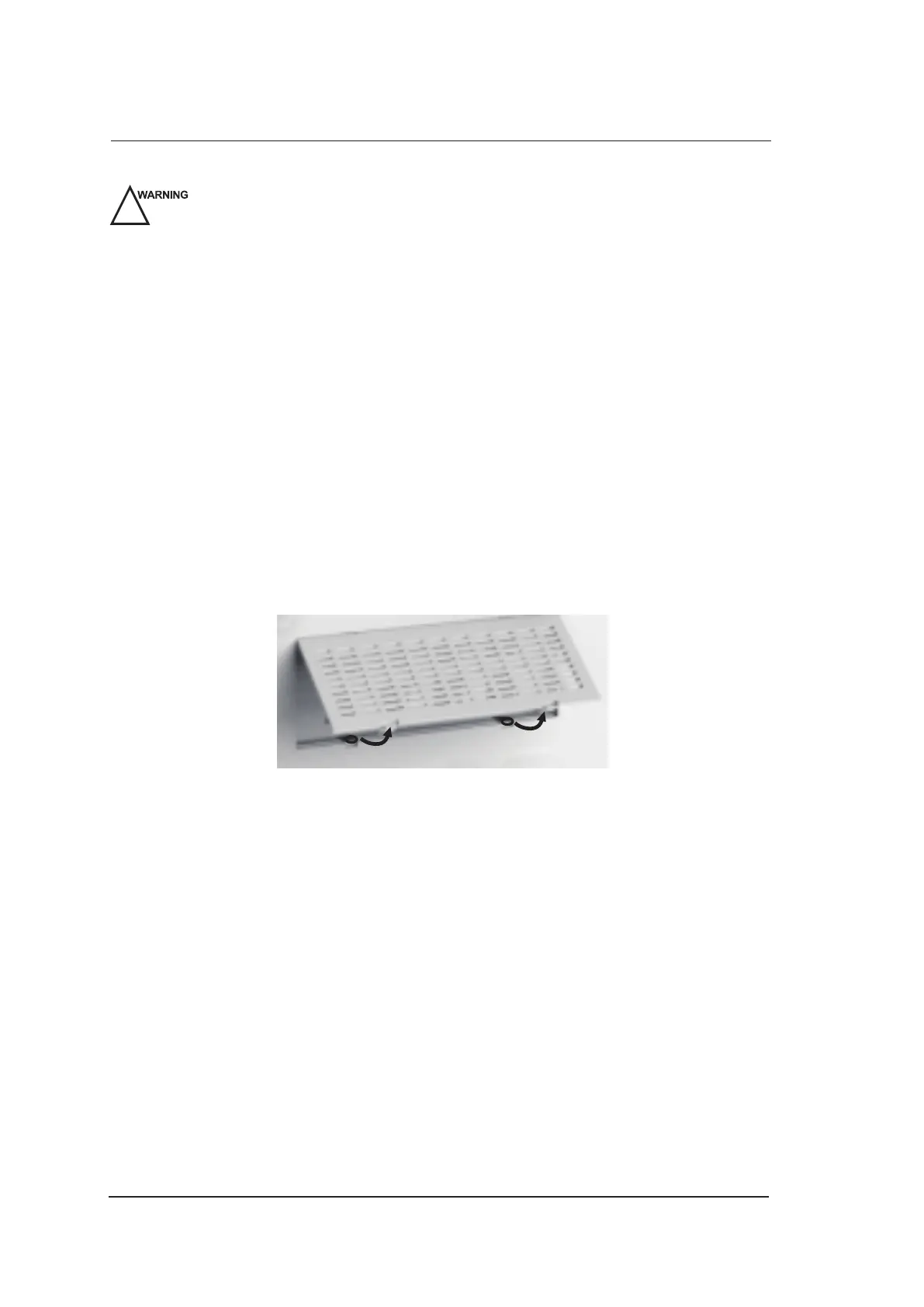
2. Pinch the dust filter with fingers as the figure shown above.
3. Rinse the taken out sponge with refresh running water, and use a brush to rinse the dust filter
with refresh running water.
4. Place the sponge and dust filter back to the ultrasound system after a thorough airing.



 To Next Page