63
Service Manual
5 Pin Descriptions
Pins:
Table 5-6 Trackball Signal Pins
Signal FSW1 FSW2 GND
PRT
CTRL
PRT BUSY GND TBDATA TBCLK
Color
Brown/Twisted Brown
and White Cables
Shielded
Red/Twisted Red and
Black Cables
Shielded
Orange/Twisted Orange
and Black Cables
CN1 1 3 5 7 9 11 13 15
CN2 1 3 5 7 9 11 13 15
Signal
GND GND TX RX GND TBDATA
TBCLK
GND
Color Shielded Shielded
Green/Twisted Green
and Black Cables
Shielded
Yellow/Twisted Yellow
and Black Cables
Shielded
CN1 17 6 8 10 12 14
16 18
CN2 17 6 8 10 12 14
16 18
Instructions:
Connect CN1 to KEAA board 7500.00279 (J29), and connect CN2 to key panel 7500.00291 (J6).
5.2.6 Keyboard Power Cable
P/N: 2275.00473
Cable Material:
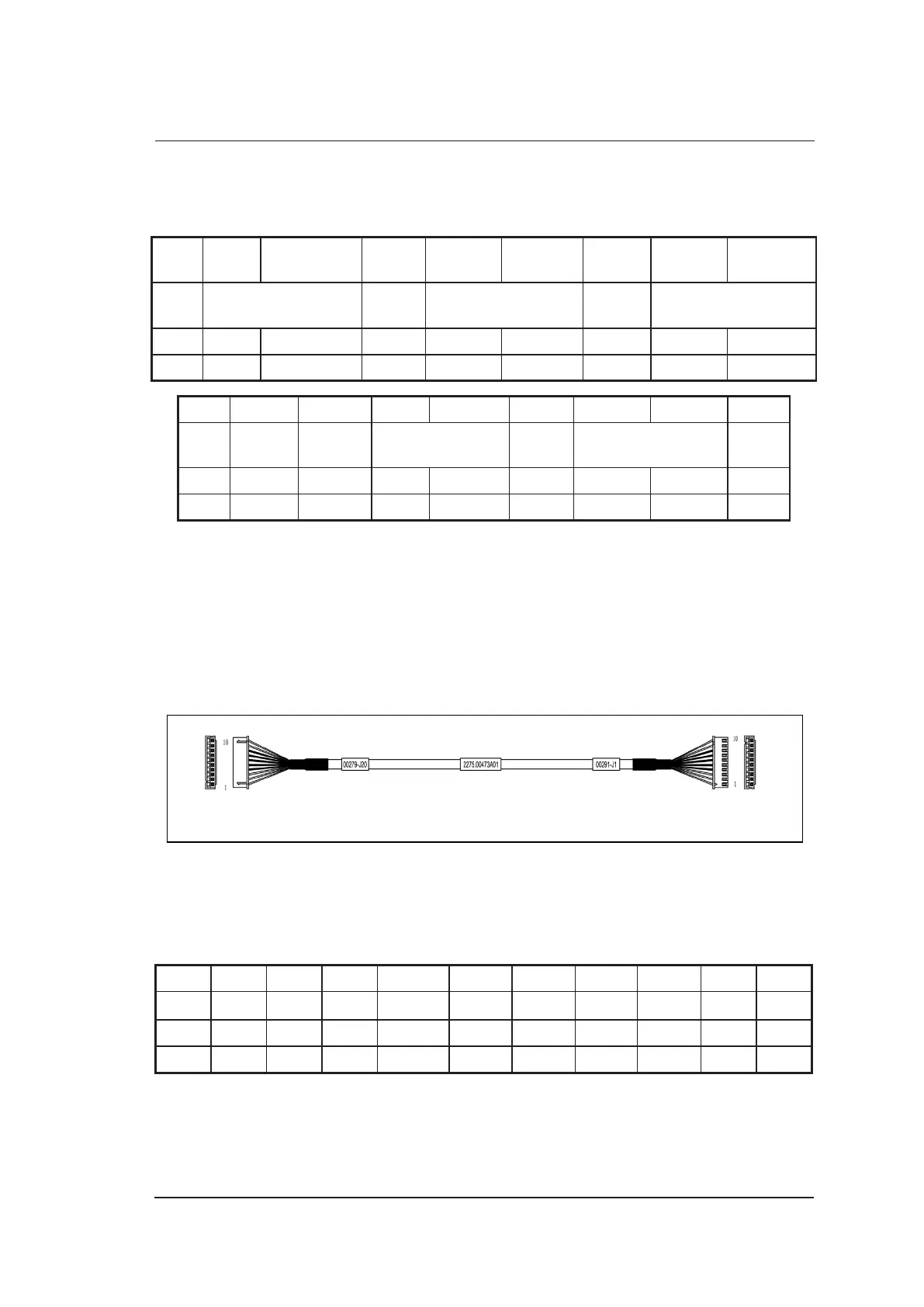
CN1 CN2
To KEAA Board
7500.00279 (J20)
To Key Panel
7500.00291 (J1)
Figure 5-7 Keyboard Power Cable
Pins:
Table 5-7 Keyboard Power Cable Pins
Signal
VCC VCC VCC
GND GND GND GND GND +12V
+12V
Color Black Grey Red Shielded Shielded Shielded Shielded Shielded White Blue
CN1 1 2 3 4 5 6 7 8
9
10
CN2 1 2 3 4 5 6 7 8
9
10
Instructions:
Connect CN1 to KEAA board 7500.00279 (J29), and connect CN2 to key panel 7500.00291 (J1).



 To Next Page