87
Service Manual
6 Software Installation and Upgrade
6.3 System Software Update
You can make a simple update if the system installed with low software but standard hard disk files.
If hard disk files are damaged, you need to update kernel and software by the USB drive.
6.3.1 Simplied Update (Non-Kernel Update)
1. Connect the USB drive written with update files to the ultrasound system.
2. Start up the ultrasound system, enable the touch screen, and then tap Shift, E and press the Menu
key successively.
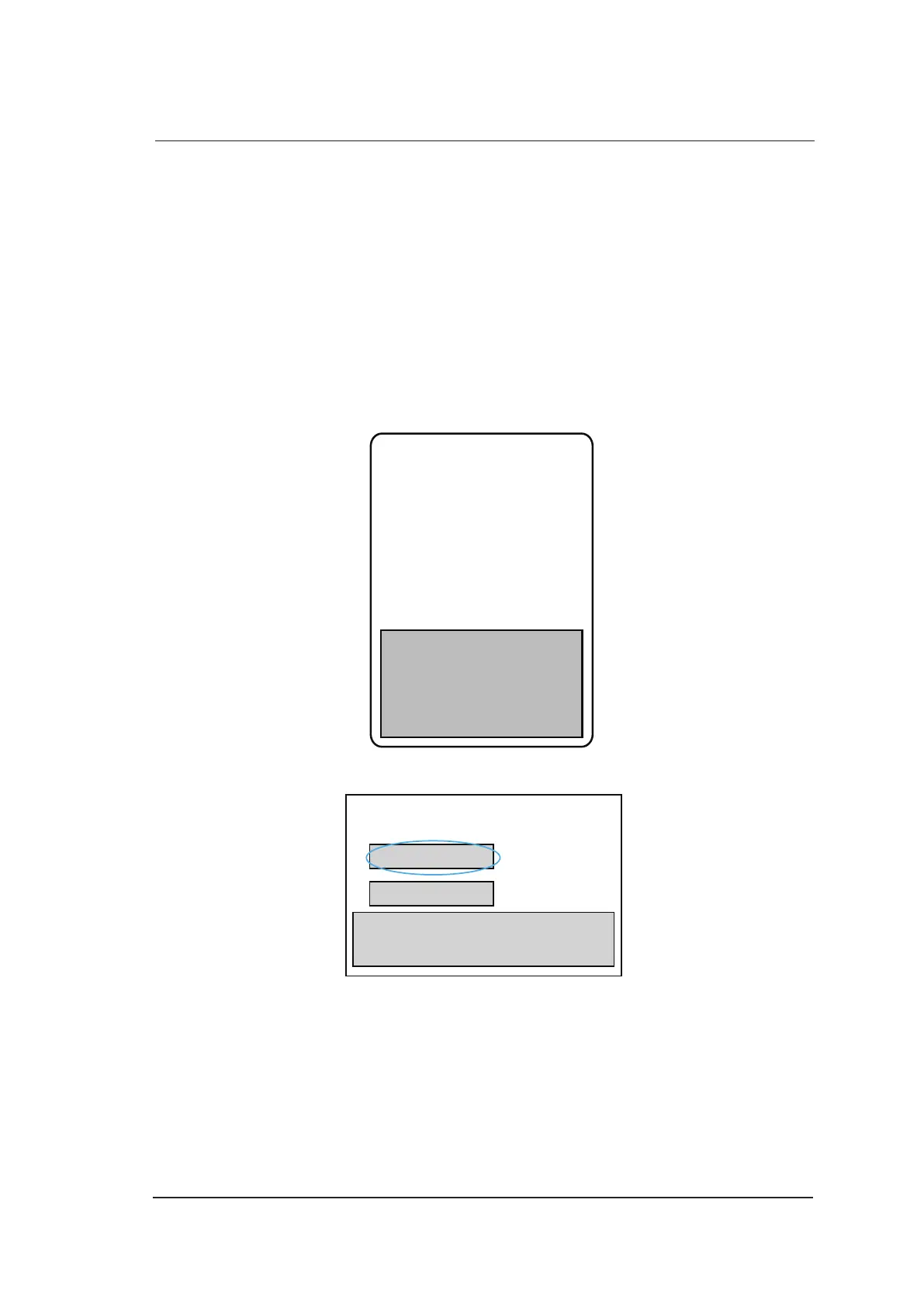
3. Enter the year password (2013 password: JMP12)with the following prompt, and then press the
Enter key.
Password:
4. Select Software Update in the following dialogue, and press the Set key.
Software Update
Exit
5. Select Exit when Files successfully copied. Please exit and reboot system to complete update.
pops up. Remove the USB drive, and then reboot the ultrasound system.
NOTE:
● The password is not case sensitive. If the password is wrong,
invalid password
is displayed
to remind you for password retry.
● You need to re-insert the USB drive or use another USB port if
check the USB
pops up.



 To Next Page