45
Service Manual
4 Parts Disassembly
4.6 DVD Drive Disassembly
One screwdriver is needed during DVD drive disassembly.
Perform the following steps,
1. Disassemble the back cover. For details, refer to Section 4.5.2 Back Cover Disassembly.
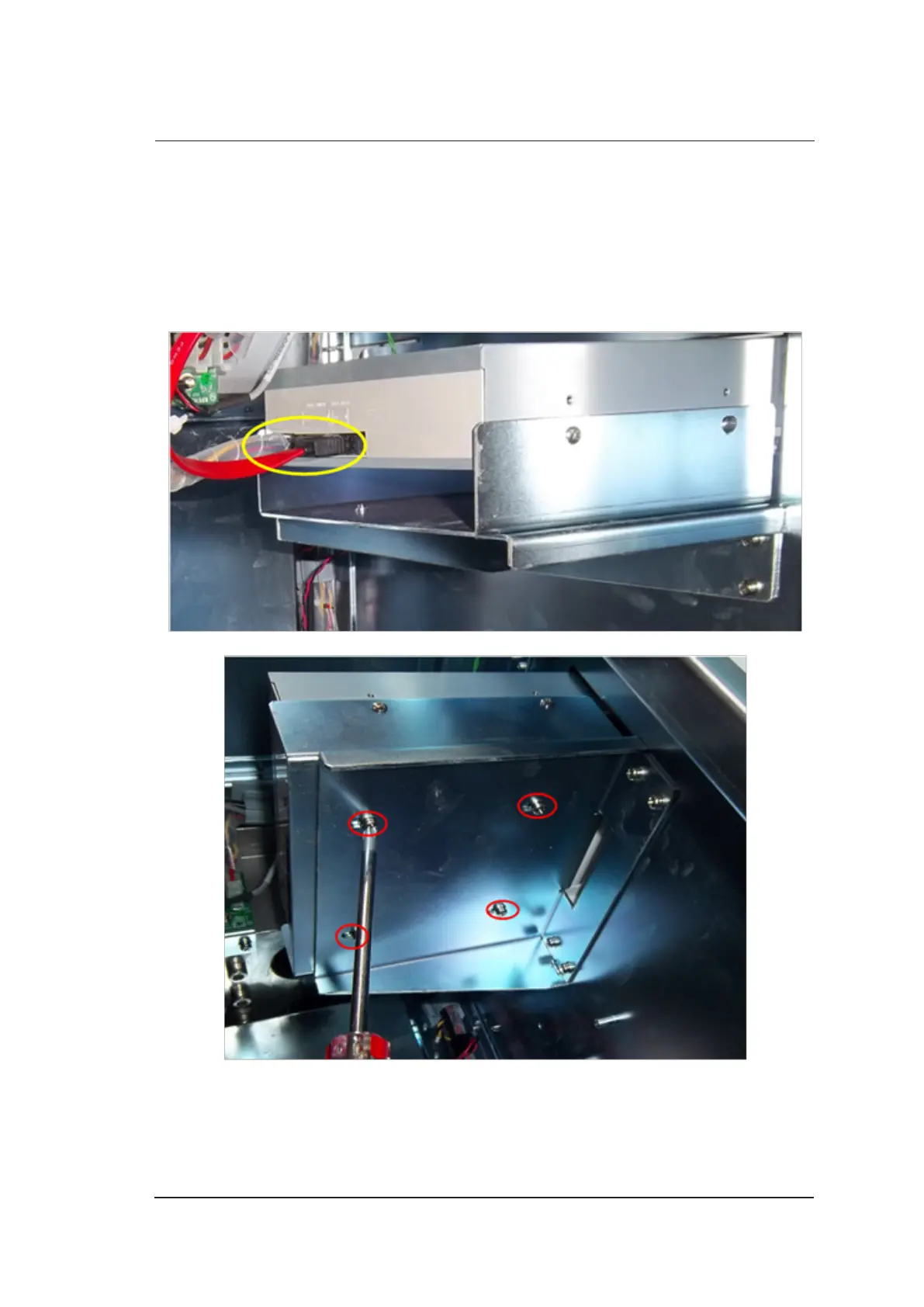
2. Pull out all hardware connection cables.
3. Use the screwdriver to remove four screws and take out the DVD drive.



 To Next Page