100 Service Manual
8 System Software Tests
NOTE:
● Only service engineers / representatives trained or qualified by the manufacturer could
perform the system functional tests on the ultrasound system.
● To maintain the safety and functionality of the ultrasound system, do not remove or replace
any circuit boards when the system is powered on.
● Due to the potential hazardous voltage in the system, do not remove the insulation unit of the
system.
8.1 Testing System Software
The system has a built-in testing software which can be utilized to test the performance and
functionality of the system hardware. The software supports both in-factory and field tests. After the
system passed all the necessary functional tests, service personal should reset and restart the system
before delivering it for normal usage.
The testing software can be used to test storage function, FIFO function, FIFO wave-detector,
analogue-to-digital conversion, probe code, HV and temperature. During the test, the green identifier
on the screen indicates that the testing item works normally and passes the test. While, the red
identifier indicates that the tested item results in malfunction, and you should re-test it after servicing
it.
8.1.1 Testing Software Activation
1. Press the Menu key on the control panel, select System Information to enter the System
Information screen.
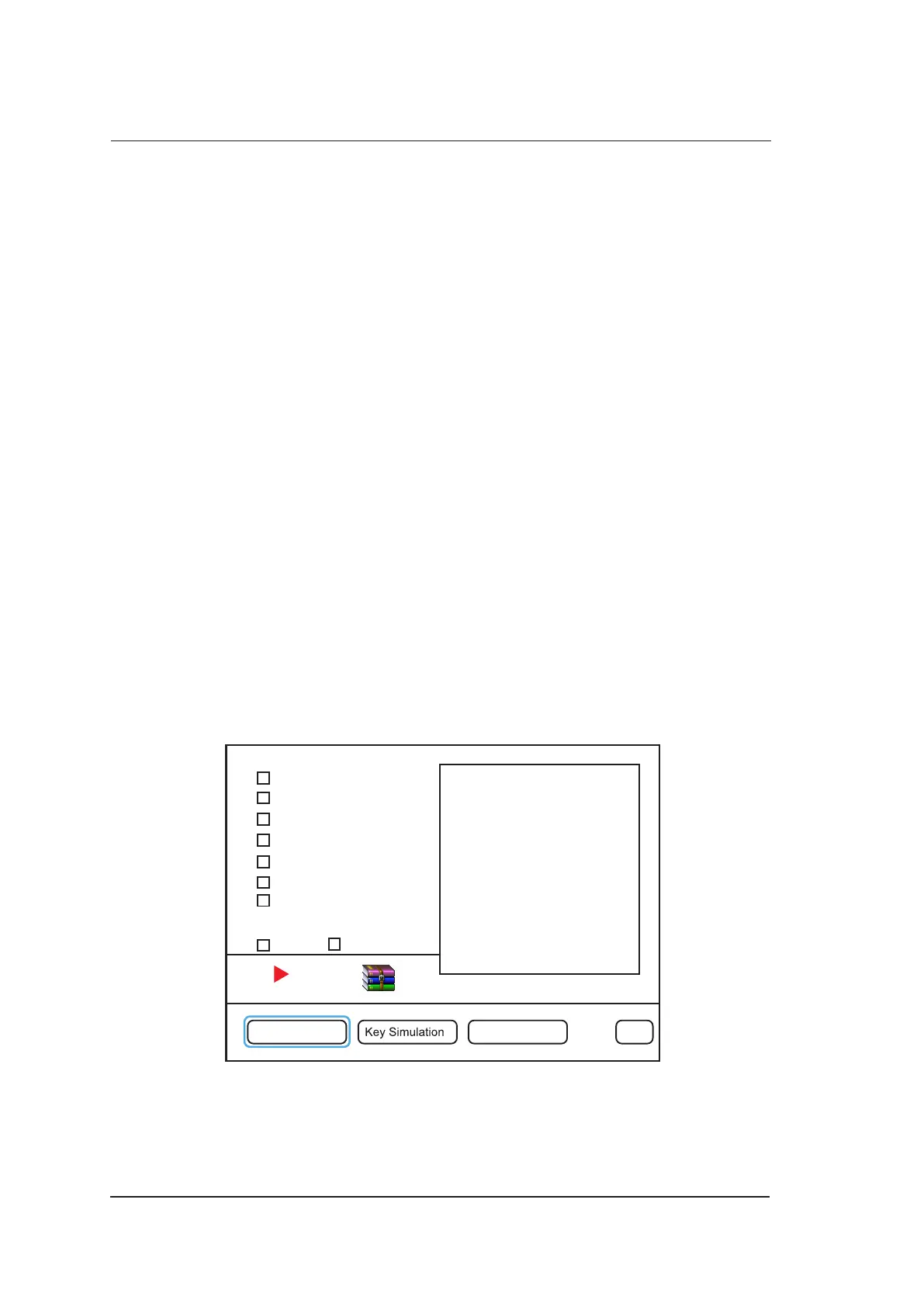
2. Enter a correct password to enter the engineering mode screen.
System Memory
EC <——>FIFO Bus
Detector to FIFO
ADC Test (RxOn)
Probe ID, HV&Temp
Speaker test
Probe Security Test
Select All Repeat
Engineer Config Screen Pattern Exit
Figure 8-1 Engieering Mode Screen



 To Next Page