104 Service Manual
8 System Software Tests
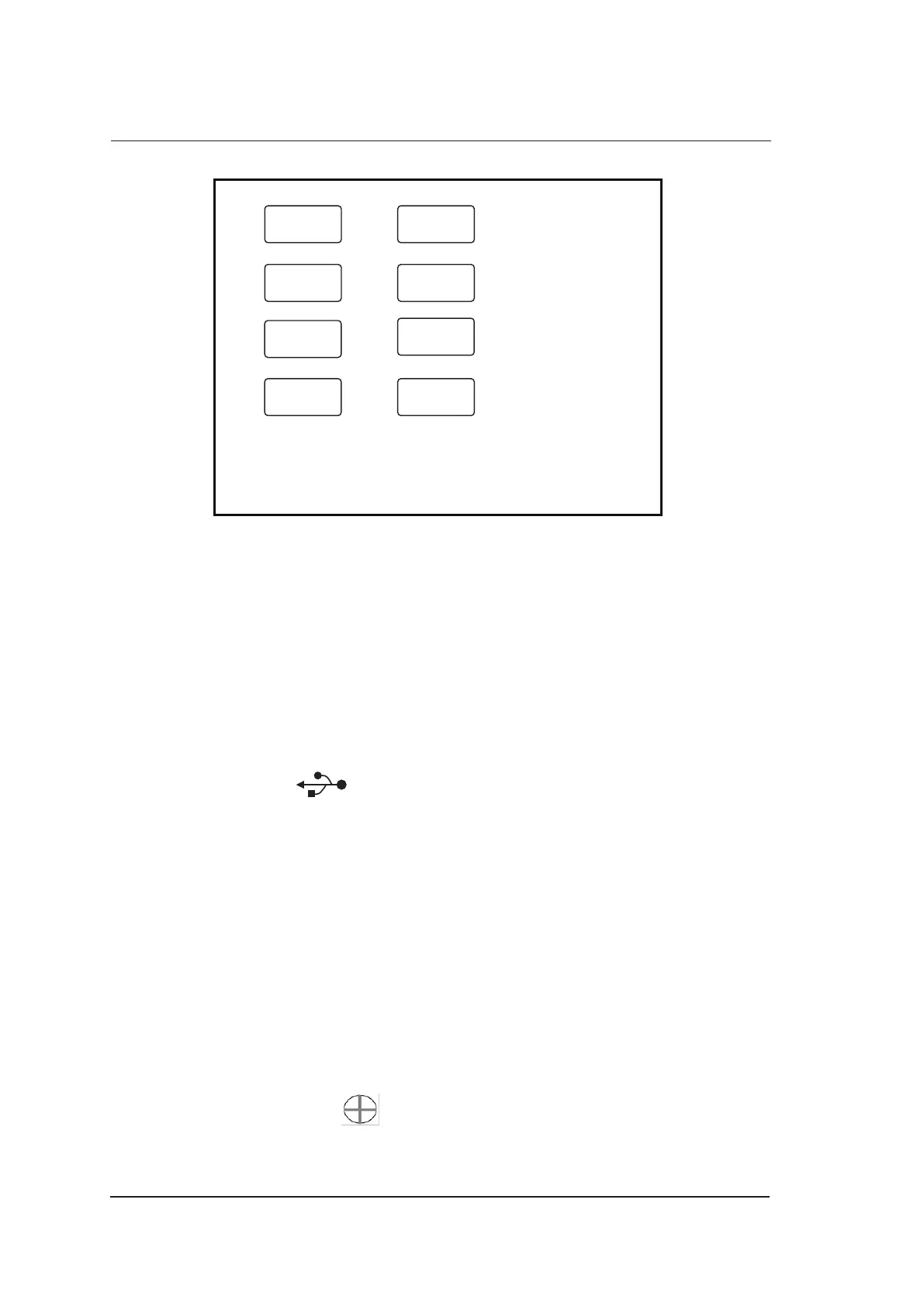
Write log
USB Test
Screenshot
Exit
Import /Export
Keyboard
Test
Touch
Adjust
Monitor Test
Figure 8-3 Touch-Screen Test Screen
●
Tap the test item to display corresponding options. Touch screen may result in malfunction if
there are no relevant options, and you should immediately contact the service personnel.
●
If the key does not respond, you should immediately contact the service personnel.
●
Select Exit after the test.
8.3.2 USB Port Test
You can test USB port of the touch screen by inserting the USB drive.
1. Connect the USB drive written with files to the ultrasound system after entering the touch screen
test software screen, and appears.
2. Select USB Test, USB works normally if the USB drive is read by the software. However, USB
port works abnormally if the USB drive cannot be read by the software.
8.3.3 Display Test
You can check the display by viewing images.
1. Tap Monitor Test after entering the touch screen test software screen, images are played in turns.
If the USB drive written with pictures is connected, the pictures are played in turns.
2. Rotate the Depth knob to exit the test screen.
8.3.4 Touch Screen Calibration Test
You can verify the functions of touch screen and display monitor.
1. Tap Touch Adjust or press the Freeze key to enter the touch-screen calibration test screen.
2. Tap the center of every pop-up continuously to calibrate the touch screen.
Press the Freeze key on the control panel to exit at any time.



 To Next Page