102 Service Manual
8 System Software Tests
8.2 System Simulation Test
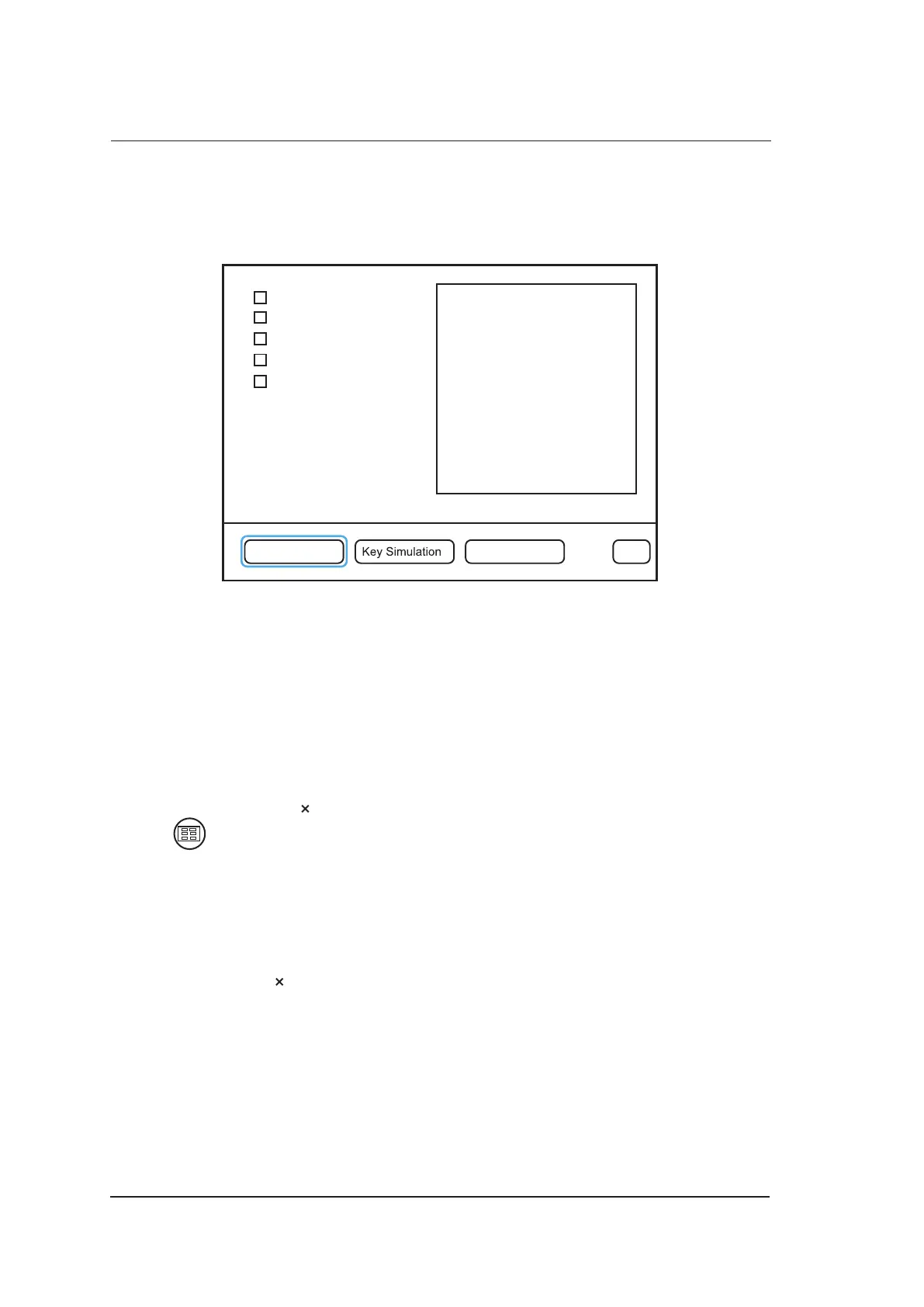
Select Dealer Config on the engineering mode screen to enter the following screen. You can test
about virtual probe settings, virtual functions and power.
Force ProbeID
Key Record
Power Measurement
TV PAL
N/A
Dealer Config Screen Pattern Exit
Figure 8-2 System Simulation Screen
8.2.1 Virtual Probe
NOTE:
The virtual probe is only a demo, and do not use it when performing an exam.
The virtual probe allows you to test the system function without probes.
1. Move the cursor on the check box before Force probe ID by using the trackball, and press the
Set key to select it with a × mark.
2. Press to enable the keyboard, tap the left or right arrow to select the desired virtual probe.
3. Select Exit, and the touch screen displays the desired virtual probe.
8.2.2 System Simulation Operation
You can apply system simulation operation to check the system operating or perform the aging test.
1. Move the cursor on the check box before Key record by using the trackball, and press the Set
key to select it with a × mark.
2. Select Exit to back to the main screen.
3. Press the T-Ball key on the control panel to activate system simulation operation with PLAY
BACK identifier.



 To Next Page