85
Service Manual
6 Software Installation and Upgrade
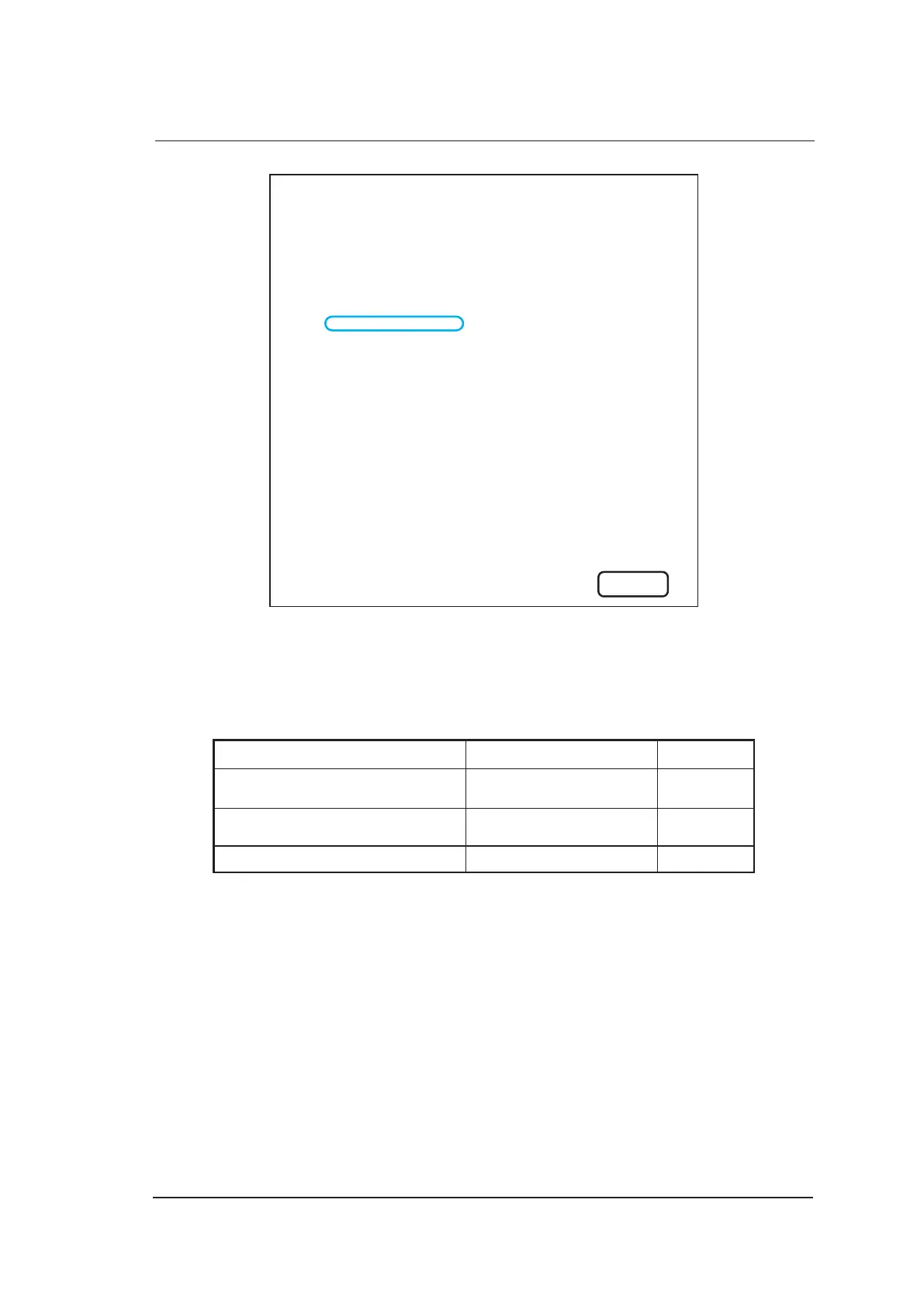
Lincense Valid Days: No expire
Software Build On 2012/09/12
Probe table Version 2
User setting Version 2
Control Number: 101106
Software Version: 0.0.0.9v
Kernel Version: 2
RTC Rev: 1.7
ACM Rev: 1.5
TTG Rev: 1.0
FIFO Rev: 1.0
DBF Rev: 0.8
DBF BID Rev: 1.b
HV BID Rev: 1.2
EC Rev: 3.0
ECG Rev: 0.0
EXIT
The control number is consistent with serial number of VBF board. If the ultrasound system
cannot work normally, you can view the serial number of VBF board by removing the shell.
6.1.3 Tool Preparation
You need prepare the following tools before the update.
Tool Specification Remark
USB Drive Kingston Data Traveler 4G 4G Capacity
USB Keyboard 3 USB Port
CD Written with Kernel Files (13.5) 1 Latest Kernel
To write the update file to USB drive through PC
1. Place the CD written with kernel files on the PC drive, and connect the USB drive to PC.
2. Start up the CD, press the Enter key on the USB keyboard when Press any key to make
bootable USB key pops up. Press the Enter key again to complete the writing when Press
ENTER key to shutdown pops up.
3. Remove the USB drive and CD, restart PC.



 To Next Page