110 Service Manual
9 System Checks
9.2 Functional Checks
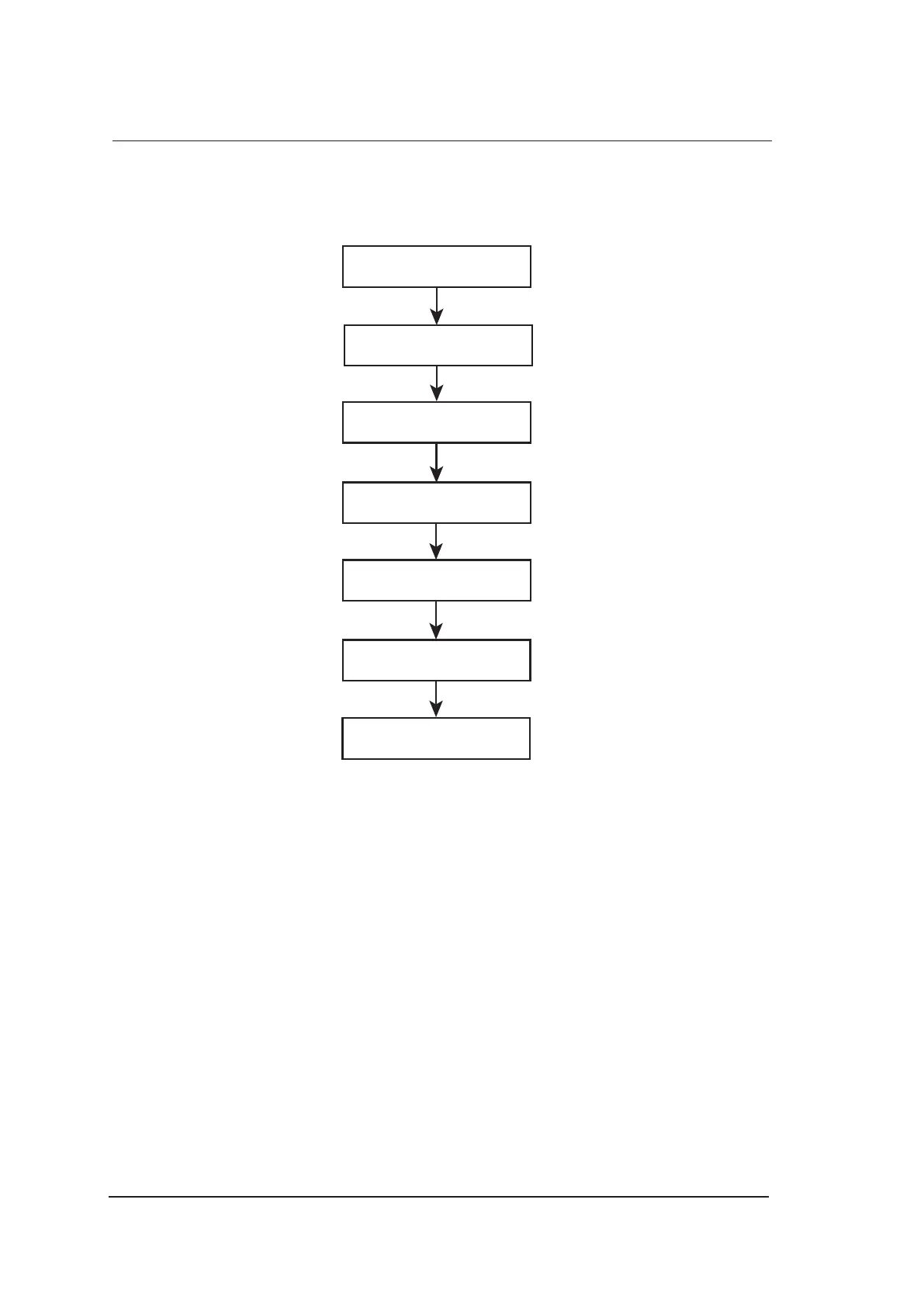
9.2.1 Workow
检查常规操作
检查常规操作
检查常规操作
检查常规操作
Check System Time and Date
Check Intital Operations
Check General Operations
Check Keyboard and Keys
Check Trackball
Check Peripheral Devices
Check Fan
9.2.2 Checklist
System Time and Date
Ensure system time and date are consistent with the current time and date.
Initial Operations
●
Features can be applied in every exam mode.
●
Images can be scanned normally by using the corresponding probe and can be printed out.
●
Peripheral devices can work normally.
General Operations
●
The Freeze key can respond.
●
The Gain knob can be rotated normally.
●
The CW/Color/PW/M/B mode can be switched from one to another.
Keyboards and Keys
●
Keys can respond to the up-down and left-right functional tests.
●
The Print key can respond when the video printer is connected.



 To Next Page