14215700-IG, Edition 15.0
May 2020, Original document
112
How to Connect External Antenna to Device
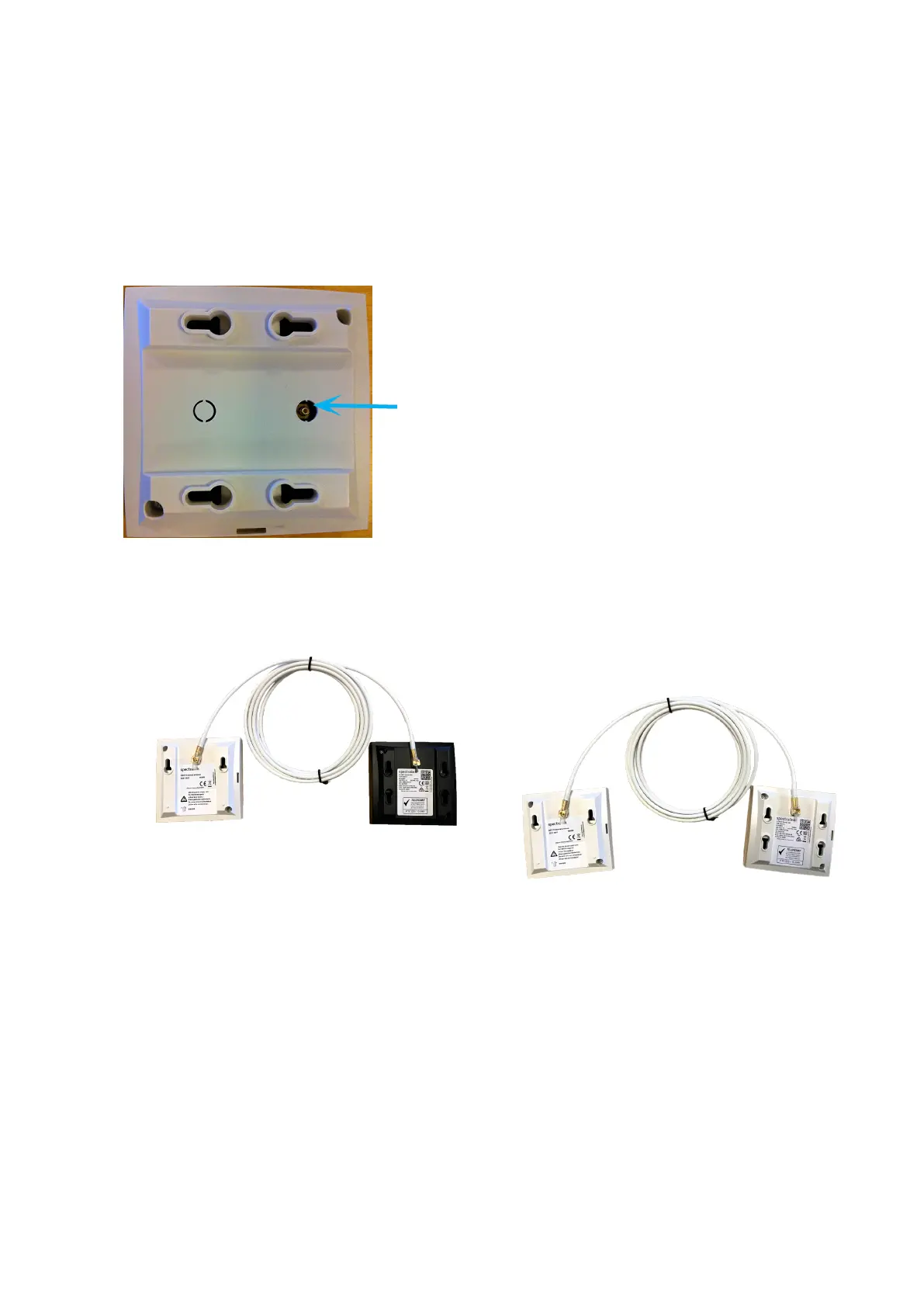
Connect the external antenna cable to the antenna connector on the rear side of the Spectralink IP-
DECT Base Stations and Spectralink IP-DECT Server 200/400 and in the same way on the external
antenna.
Below is an illustration of the antenna connector. Use a screwdriver to remove the plastic carefully.
Below are illustrations of a Spectralink IP-DECT Server 200 and Spectralink IP-DECT Server 400
with external antenna.
Spectralink IP-DECT Server 200/400/6500 and Virtual IP-DECT Server One Installation and Configuration Guide




 To Next Page