14215700-IG, Edition 15.0
May 2020, Original document
241
Making a Back-Up and Restore of System
Through the web based Administration Page of the Spectralink IP-DECT/Virtual IP-DECT Server it
is possible to save the following data:
l configuration data of the Spectralink IP-DECT/Virtual IP-DECT Server
l registration and subscription data of the users and handsets
l system information
When saving the configuration data, you have an overall overview of the Spectralink IP-DECT/Vir-
tual IP-DECT Server which is useful in case of problem solving or if you want to do a system restore.
To Make a Back-Up or Restore of Configuration File
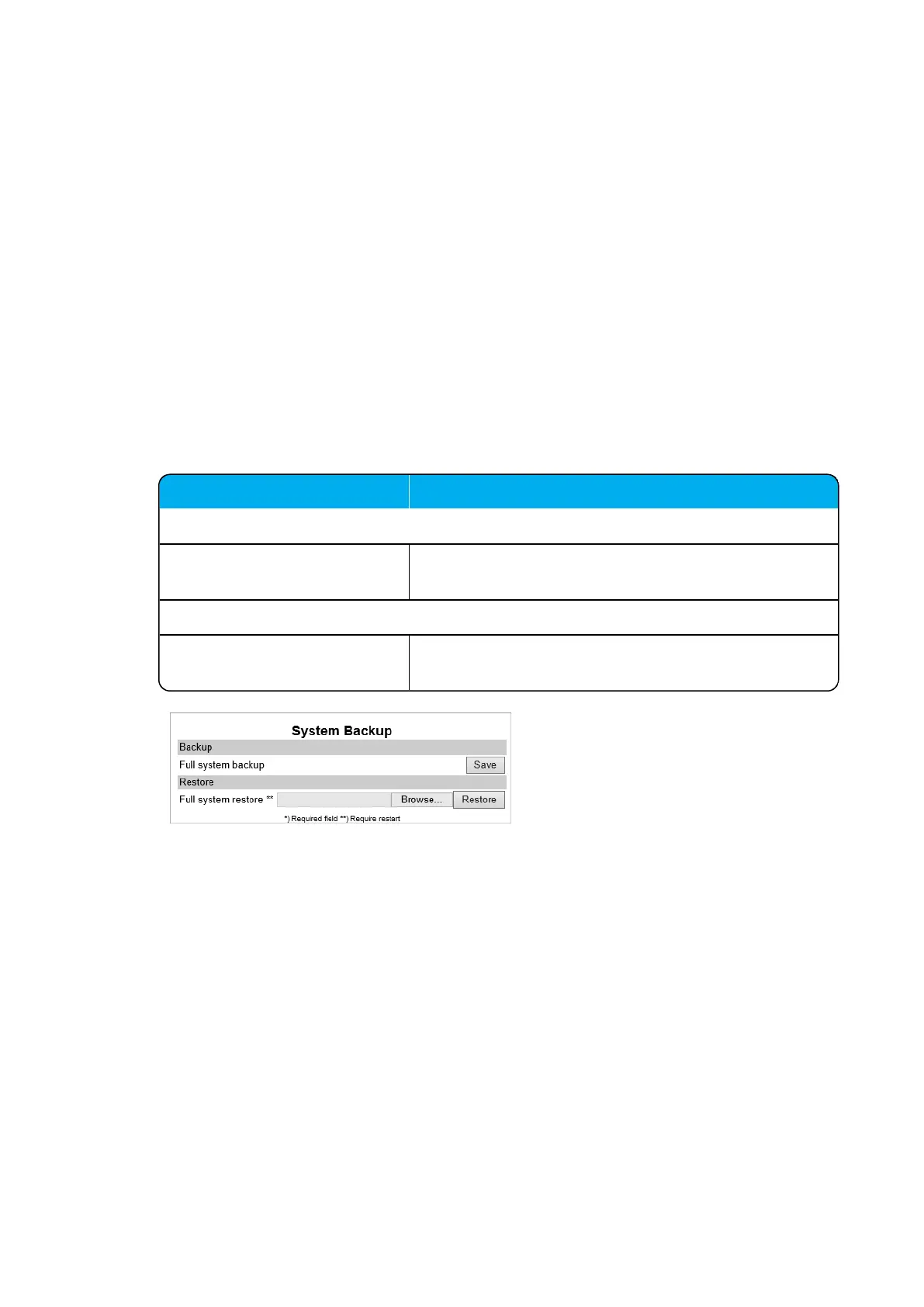
1. Click Administration, and then click Backup.
2. On the System Backup page, enter the following data:
Field Setting
System Backup - Backup
Full system backup Click Save. A full system backup is performed and
saved.
System Backup - Restore
Full system restore Click Browse to browse for the relevant backup file, and
then click Restore.
3. If you have made a full system restore, reboot the system.
Spectralink IP-DECT Server 200/400/6500 and Virtual IP-DECT Server One Installation and Configuration Guide




 To Next Page