14215700-IG, Edition 15.0
May 2020, Original document
173
Downloading a Root CA Certificate
If not using the public CA certificates provided with the Spectralink Virtual IP-DECT Server, it is
necessary to download and export a local CA certificate.
The following describes how to export the CA certificate from Microsoft Active Directory Certificate
Services. If not using Microsoft Active Directory Certificate Services, please refer to the vendor doc-
umentation.
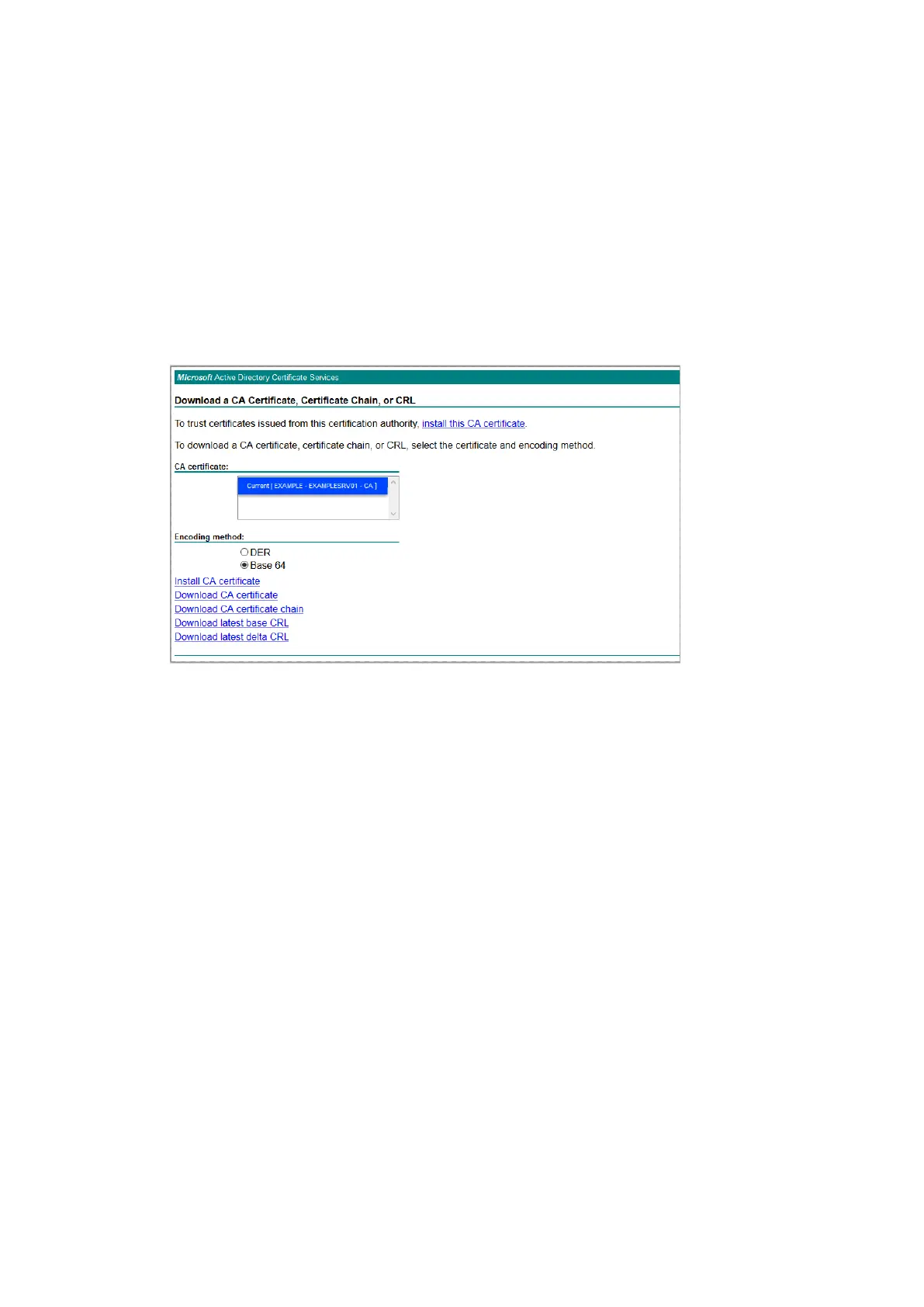
1. Open Microsoft Active Directory Certificate Services in your browser.
E.g.: https://ca.example.org/certsrv/
2. Select Download a CA certificate.
3. Select the current CA certificate.
4. Under Encoding method, select Base 64.
5. Click Download CA certificate.
6. The CA certificate is downloaded to your browser and will be used later in the configuration of
the Spectralink IP-DECT/Virtual IP-DECT Server.
Spectralink IP-DECT Server 200/400/6500 and Virtual IP-DECT Server One Installation and Configuration Guide





 To Next Page