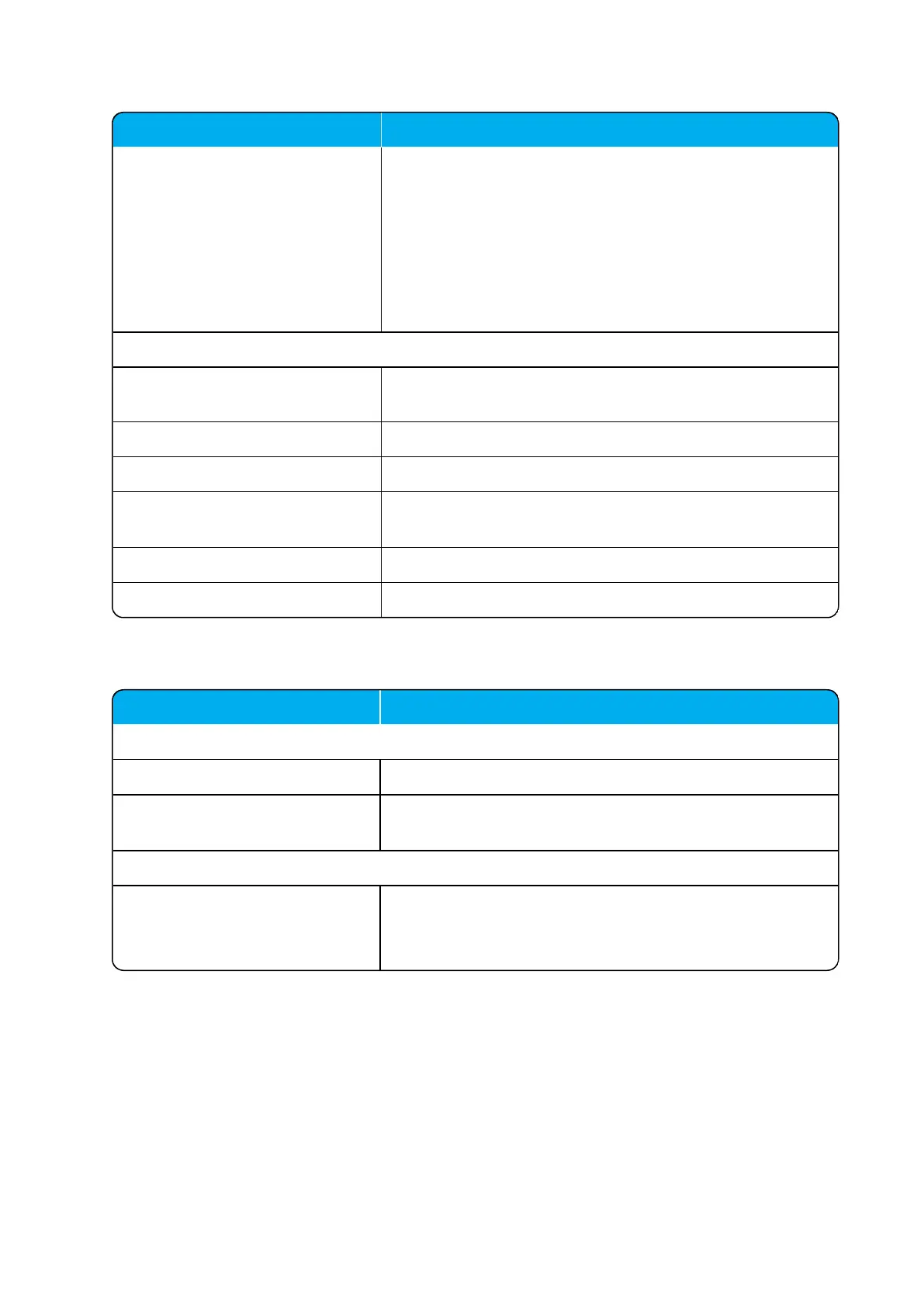
Field Setting
Upload Click Browse to find the relevant Handset Configuration
XML file, and then click Upload, if you want to upload a Hand-
set Configuration XML file.
Click OK to return to Handset Configuration Files page.
If the configuration group did not exist, it is added to the list.
If the configuration group existed, but the version number
differed, the existing configuration file is overwritten.
Handset Update Status
Group Information about the Group ID assigned to the user.
E.g.: 100
IPEI Information about IPEI of the handset.
User Information about user name in the configuration group.
Status Information about upload status.
E.g.: Pending, Progress or Postpone.
Progress Information about the progress of the update.
Click Cancel update if you want to stop an active update.
Field Setting
Wireless Server - Wireless Server Status
Wireless Server Uptime
Click Reboot now or Reboot when idle (when active calls
have ended), if you want to restart the system.
Wireless Server - Service Status
Call establishment Default set to allowed.
Click Block, if you want to block for new calls during firm-
ware update.





 To Next Page