14215700-IG, Edition 15.0
May 2020, Original document
210
Checking for Loops
As part of troubleshooting it is possible to check if loops have accidentally been created in the syn-
chronization chain.
1. Click Administration, and then click Base Station.
2. Click Loops.
If a synchronization loop is being detected, synchronization chain must be reconsidered.
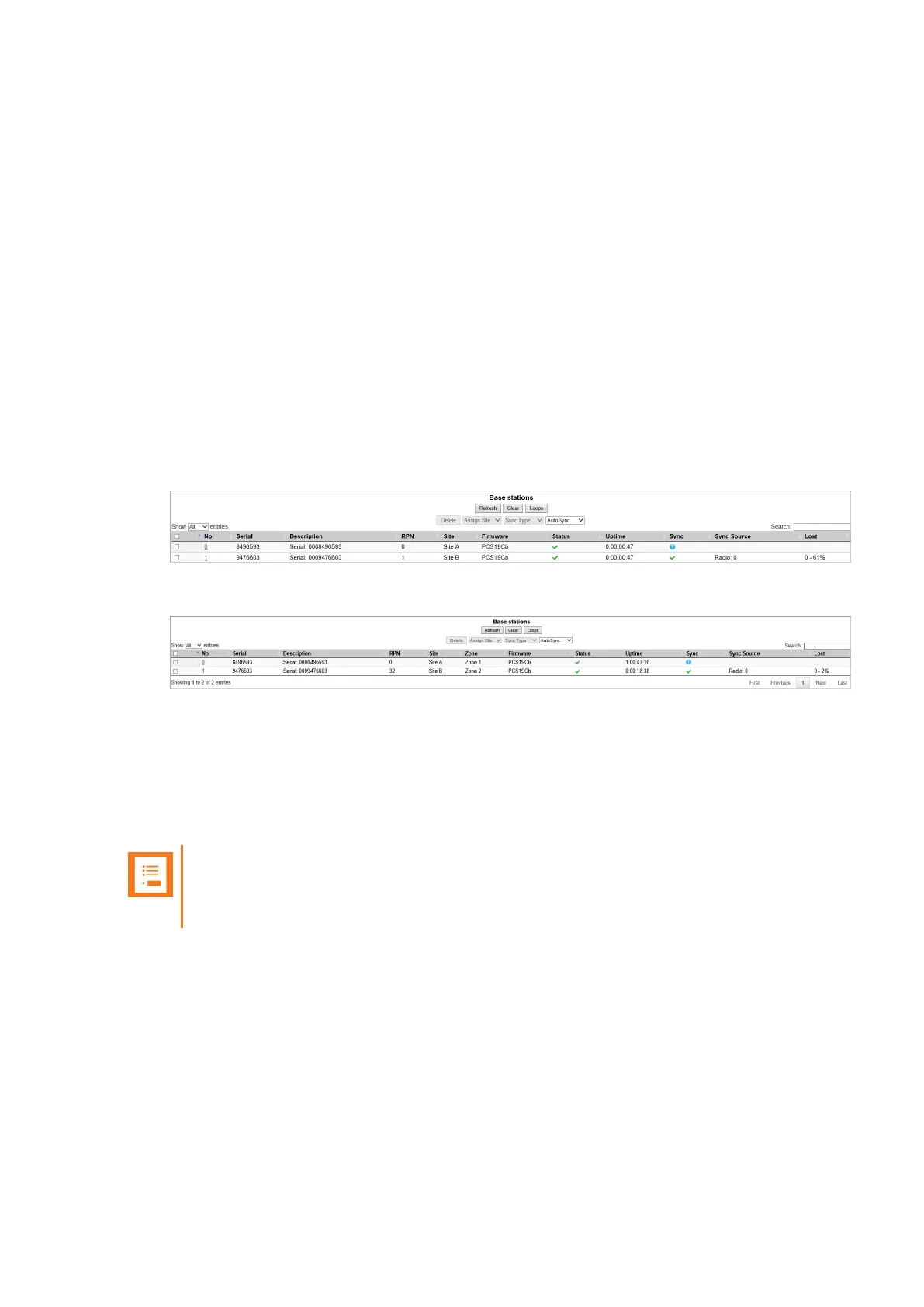
Verifying Correct Base Station Assignment to Site
If using sites, it is possible to check which site a base station is assigned to.
1. Click Administration, and then click Base Station.
2. On the Base Stations page, check if the base station is assigned to the correct site.
If using zone based paging, a column showing the zone is visible as well.
Bulk Changing Synchronization Type
It is possible to bulk change the synchronization type of a group of base stations, e.g. from LAN to
Radio. This is useful in case you experience problems with your network and LAN synchronization
and must change all base stations to radio synchronization to obtain better performance.
Note:
Bulk change of synchronization type is only supported on systems with firmware PCS
20B_ or newer.
1. Click Administration, and then click Base Station.
2. On the Base Stations page, select all the relevant base stations, and then select the relevant
synchronization type from the Sync Type list. When selected, click OK to confirm.
The base stations are automatically rebooted.
Spectralink IP-DECT Server 200/400/6500 and Virtual IP-DECT Server One Installation and Configuration Guide




 To Next Page