14215700-IG, Edition 15.0
May 2020, Original document
177
Defining a Site for the Media Resource and Base Stations
Using sites, you must as minimum define two site entities. Also, remember to select the desired
paging method when configuring the wireless server settings.
Note:
If the wireless server is configured to use zone based paging, the sites are automatically
assigned the desired zones. Default naming of zones are Zone 1, Zone 2, Zone 3 etc. It is
possible to rename the zones. For more information, see "Renaming Zones" on the next
page.
For selecting zone based paging as configuration method, see "Configuring Wireless
Server Settings" on page145.
1. Click Administration, and then click Sites.
2. On the Sites page, click New.
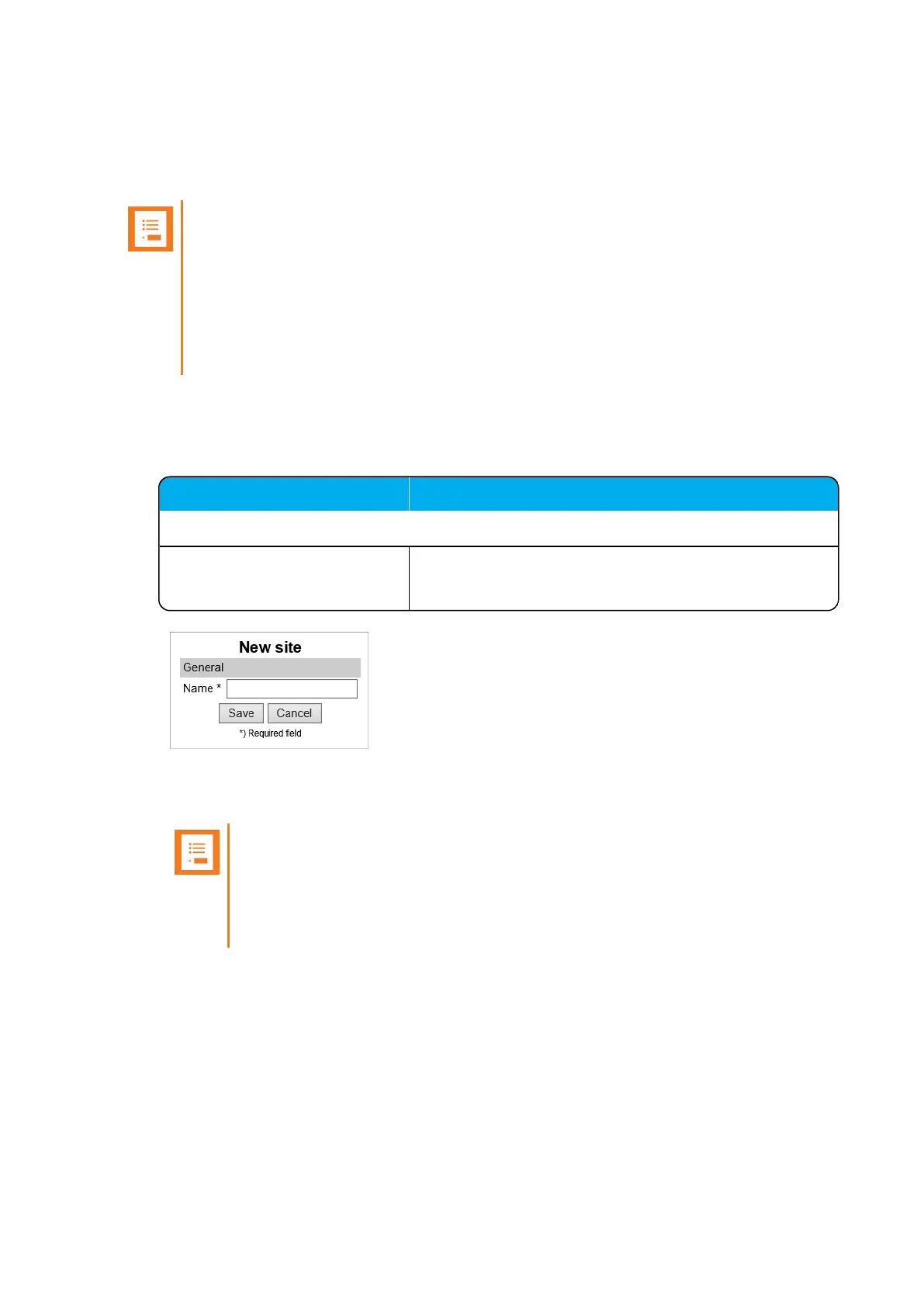
3. On the New Site page, enter the following data:
Field
New site - General
Name Enter a name for the site.
E.g. Site A, Site B, Site C.
4. Click Save.
You can now assign the base stations and media resources to use the relevant sites.
Note:
If using zone based paging, assigning base stations and RPN's are essential, as
the RPN decides which zone the Spectralink IP-DECT Base Station will be part of.
For more information, see "Example of Defining Sites, Zones and Assigning Num-
bers to Base Stations" on page163.
Spectralink IP-DECT Server 200/400/6500 and Virtual IP-DECT Server One Installation and Configuration Guide




 To Next Page