14215700-IG, Edition 15.0
May 2020, Original document
230
Creating a Handset Configuration XML File
Note:
Ensure that you have made a plan for the different configuration groups.
It is recommended to keep a list of the departments (and users) and their assigned hand-
set configuration group.
To create a Handset Configuration XML file containing Group ID, Version number and handset con-
figuration settings from the web based Administration Page, do the following:
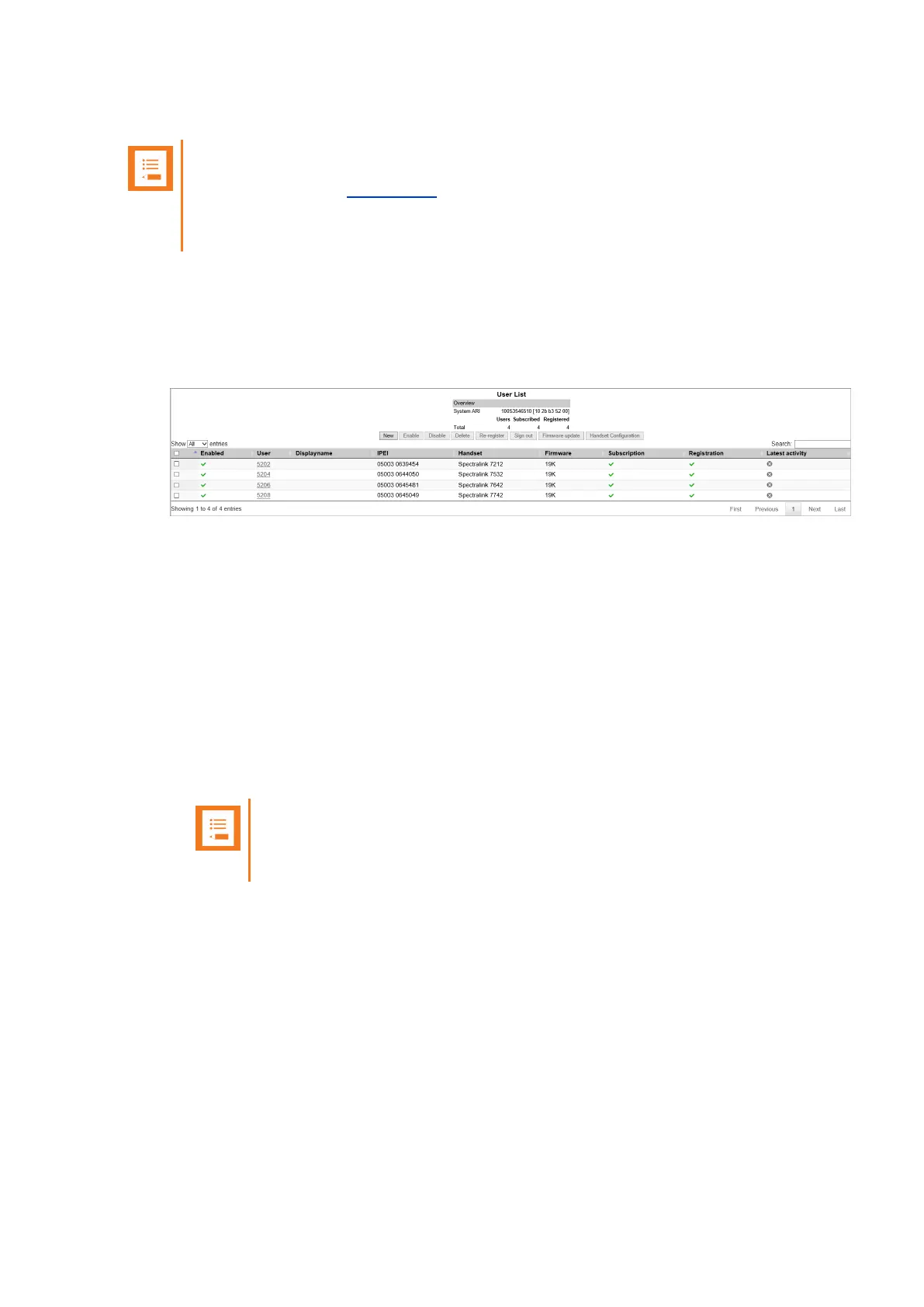
1. Click Users, and then click List Users.
The list will show all users.
2. On the UserList page, select the relevant user (the handset must be subscribed to the sys-
tem), and then click Handset Configuration to export an existing Handset Configuration
XML file.
3. On the Handset Configuration Template page, click Export.
The Handset Configuration XML file is downloaded, and can now be used as a template.
For an example of an exported Handset Configuration XML file, see "Appendix C - Handset
Configuration XML File Example" on page424.
4. Open the exported Handset Configuration XML file in a text editor and:
l Assign the relevant Group ID and Version number.
l Edit/add/hide the desired functionality.
Note:
For a complete description of all handset configuration and possible values, see
"Appendix D" on page431.
Functionality in the menu_ elements can be hidden, e.g. menu_main, menu_advanced,
menu_settings etc. When hiding a setting, the setting is locked at the same time. If not hid-
ing a setting, the setting can be edited by the user.
To hide functionality in the handset menu, the relevant data string must contain the fol-
lowing attribute: "false".
Spectralink IP-DECT Server 200/400/6500 and Virtual IP-DECT Server One Installation and Configuration Guide




 To Next Page