14215700-IG, Edition 15.0
May 2020, Original document
253
Reading System Information
Through the web based Administration Page of the Spectralink IP-DECT/Virtual IP-DECT Server it
is possible to read the following system information:
l General status
l Logs Information
l Wireless Server Information
l Statistics (Wireless Server, Media Resource, Base Station, Active Calls, Abnormal Releases,
Traffic Distribution)
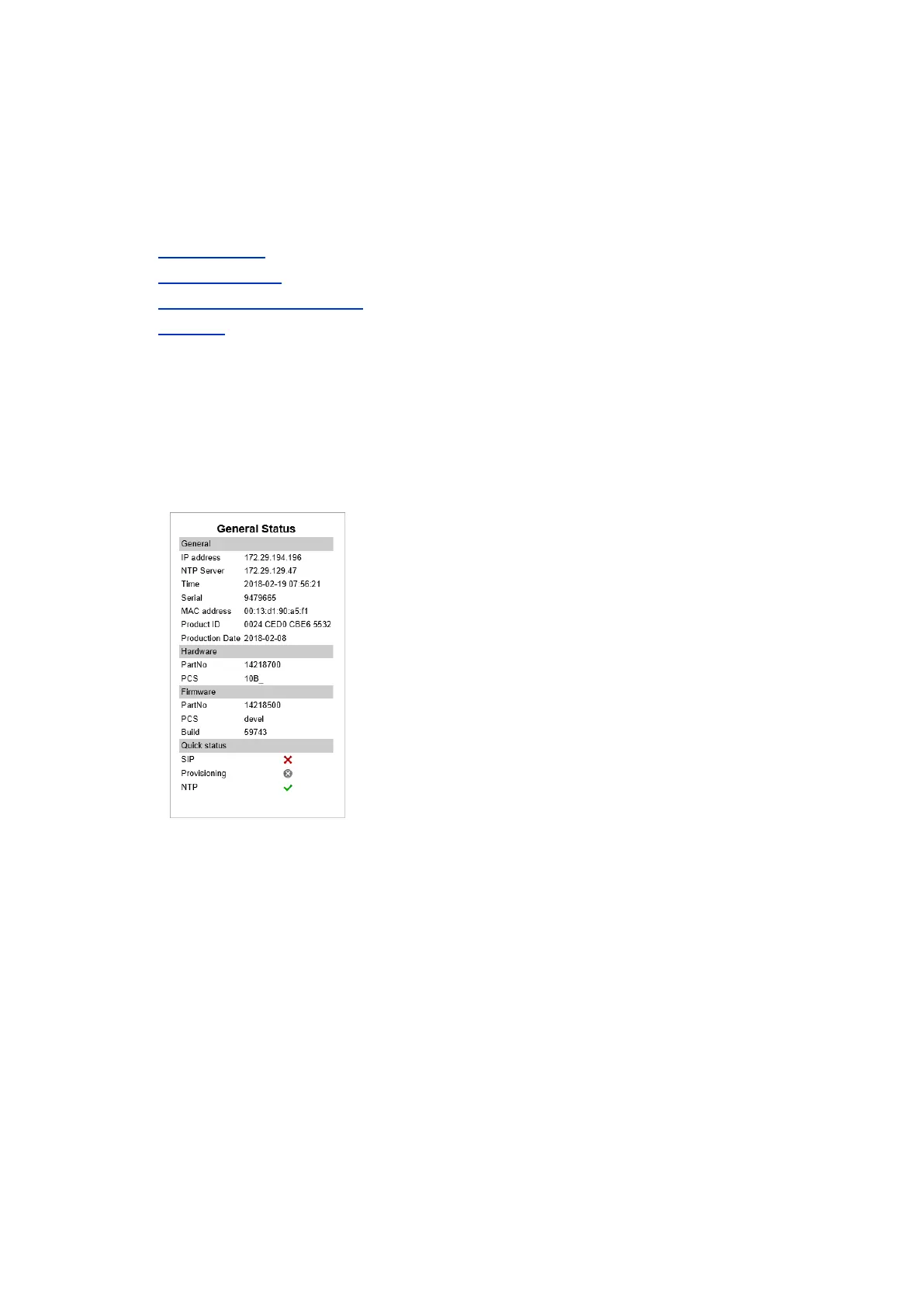
General Status Information
This page provides general system information such as hardware and firmware information.
1. Click Status, and then click General. The General Status page appears.
Example from Spectralink IP-DECT Server 200:
Spectralink IP-DECT Server 200/400/6500 and Virtual IP-DECT Server One Installation and Configuration Guide




 To Next Page