14215700-IG, Edition 15.0
May 2020, Original document
185
Assigning Server Address to Spectralink IP-DECT Base
Station and Spectralink DECTMedia Resource/Spec-
tralink Virtual IP-DECT Media Resource
Note:
Not relevant to the Spectralink IP-DECT Server 200.
After installation, it is necessary to assign a server address to the Spectralink IP-DECT Base Station
and Spectralink DECTMedia Resource/Spectralink Virtual IP-DECT Media Resource through the
web based Administration Page using either dynamic IP address (DHCP) or static IP address.
Note:
The Spectralink IP-DECT Base Station is pre-configured to use DHCP.
It is recommended that you configure the base station using DHCP. When using DHCP
components should be discovered by UPnP. For more information, see "Discovering
Spectralink IP-DECT/Virtual IP-DECT Components on the Network" on page119.
Manually IP-DECT Server Address Configuration for Base Stations
To configure the server address manually through the web based Administration Page of the base
station:
1. Open a browser and enter the IP address of the base station.
2. Click Configuration, and then click Base Station.
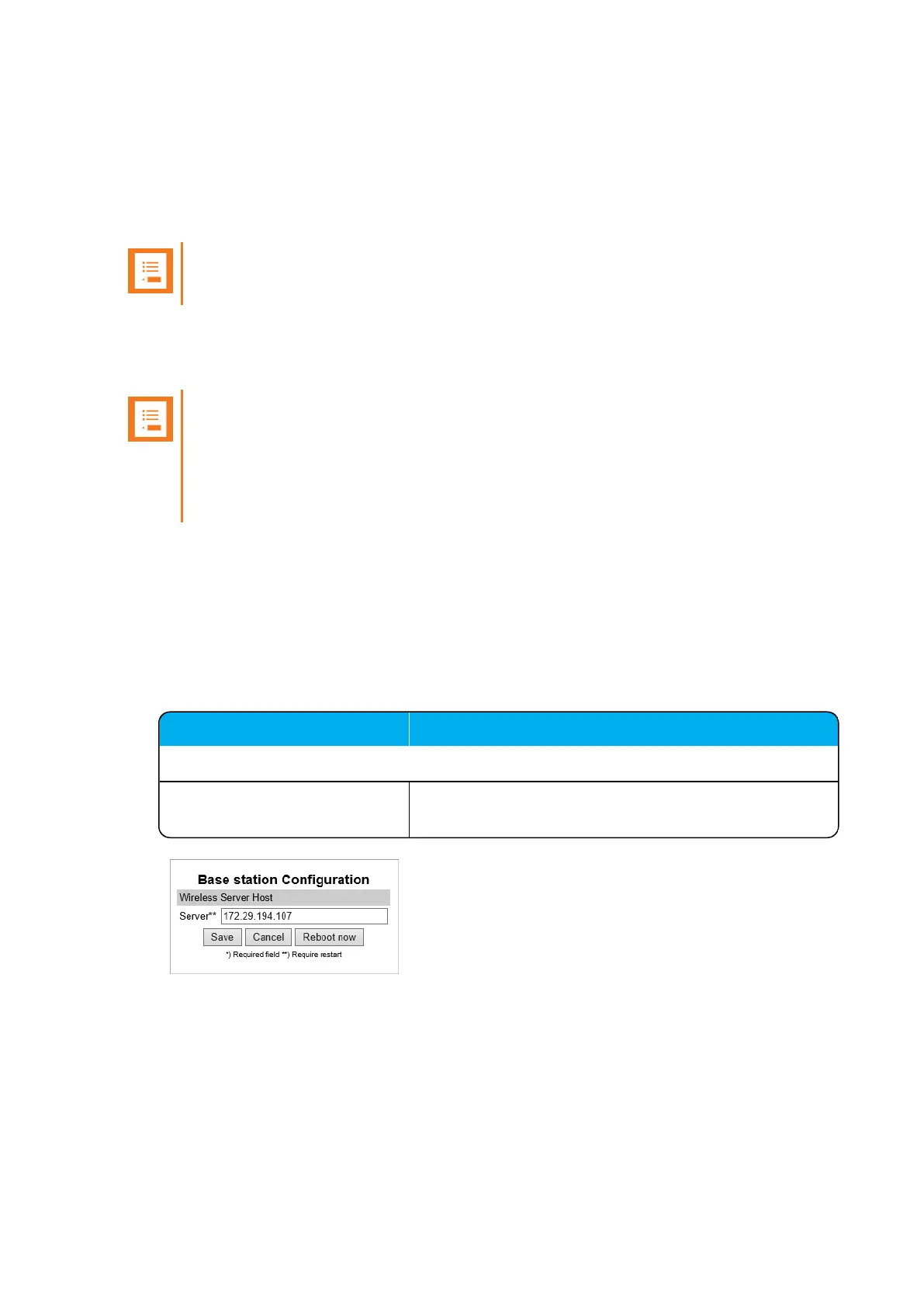
3. On the Base station Configuration page, enter the following data:
Field Setting
Base station Configuration - Wireless Server Host
Server Enter the address of the Spectralink IP-DECT/Virtual IP-
DECT Server that the base station must connect to.
4. Click Save.
5. Click Reboot now to enable the configuration changes.
Spectralink IP-DECT Server 200/400/6500 and Virtual IP-DECT Server One Installation and Configuration Guide




 To Next Page