14215700-IG, Edition 15.0
May 2020, Original document
119
Discovering Spectralink IP-DECT/Virtual IP-DECT Com-
ponents on the Network
If the DHCP server on the local network supports dynamic DNS updates, the Spectralink IP-
DECT/Virtual IP-DECT Servers and Spectralink IP-DECT Base Stations can be located on the net-
work with the hostname configured under Configuration > General > General page, or with the
hostname ipdect-<serial number/UUID> if no hostname is configured.
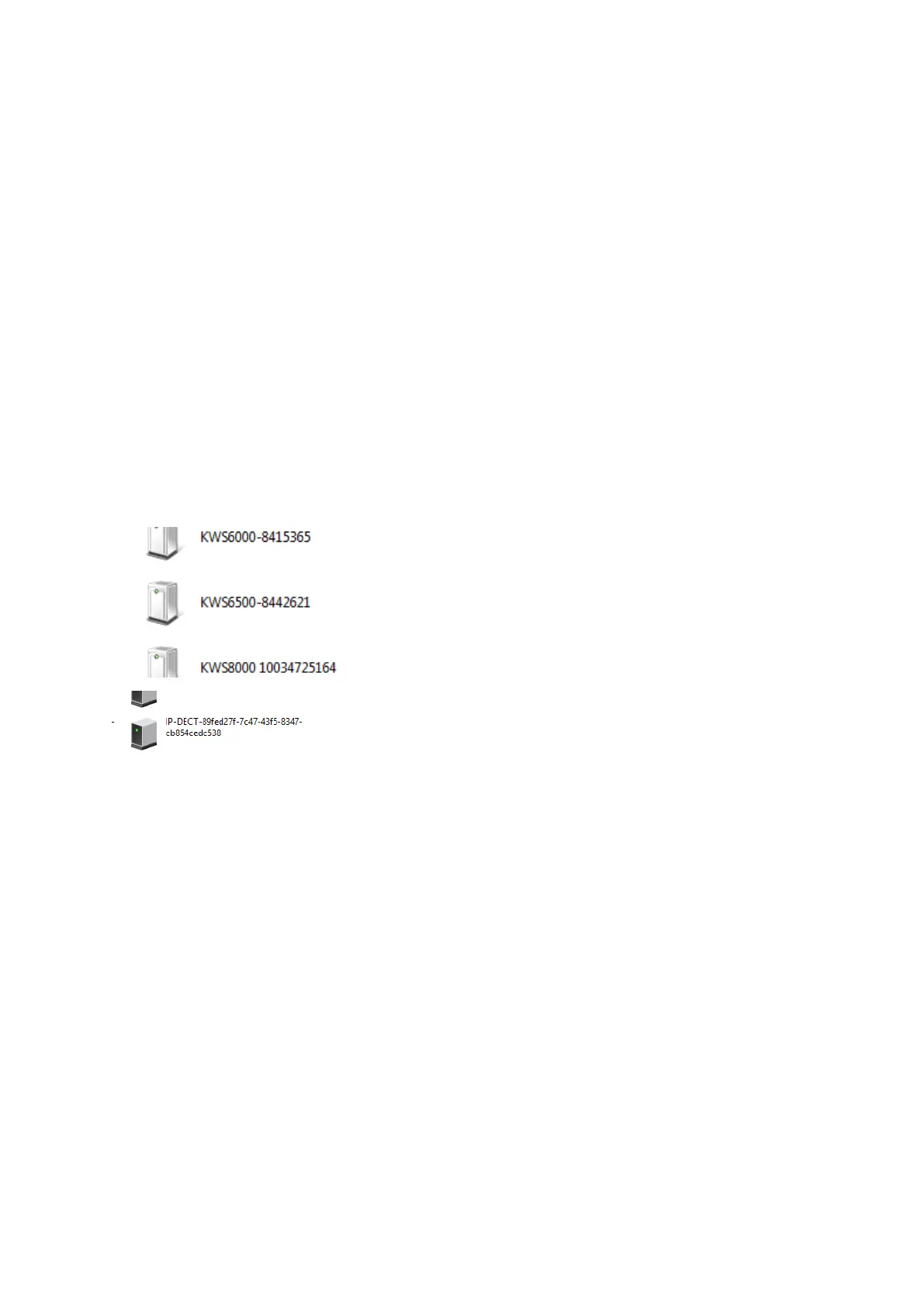
Alternatively, they can be discovered using UPnP (using e.g. Windows Explorer):
l The Spectralink IP-DECT Server 6500 will appear under Network and Other Devices as
e.g."KWS6500 -<Serial number>", e.g. KWS6500-8442621.
l The Spectralink Virtual IP-DECT Server One will appear under Network and Other Devices
as e.g. "IP-DECT-<UUID>", e.g. IP-DECT-89fed27f-7c47-43f5-8347-cb854cedc538.
Below are examples of using UPnP to discover Spectralink IP-DECT Server 6500 or Spectralink Vir-
tual IP-DECT Server One.
l Double-click the icon to access the web based Administration Page of the relevant server.
Assigning DHCP Server Reservations
If the Spectralink IP-DECT/Virtual IP-DECT Server and Spectralink DECTMedia Resource/Spec-
tralink Virtual IP-DECT Media Resource is configured using DHCP, it is necessary to assign a reser-
vation for the device on the DHCP server. For more information about this feature, contact your
network administrator.
Spectralink IP-DECT Server 200/400/6500 and Virtual IP-DECT Server One Installation and Configuration Guide




 To Next Page