14215700-IG, Edition 15.0
May 2020, Original document
73
Wall-Mount and Power on the Spectralink IP-DECT
Server 200
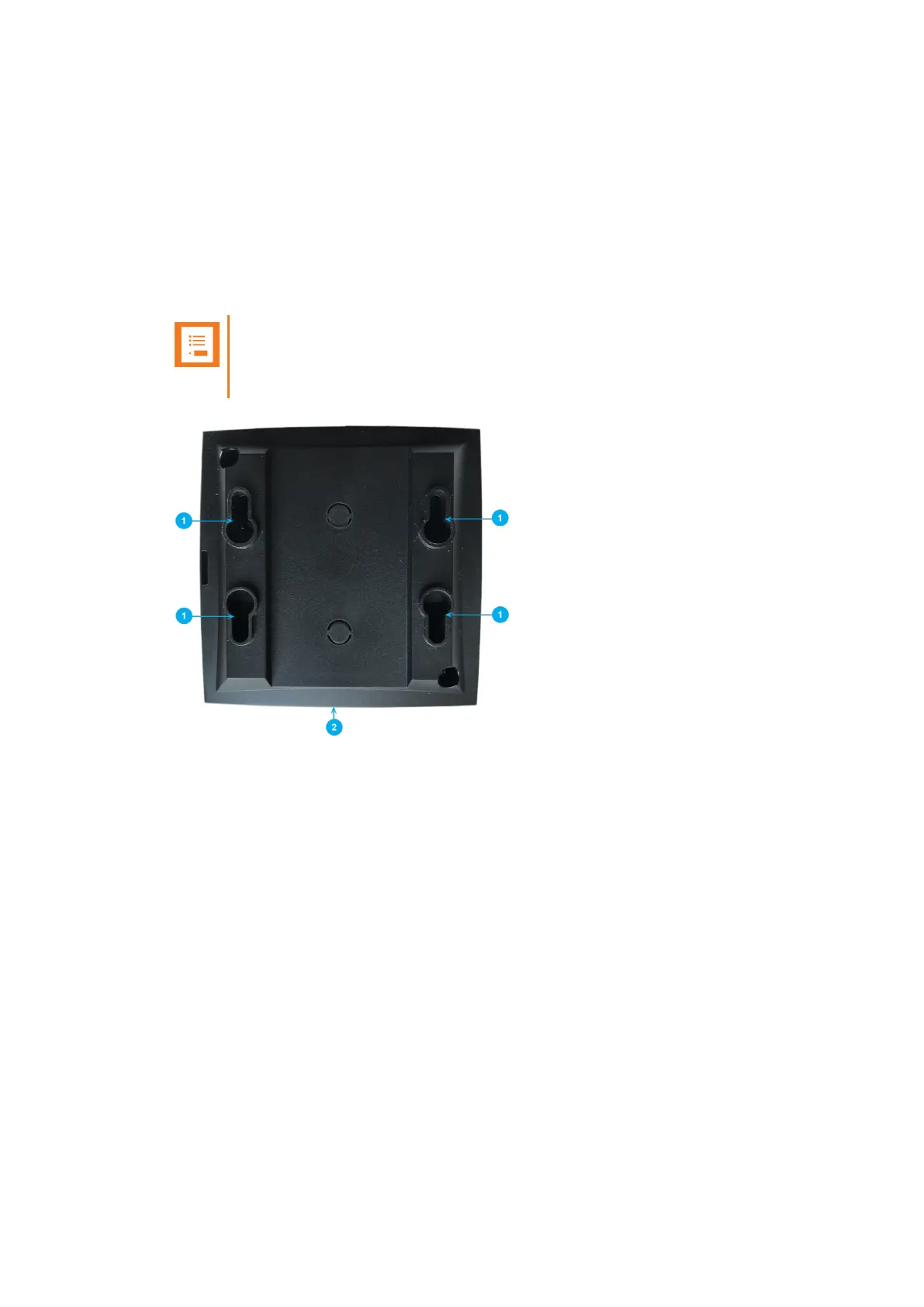
For best RF coverage, the Spectralink IP-DECT Server 200 must be mounted vertically on walls.
1. Mount the Spectralink IP-DECT Server 200 on the wall using the anchors and screws accom-
panying the product. For more information, see "Measurements and Mounting Template" on
page102.
Note:
When you place the Spectralink IP-DECT Server 200 on the screws, ensure that
the screws do not touch the printed circuit board.
1. Holesfor wall mounted screws
2. RJ45 port
Spectralink IP-DECT Server 200/400/6500 and Virtual IP-DECT Server One Installation and Configuration Guide




 To Next Page