14215700-IG, Edition 15.0
May 2020, Original document
207
Checking LAN Sync Performance of Spectralink IP-
DECT Base Station
You can get information about the LAN synchronization performance of the base station - and see
the status of the individual IP-DECT base station LAN synchronization between the LAN sync mas-
ter and slave sync base stations in the LAN segment - through the web based Administration Page
of the Spectralink IP-DECT/Virtual IP-DECT Server. This is very useful, when you want to get a
status and a full overview of the overall health and current performance of the LAN synchronization
in the network.
1. Click Administration, and then click Base Station.
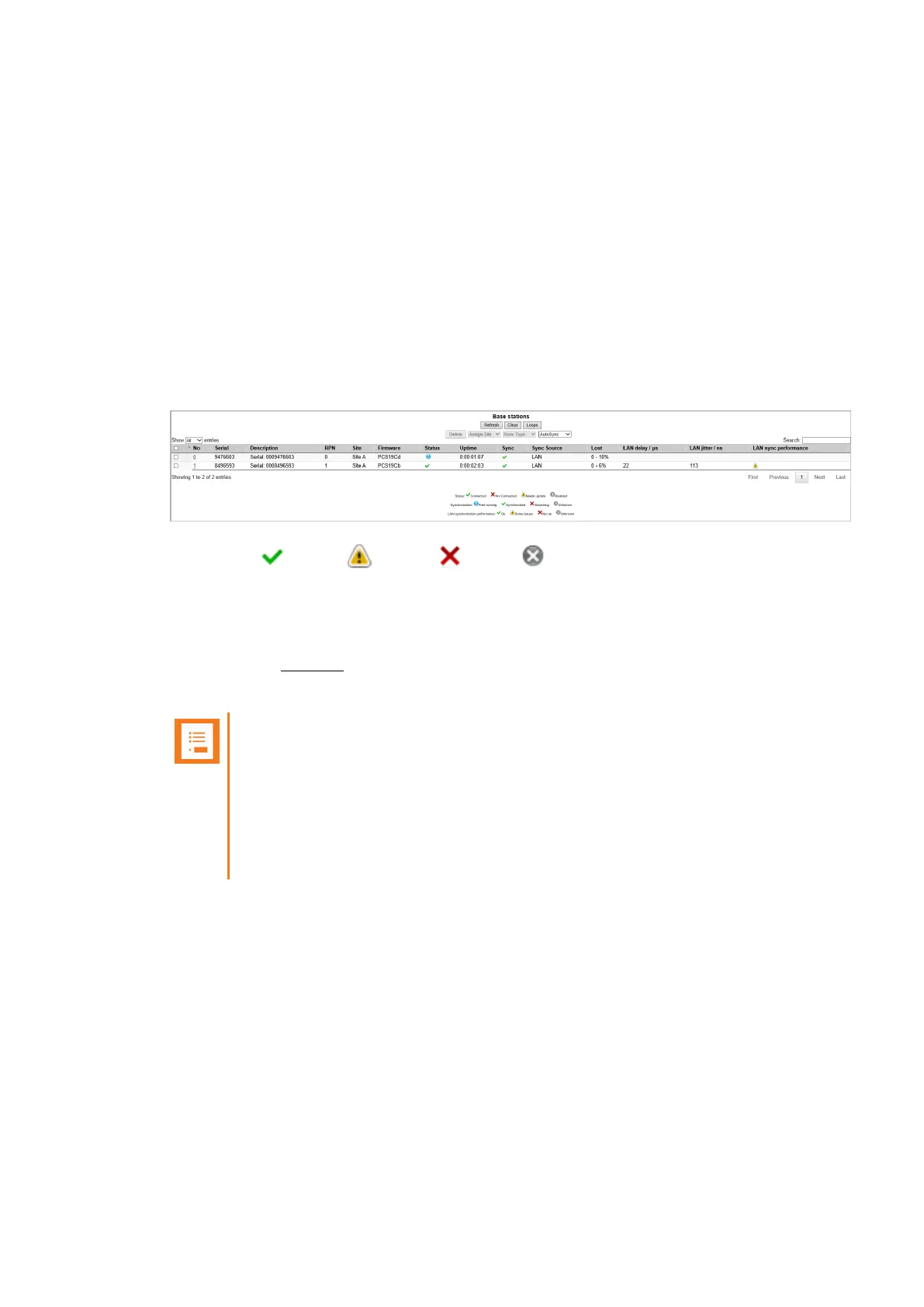
2. On the Base Stations page, check the LAN sync performance of the base stations:
A status icon ( - green, - yellow, - red or - grey) is shown under the LAN sync
performance column, when all of the following conditions are true:
l A LAN Synchronization License is loaded
l Status column shows Connected icon
l Sync column does not show Free running icon (the base station is not the Sync Master)
l Sync Source column shows LAN
Note:
If some base stations never go green, then this could be an indication that your net-
work is not LAN sync optimized, and if you cannot change the setup of the
switches in questions, and get green indication on a base station, then you should
consider switching the IP-DECT base station to radio synchronization, as this will
give you better performance compared to having LAN sync base stations not run-
ning optimally.
Spectralink IP-DECT Server 200/400/6500 and Virtual IP-DECT Server One Installation and Configuration Guide




 To Next Page