14215700-IG, Edition 15.0
May 2020, Original document
225
To Update Handset Firmware
1. Click Users, and then click List Users.
2. On the User List page, select the relevant user(s) from the list.
3. Click Firmware update.
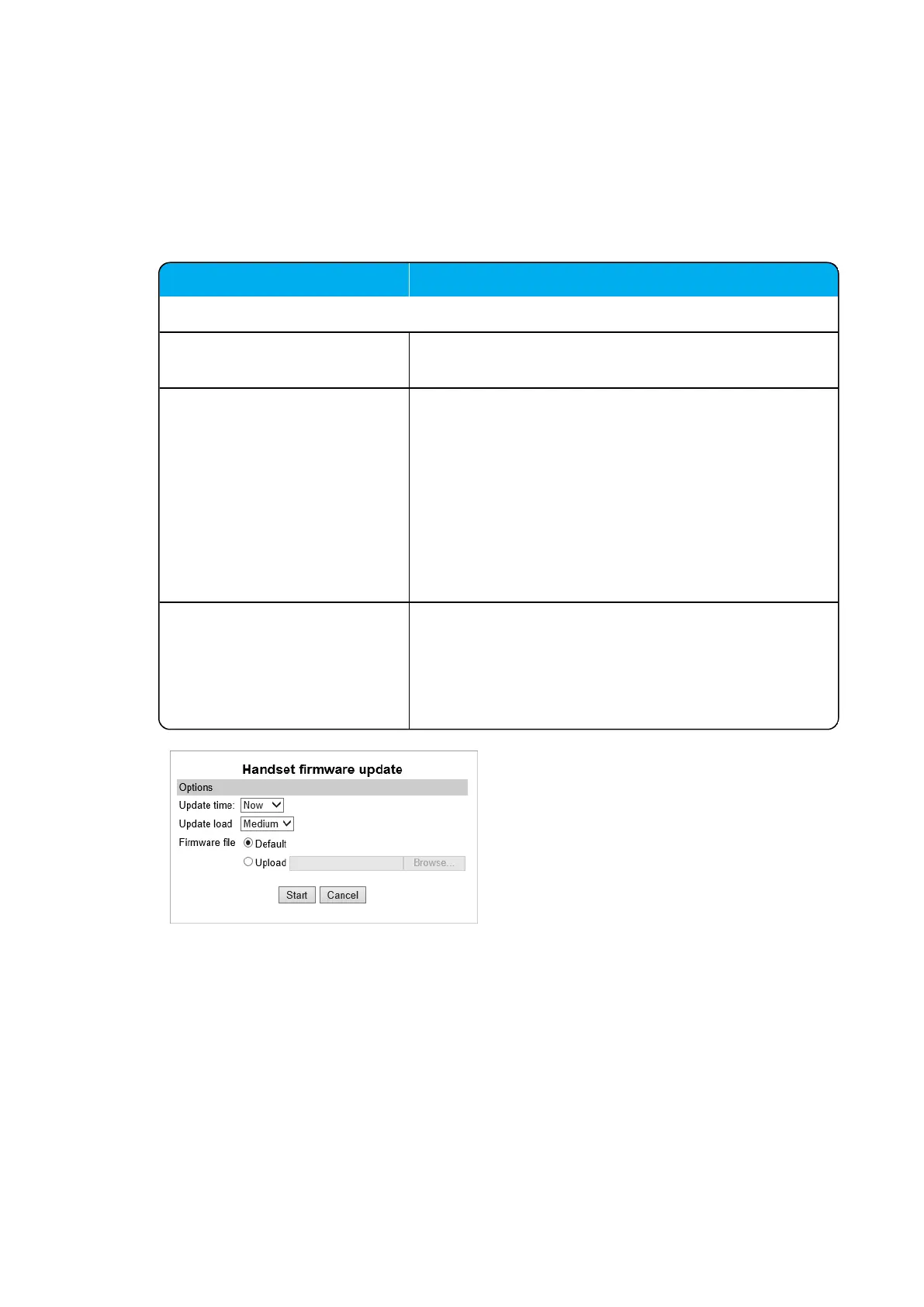
4. On the Handset firmware update page, enter the following data:
Field Setting
Handset firmware update - Options
Update time Default value: Now. If you want to upload later, select an
appropriate time within the next 24 hours.
Update load Default value: Medium
Select relevant upload capacity. The load corresponds to
the number of maximum simultaneous updates.
You can select between Low, Medium or High.
Low: 1 handset at a time. Medium: 4 handsets per
media resource. High: 16 handsets per media resource.
Example: 2 media resources and High load = 2*16 = 32
simultaneous updates.
Firmware file The firmware file can be either a previously uploaded
default firmware file or a new firmware file chosen. A new
firmware file must be a valid firmware file with the exten-
sion .bin.
Select either Default or Upload.
5. Click Start.
Spectralink IP-DECT Server 200/400/6500 and Virtual IP-DECT Server One Installation and Configuration Guide





 To Next Page