Operation Spectroquant
®
Pharo 300
108
ba75703d07 04/2014
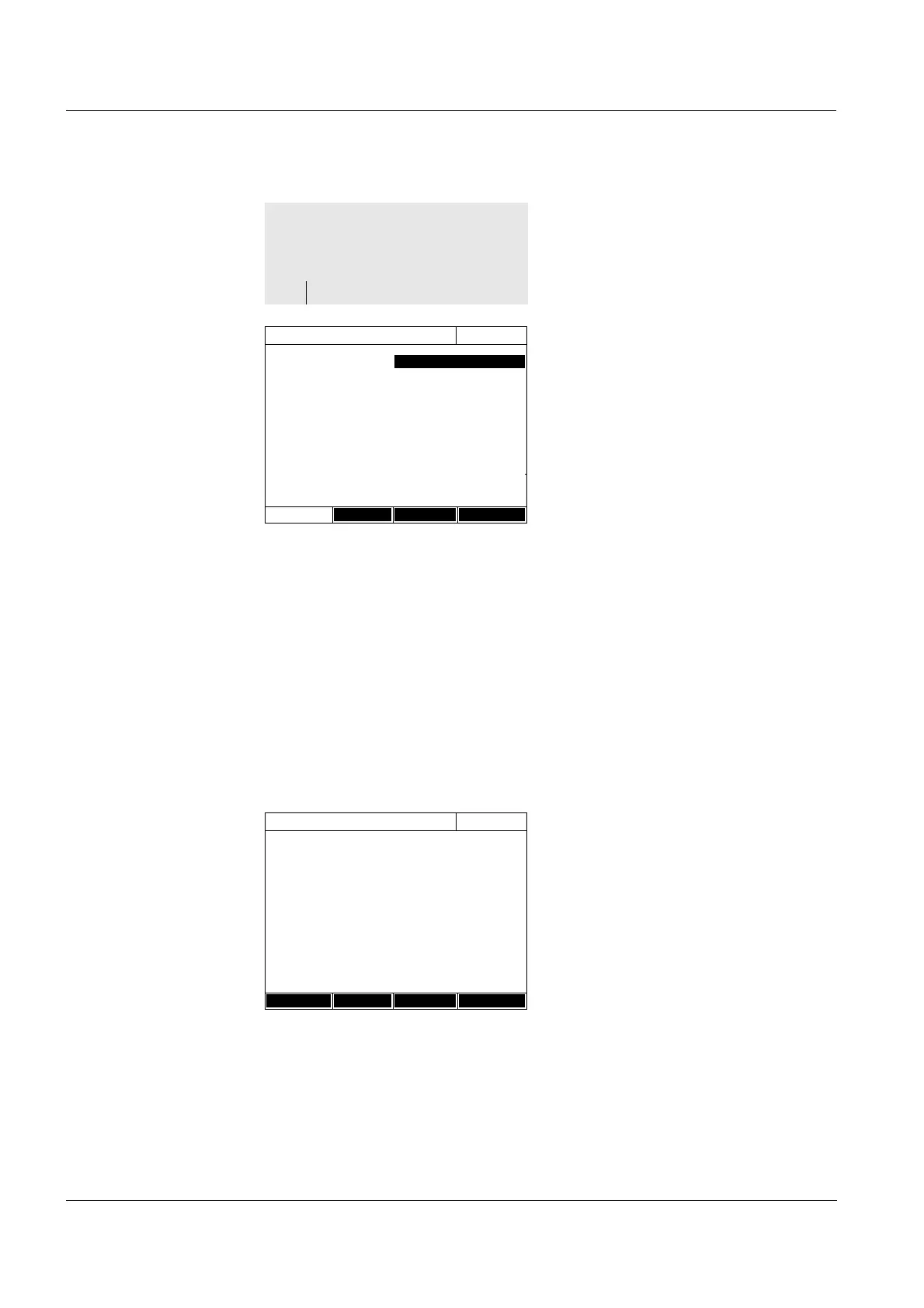
1 Enter the general method data
here. The next available method
number is already entered as the
number.
You have the following options
when filling out the input fields:
- Fill out all empty input fields one
after the other
- Using [Method list], select an
already existing method as a
model, give it a new method
number and adjust the entries
- Using [Method list], select an
existing method in order to
change it (without changing the
number).
- You can delete the method
completely with [Delete].
2 Using [Next], accept all entries on
the page and switch to the next
page.
Enter the wavelengths for the
absorbance measurements (A
x
nm
).
3 Add another wavelength with
[Add].
Delete a highlighted wavelength
with [Delete].
4 Using [Next], accept all entries on
the page and switch to the next
page.
<HOME>
Special / Multi wavelengths
– [Setup]
– Edit method
Edit method
16.04.07 9:52
Number 2001
Name Chlorophyll a
Version 1.0
Citation form Chl a
Unit µg/l
Resolution 0.1
Cell 10 mm
Lower limit of measuring 0 µg/l
Upper limit of measuring 1000 µg/l
Method list Delete Next
Wavelength
16.04.07 9:52
Wavelength 1 665 nm
Back Add Delete D Next



 To Next Page