Operation Spectroquant
®
Pharo 300
164
ba75703d07 04/2014
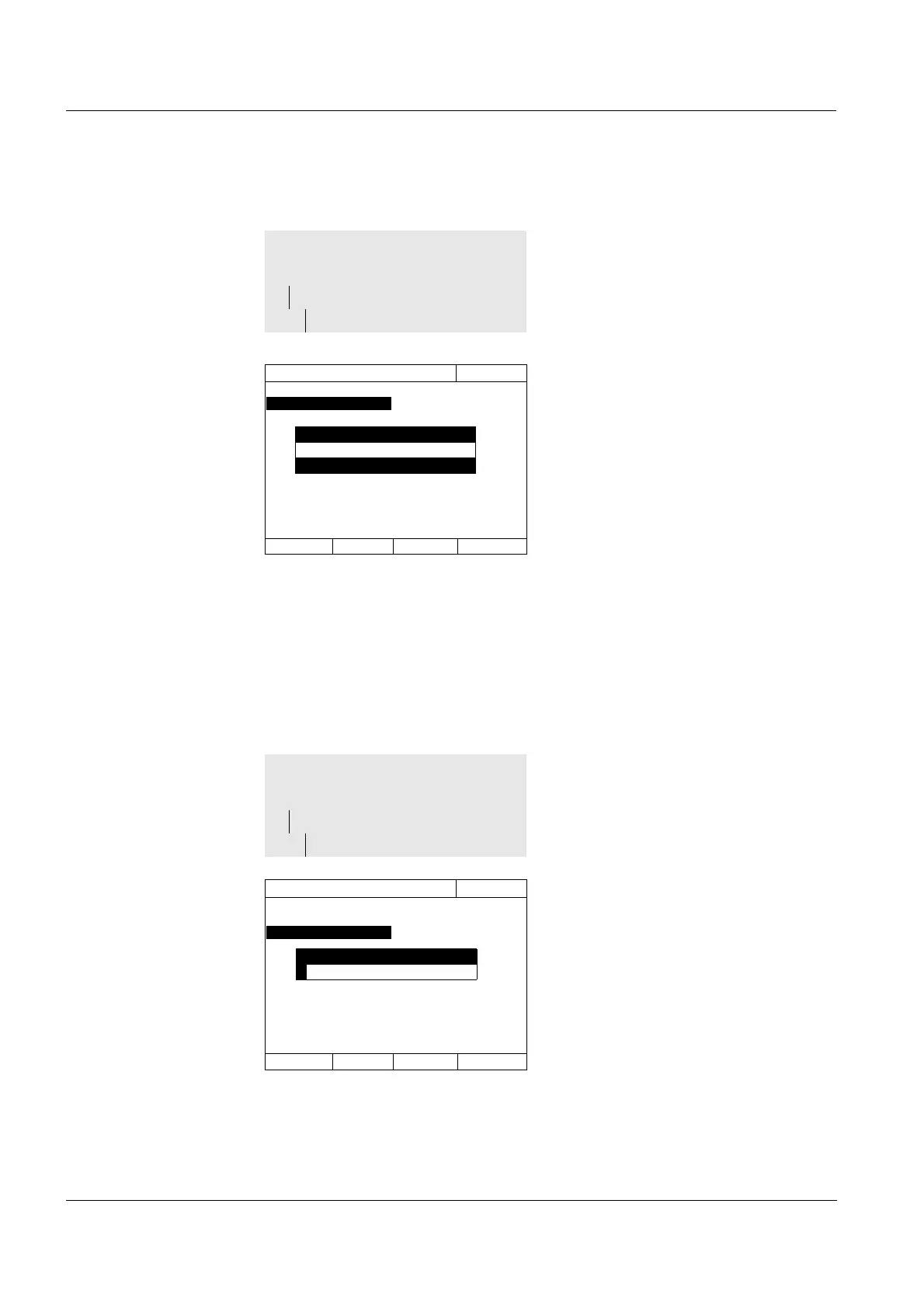
Activating AQA1 The AQA1 monitoring is activated in the Mode menu:
Defining the AQA1
Interval
The AQA1 Interval defines the interval between two AQA1 checks.
When an interval has expired, the following consequences become effective:
Warning and loss of the AQA1 labeling
Locking of the photometer against all measurements (if activated).
Configuring the lock
of the photometer
Here you configure whether or not the photometer will be locked against all
measurements if there is no valid AQA1 check or the interval for the AQA1
check has expired.
Select and confirm Weeks.
AQA1 is active.
The Interval setting indicates
Weeks as the interval unit.
<HOME>
[AQA]
– AQA1 setup
– Mode
AQA1 setup
16.04.07 9:52
Mode Weeks
Interval
Lock instrument
Configuration of tests ...
Mode
AQA1 inactive
Weeks
1 Enter a numeric value (2 to 52
weeks) (<0...9>) and confirm
The Interval defined for the AQA1
check is active.
<HOME>
[AQA]
– AQA1 setup
– Interval
AQA1 setup
16.04.07 9:52
Mode Weeks
Interval
Lock instrument
Configuration of tests ...
Interval
2 Weeks



 To Next Page