Spectroquant
®
Pharo 300 Operation
165
ba75703d07 04/2014
Configuration of
tests ...
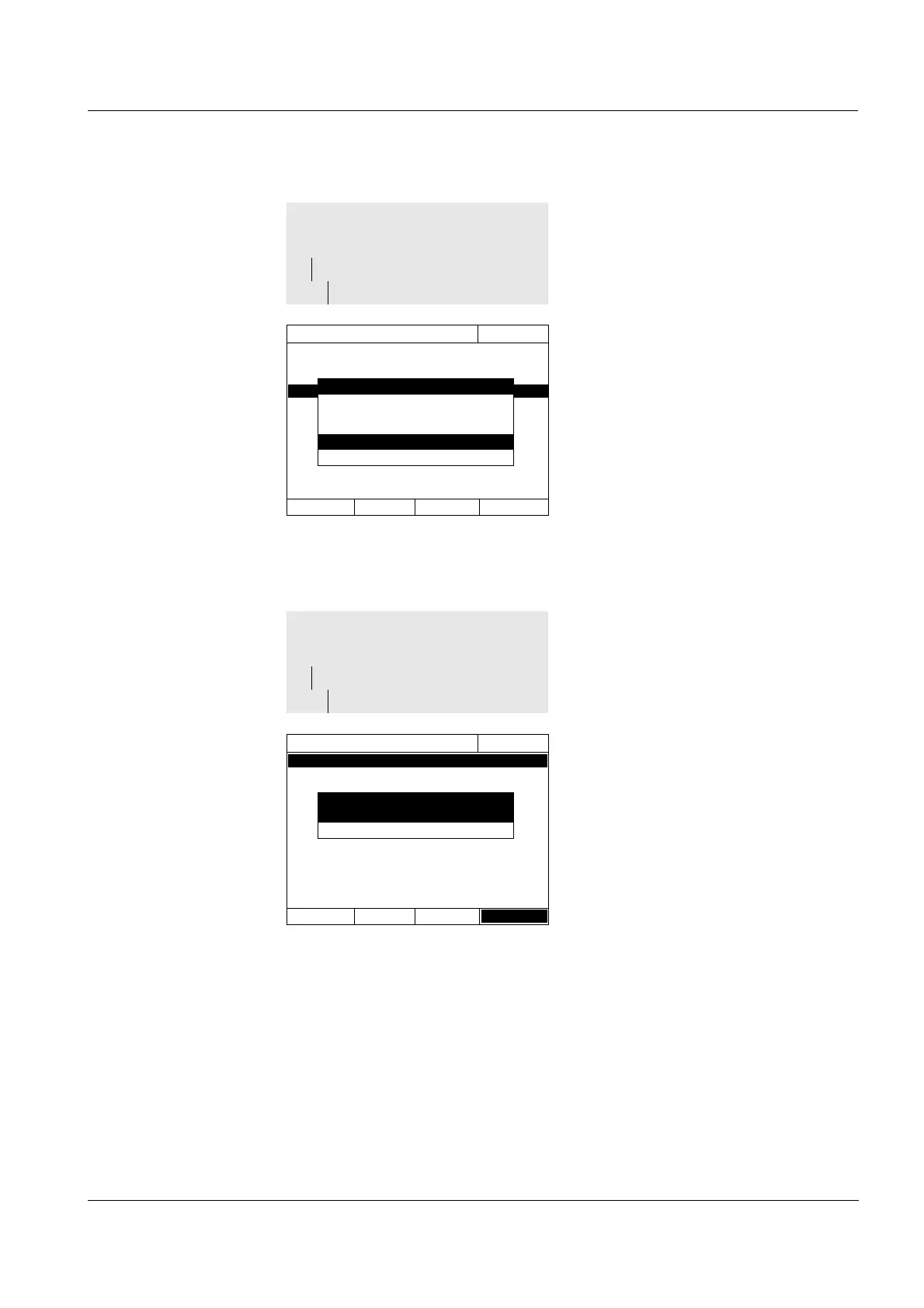
1 Select and confirm Yes.
The photometer is locked against
all measurements if the AQA1
check is invalid or the AQA1 inter-
val has expired.
<HOME>
[AQA]
– AQA1 setup
– Lock instrument
AQA1 setup
16.04.07 9:52
Mode Weeks
Interval
Lock instrument
Configuration of tests ...
Lock instrument
Should the instrument be locked for further
measurements if AQA1 check is invalid or
has expired?
No
Yes
All possible test standards or test
standard sets are listed.
1 Select and confirm a test standard
or test standard set.
2 Adjust and confirm the extent of
the monitoring with Activate or
Deactivate.
3 Confirm the test standard (set)
once again.
4 Switch to the adjustment of the
nominal values and tolerances
with Setup
.
<HOME>
[AQA]
– AQA1 setup
– Configuration of tests ...
AQA1 setup
16.04.07 9:52
PhotoCheck Active
CertiPUR UV-VIS 1 Inactive
CertiPUR UV-VIS 1A Inactive
CertiPUR UV-VIS 2 Inactive
CertiPUR UV-VIS 3 Inactive
CertiPUR UV-VIS Inactive
I
Apply
CertiPUR UV-VIS 1
General setup
Activate



 To Next Page