Operation Spectroquant
®
Pharo 300
166
ba75703d07 04/2014
Carrying out the
AQA1 check
(example:
PhotoCheck)
The AQA1 check comprises the check with all test standards activated in the
menu, AQA menu / AQA1 setup / Configuration of tests ... for AQA1 (see
page 143).
First, a zero adjustment for all wavelengths takes place.
Subsequently, the first individual checks with the selected test standards take
place (e.g. PhotoCheck).
Example, PhotoCheck:
5 Using <▲><▼> and <><>,
select the Lot number, Target
value or Tolerance entries and
open them for editing with
<START ENTER>
.
6 Enter and confirm the required
value (<0...9>)
7 Accept all values with [Apply].
PhotoCheck
16.04.07 9:52
Lot number: HC616115
Use by 16.04.2008
Target value Tolerance
445/1 0.196 ± 0.020
445/2 0.500 ± 0.030
445/3 0.998 ± 0.040
445/4 1.508 ± 0.050
525/1 0.197 ± 0.020
525/2 0.495 ± 0.030
525/3 0.992 ± 0.040
525/4 1.496 ± 0.050
Apply
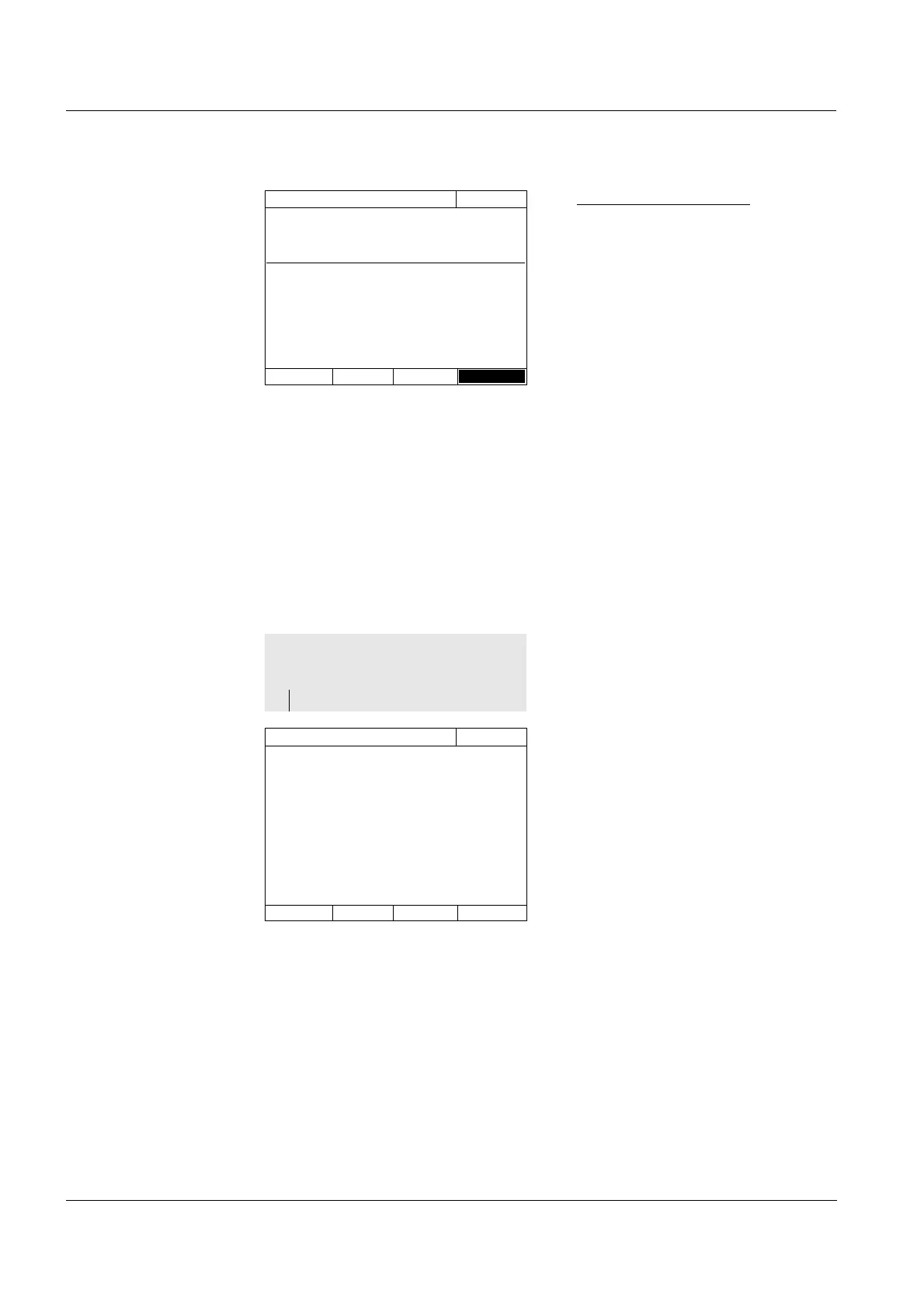
The photometer is ready for the
zero adjustment.
1 Insert the zero cell.
The cell is automatically recog-
nized and the zero adjustment is
started for all wavelengths.
After the successful zero adjust-
ment, the photometer is ready to
measure the PhotoCheck test
standard
445/1.
PhotoCheck
16.04.07 9:52
Reference measurement Please insert zero cell
(distilled water).



 To Next Page