Spectroquant
®
Pharo 300 Operation
167
ba75703d07 04/2014
Test record A test record is displayed after the check. It can be printed and stored as a
file (in the internal DataB folder or USB memory device at the USB-A connec-
tion, see section 4.11.1).
Sample printout:
Note
Afterwards you can view the last AQA1 test record under AQA1 info.
2 Insert the cell.
The cuvette is automatically rec-
ognized and the measurement
started.
After measuring, the measure-
ment result, Target value, Toler-
ance and an evaluation (OK or
failed) are displayed.
The photometer offers to repeat
the measurement if the check
failed.
If the check was successful, the
measurement of the next Photo-
Check test standard, e.g. 445/2,
appears on the display.
3 Measure all test standards in the
same way.
After all test standards are suc-
cessfully measured, the check is
passed.
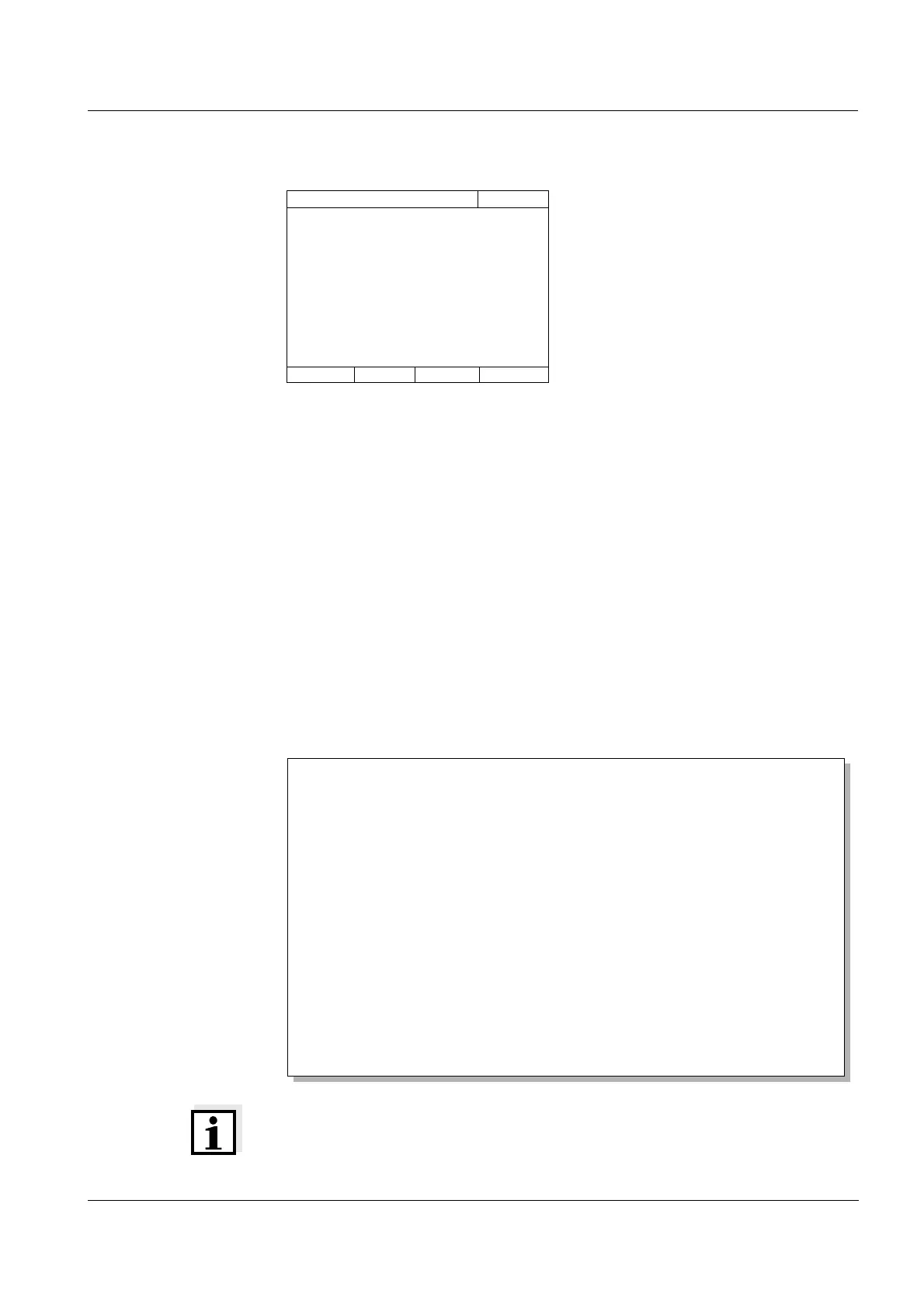
PhotoCheck 445/1
16.04.07 9:52
Please insert PhotoCheck 445/1
Pharo 30009130512 1.30-Merck-1.60 Administrator
AQA1 OK
Protocol ID 9
Executed by: Administrator
Executed 22.05.2007
Valid until: 26.06.2007
PhotoCheck OC479094 OK
445-1 0.200 +- 100 0.192
445-2 0.500 +- 200 0.511
445-3 1.000 +- 200 1.006
445-4 1.500 +- 200 1.526
525-1 0.200 +- 200 0.247
..... ............ .....
..... ............ .....
(etc.)



 To Next Page