Spectroquant
®
Pharo 300 Operation
169
ba75703d07 04/2014
General AQA2
settings
Note
When the mode (Weeks or Measurements) is changed, all AQA2 intervals
are reset to the preset values.
Locking the method Here you configure whether or not a method will be locked against measure-
ment if there is no valid AQA2 check or the interval for the AQA2 check has
expired.
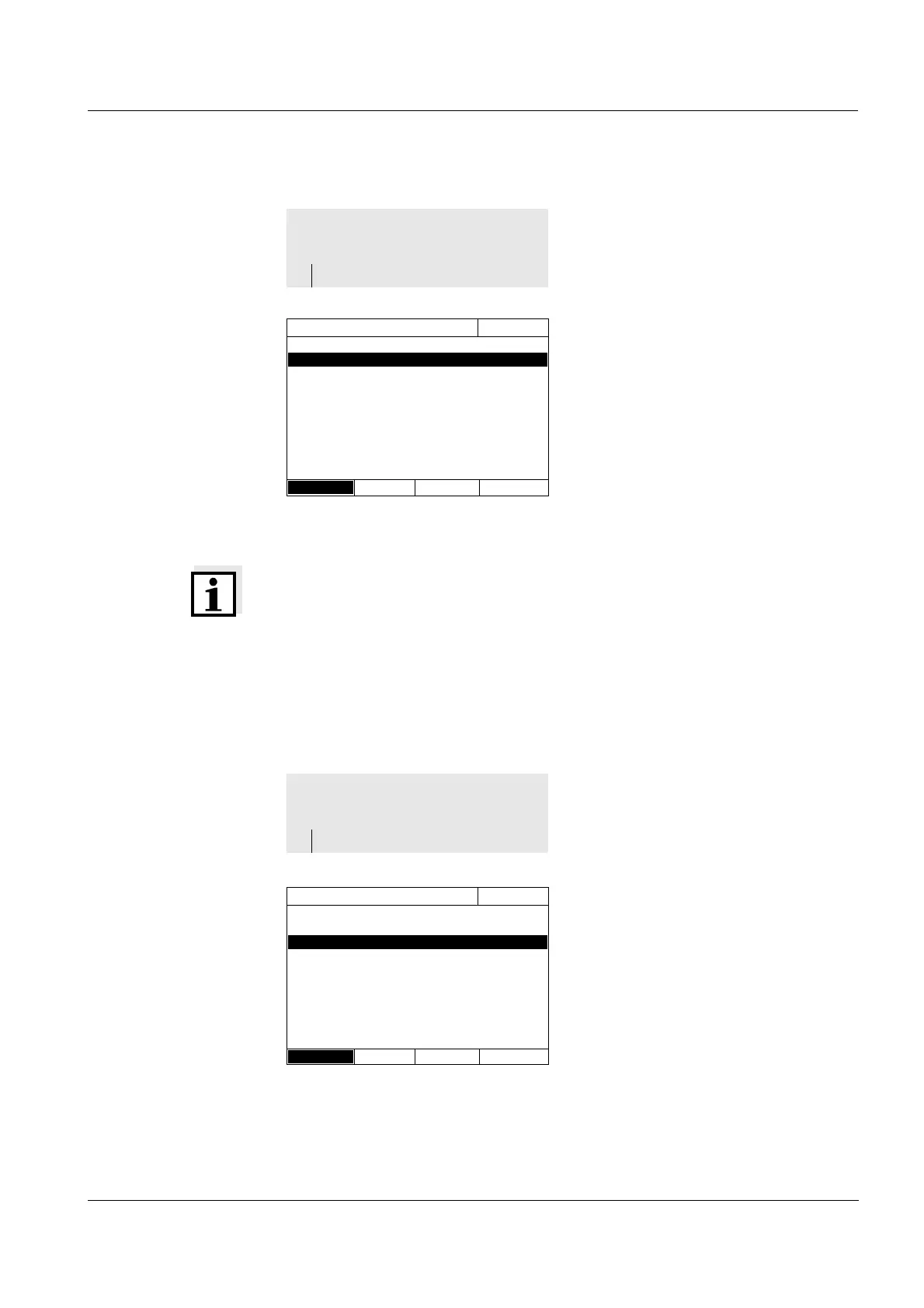
1 Select and confirm Mode.
The Mode selection field pops up.
2 Select and confirm Weeks or Mea-
surements.
AQA2 is active. For all methods,
the AQA2 intervals are entered
either in weeks or number of mea-
surements.
3 Accept the general settings with
[Apply].
<HOME>
[AQA]
– AQA2 setup
AQA2 setup
16.04.07 9:52
Mode Weeks
Lock methods Yes
Method...
Method list
1 Select and confirm Lock methods.
2 Select and confirm Yes.
The method lock is enabled.
Each method will be locked if the
AQA2 check is invalid or the AQA2
interval has expired.
<HOME>
[AQA]
– AQA2 setup
AQA2 setup
16.04.07 9:52
Mode Weeks
Lock methods Yes
Method...
Method list



 To Next Page