Operation Spectroquant
®
Pharo 300
170
ba75703d07 04/2014
Activating AQA2
monitoring for a
method
Defining the AQA2
Interval, nominal
value and tolerance
The AQA2 Interval defines the interval between two AQA2 checks.
When an interval has expired, the following consequences become effective:
Warning and loss of the AQA2 labeling
Locking of the method against measurement (if activated).
Setting range:
1 to 12 weeks (default: 12 weeks) or
1 to 10000 measurements (default: 200 measurements)
Note
The unit of the AQA2 interval (Weeks or Measurements) is defined in the line,
Mode (see page 147).
Repeat the steps 1 to 8 if you want to configure further tests for AQA2.
1 Select a method (see section
4.5.3).
2 Select and confirm AQA2.
3 Select and confirm AQA2 active.
AQA2 is active for this method.
<HOME>
[AQA]
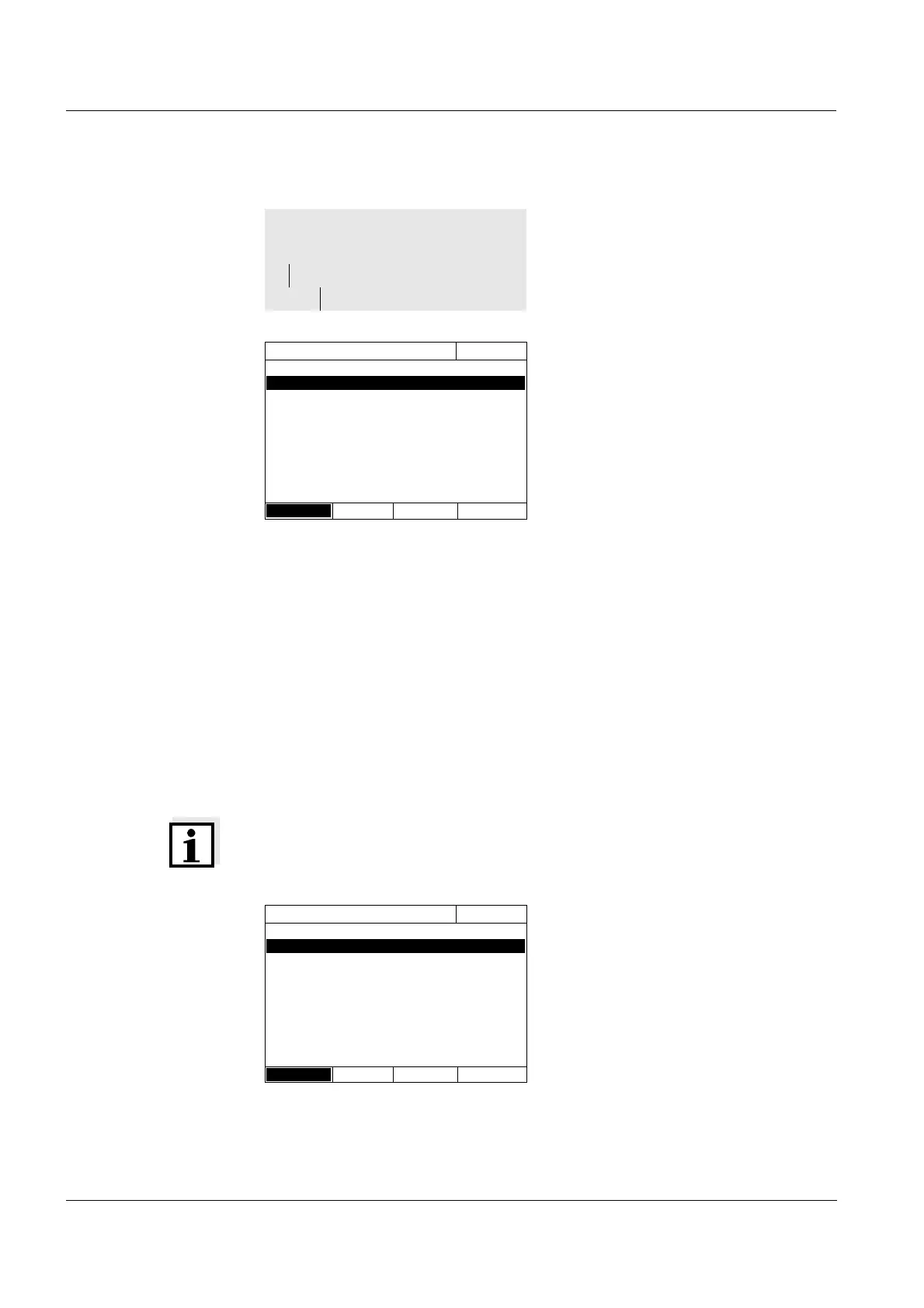
– AQA2 setup
– Method...
AQA2 setup
16.04.07 9:52
Method
51: 14558
AQA2 AQA2 active
Interval 12 Weeks
Target value 4.00 mg/l NH
4
-N
Tolerance 0.50 mg/l NH
4
-N
Standard ID
Method list
4 Select the Interval and enter the
AQA2 interval.
5 If necessary, adjust the values for
Target value and Tolerance.
6 Optional: Select Standard ID and
enter a designation. The designa-
tion is recorded in the AQA2 docu-
mentation.
AQA2 setup
16.04.07 9:52
Method
51: 14558
AQA2 AQA2 active
Interval 12 Weeks
Target value 4.00 mg/l NH
4
-N
Tolerance 0.50 mg/l NH
4
-N
Standard ID
Method list



 To Next Page