Operation Spectroquant
®
Pharo 300
84
ba75703d07 04/2014
Carrying out a user
calibration
Select the method manually
(see section 4.5.5).
If there are already data for the
zero adjustment, reagent blank
value or a user calibration avail-
able, the photometer informs you
of this. You can take over or dis-
card the available values.
With methods that are not bar
coded the photometer refers to the
first execution of a zero adjust-
ment.
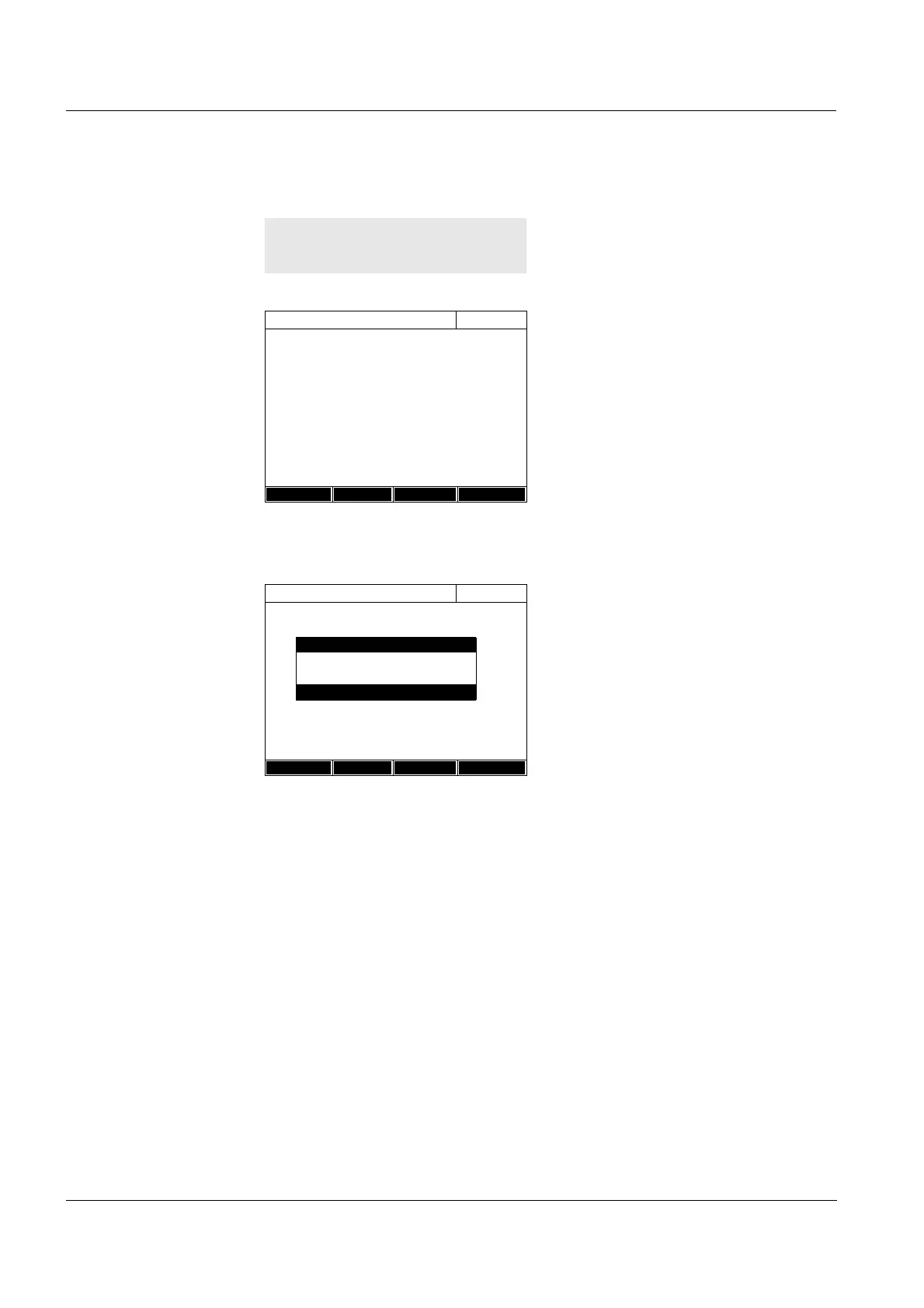
1 Using <BLANK ZERO>, open the
Adjust selection list.
or
Open the setting menu with
[Setup].
2 Select and confirm Calibrate the
method.
If data of a user calibration are
available, the list displays the cali-
bration data of the last user cali-
bration for each of the standard
solutions.
If there are no data of a user cali-
bration, the list for measuring the
Absorbance for all calibration
standards required appears.
Concentration
16.01.12 9:52
Please select method for measuring or insert
a barcoded cell or insert AutoSelector.
Setup
Method list Last method New Method
Concentration
16.01.12 9:52
304: Ca
Ca
10 mm
0..20 - 4.00 mg/l
Setup
Method list
Citation form Unit
Adjust
Zero adjustment
Reagent blank
Calibrate the method



 To Next Page