Spectroquant
®
Pharo 300 Operation
89
ba75703d07 04/2014
Measuring with user
calibration
Select the method manually
(see section 4.5.5).
If there are already data for the
zero adjustment, reagent blank
value or a user calibration avail-
able, the photometer informs you
of this. You can take over or dis-
card the available values.
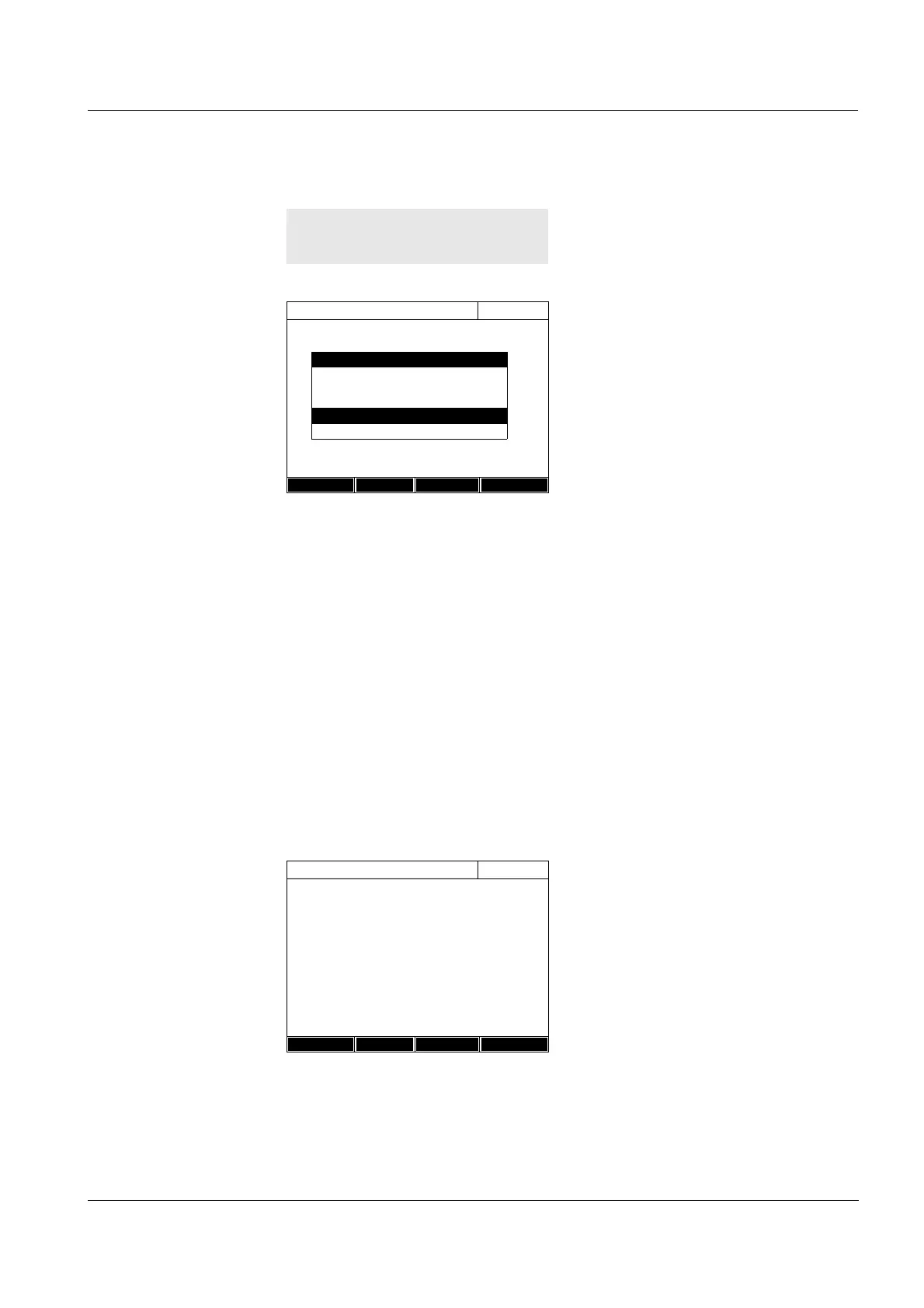
If the available user calibration
should not be used, a query with
further options pops up:
- Use default calibration
The existing user calibration is
erased. Further measurements
will be carried out with the origi-
nal calibration stored with the
method
- Recalibrate
The existing user calibration is
erased. A new user calibration
is started.
- Cancel
The existing user calibration
remains stored. The previous
query is displayed.
The photometer is ready to mea-
sure after all the necessary data
have been confirmed or mea-
sured.
<HOME>
Concentration
Concentration
16.01.12 9:52
[Cal][BV/2c][ZERO 10.01.2012 11:08]
To start measurement, insert cell or press
<START/ENTER>
304: Ca
Ca
10 mm
0..20 - 4.00 mg/l
Setup
Method list
Citation form Unit
User calibration
A calibration dated xxx is available for this
method. Should it be used?
Yes
No
Concentration
16.01.12 9:52
[Cal][BV/2c][ZERO 10.01.2012 11:08]
To start measurement, insert cell or press
<START/ENTER>
304: Ca
Ca
10 mm
0..20 - 4.00 mg/l
Setup
Method list
Citation form Unit



 To Next Page