Operation Spectroquant
®
Pharo 300
88
ba75703d07 04/2014
Viewing the data of
the user calibration
Select the method manually
(see section 4.5.5).
If there are already data for the
zero adjustment, reagent blank
value or a user calibration avail-
able, the photometer informs you
of this. You can take over or dis-
card the available values.
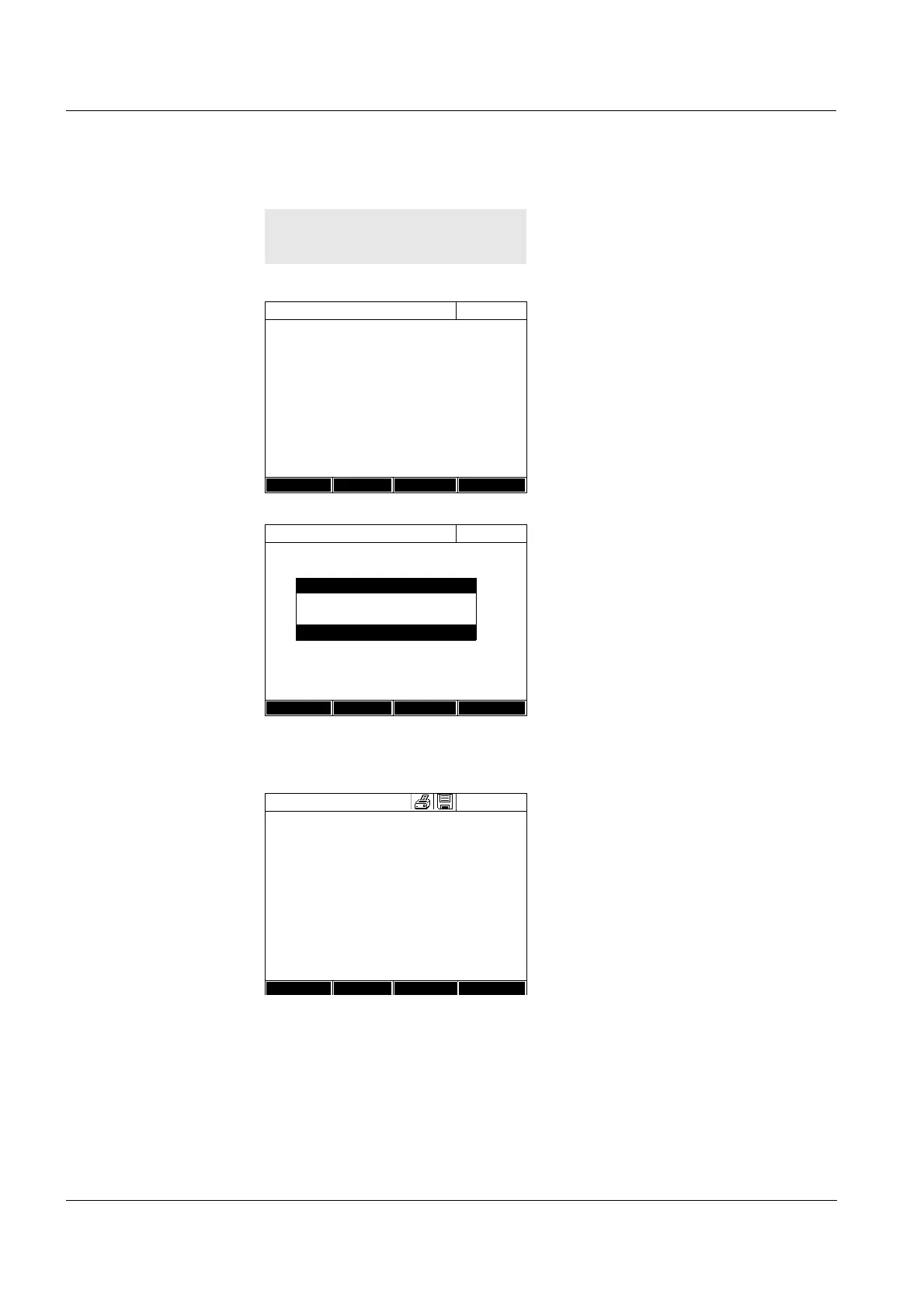
1 Using <BLANK ZERO>, open the
Adjust selection list.
or
Open the setting menu with
[Setup].
2 Select and confirm Calibrate the
method.
The Calibrate the method window
pops up.
The data of the last measurement
appear in the window.
If necessary, display the list with
the value pairs of nominal value
and absorbance with Calibration
data.
If necessary, display the calibra-
tion curve in the window of the
value pairs with Graphic.
If necessary, erase the user cali-
bration with Delete.
If necessary, carry out a new user
calibration with New measure-
ment.
If necessary, finish the calibration
with End.
Concentration
16.01.12 9:52
Please select method for measuring or insert
a barcoded cell or insert AutoSelector.
Setup
Method list Last method New Method
Concentration
16.01.12 9:52
304: Ca
Ca
10 mm
0..20 - 4.00 mg/l
Setup
Method list
Citation form Unit
Adjust
Zero adjustment
Reagent blank
Calibrate the method
Calibrate the method
16.01.12 9:52
User calibration:
Protocol ID:
2
Date: 16.01.2012
User: admin
Curve type: Straight line
Correction: 105%
304: Ca
Ca
End
Calibration
Delete New



 To Next Page