Spectroquant
®
Pharo 300 Operation
87
ba75703d07 04/2014
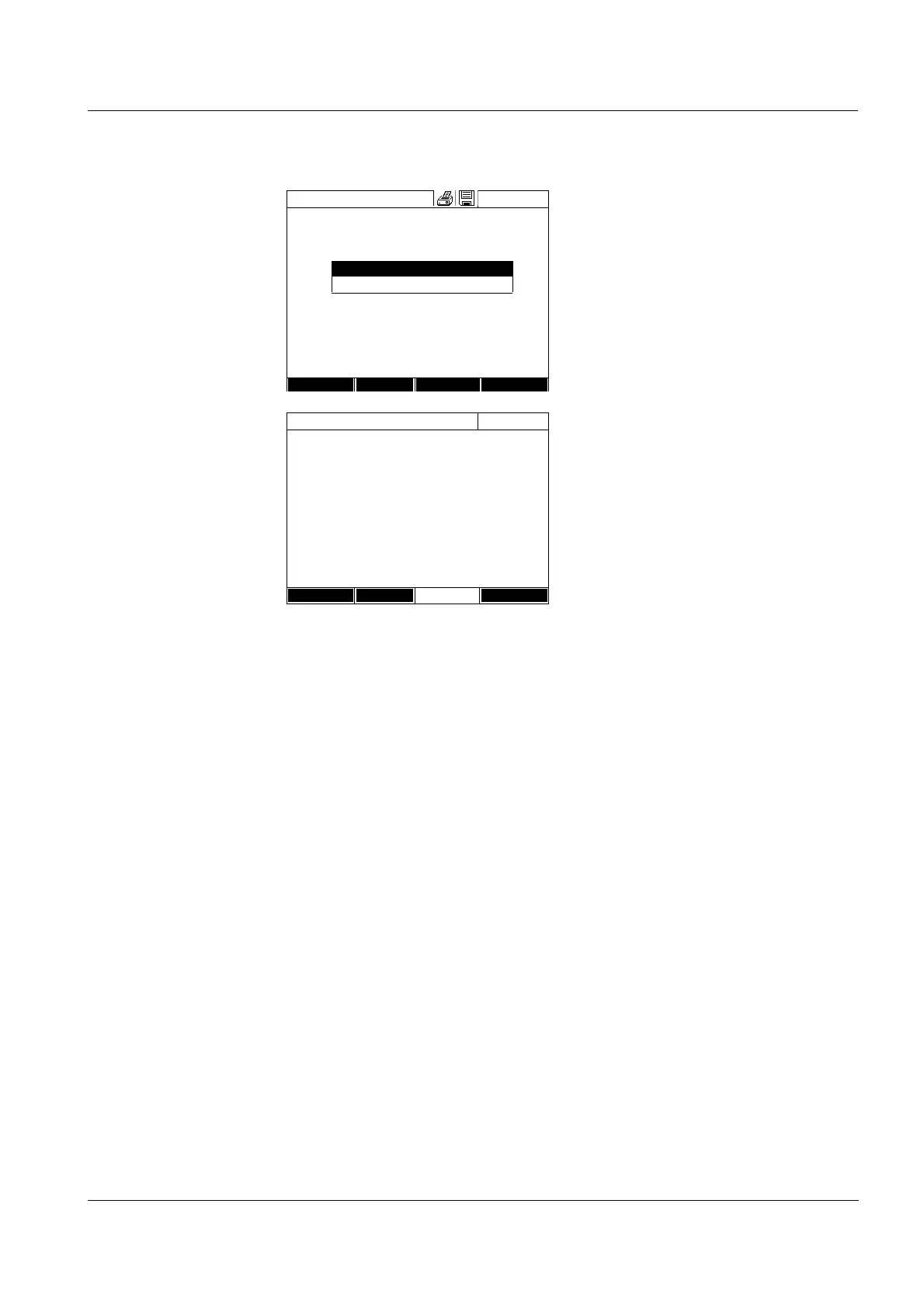
12 Enter the Lot number of the
reagent blank value (<A...9>) and
confirm.
The user calibration is completed.
The photometer is ready to mea-
sure.
If the user calibration is used, the
[Cal] indicator appears on the dis-
play.
Note: calibration is unsuccessful if
the new value deviates by more
than 30% from the value of the
stored calibration.
Calibrate the method
16.01.12 9:52
User calibration:
Protocol ID:
2
Date:
16.01.2012
User: admin
Curve type: Straight line
Correction: 105%
304: Ca
Ca
End
Calibration
Delete New
Lot number for reagent blank E0
_
Calibrate the method
16.01.12 9:52
[Cal][BV/Lot number][10.01.12 8:32]
To start measurement, insert cell or press
<START/ENTER>
304: Ca
Ca
10 mm
0..20 - 4.00 mg/l
Setup
Method list
Unit



 To Next Page