Operation Spectroquant
®
Pharo 300
86
ba75703d07 04/2014
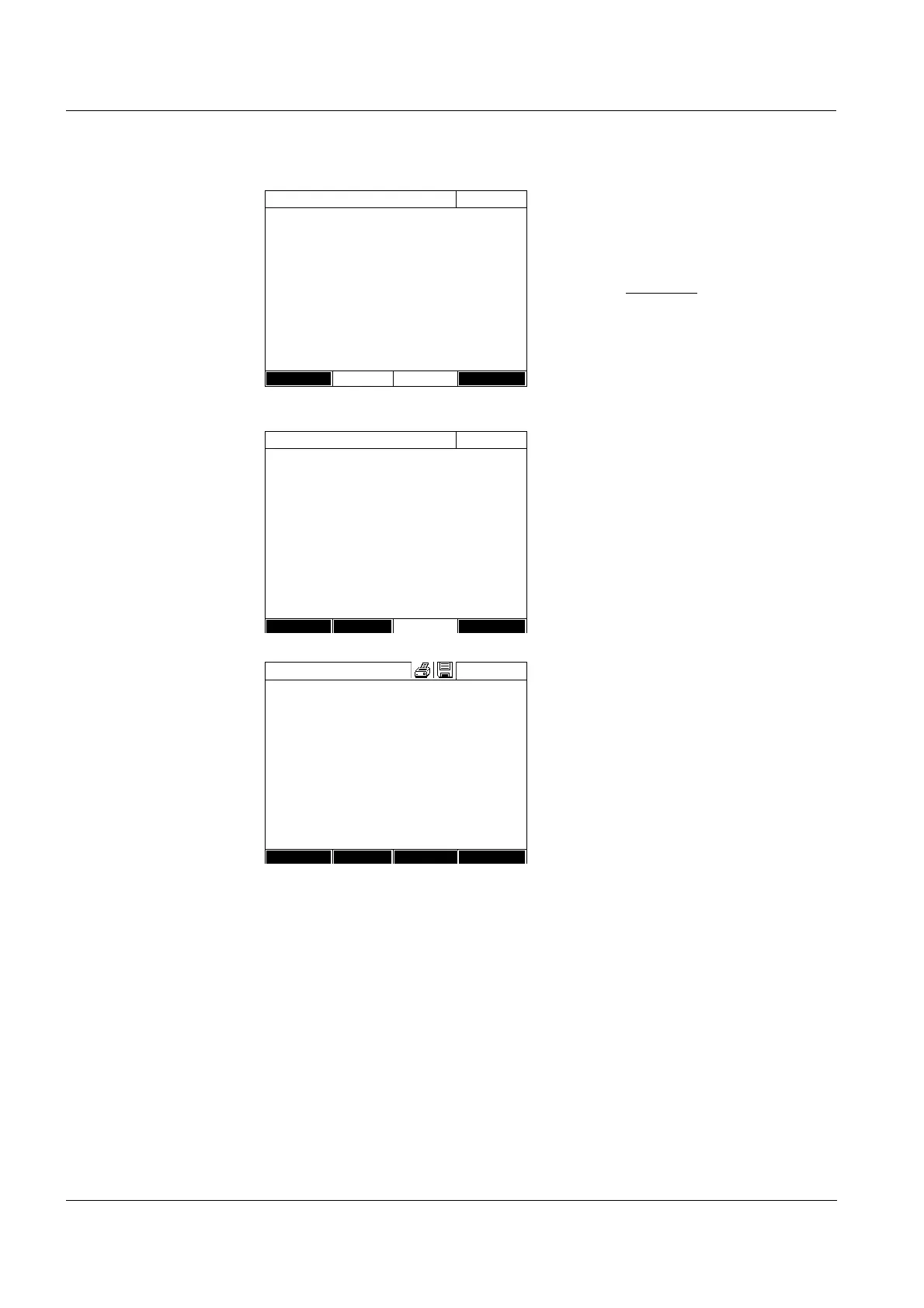
8 In the Absorbance column, select
all fields one after the other and
start the respective measurement
with <START ENTER>.
When all values
have been mea-
sured (also the reagent blank
value E0):
9 Accept the values with Next.
The result of the calibration pops
up.
If necessary, display the list with
the value pairs of nominal value
and absorbance with Calibration
data.
If necessary, display the calibra-
tion curve in the window of the
value pairs with Graphic.
10 Accept the calibration with Apply.
If necessary, display the list with
the value pairs of nominal value
and absorbance with Calibration
data.
If necessary, display the calibra-
tion curve in the window of the
value pairs with Graphic.
If necessary, erase the user cali-
bration with Delete.
If necessary, carry out a new user
calibration with New measure-
ment.
11 Finish the calibration with End.
The Lot number input field for
entering the Lot number of the
reagent blank value (E0) pops up.
Calibrate the method
16.01.12 9:52
Target value (Ca) Absorbance
E0 0.00 mg/l E 0.177
1 0.60 mg/l 1 0.433
2 1.50 mg/l 2 0.874
3 2.40 mg/l 1.347
4 3.20 mg/l 4 1.762
5 4.00 mg/l 5 2.097
Back Next
Calibrate the method
16.01.12 9:52
The calibration has been successfully completed.
Protocol ID:
2
Date: 16.01.2012
User: admin
Curve type: Straight line
Correction: 105%
304: Ca
Ca
Cancel
Calibration
Apply
Calibrate the method
16.01.12 9:52
User calibration:
Protocol ID:
2
Date: 16.01.2012
User: admin
Curve type: Straight line
Correction: 105%
304: Ca
Ca
End
Calibration
Delete New



 To Next Page