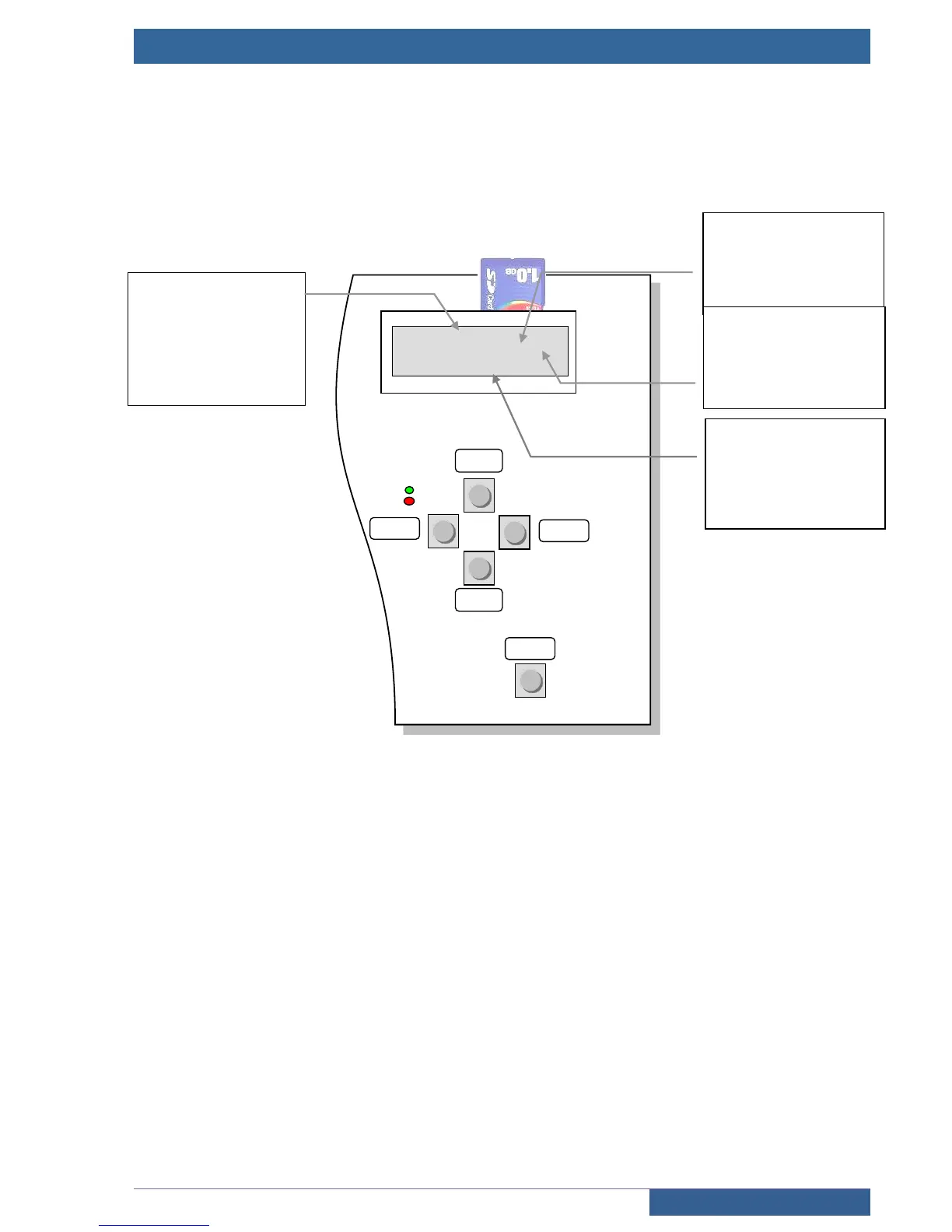
1.4 Control panel
The control panel comprises an alphanumeric screen and navigation keypad equipped with five integrated
buttons. The control panel screen enables the lift’s status to be known at all times. The SDCard contains the lift’s
configuration and the lift’s software to enable restarting under the same conditions if the board is changed.
Contrast adjustment
Press and hold down the “BACK” key and press “ +” to increase contrast or “ -” to decrease it.
Navigating in the menus
Press the “ENTER” key on the keyboard to go into the lift’s configuration and diagnostics menu. Then press the
““ or ““ keys to navigate in the main menu. Push the “ENTER” key again to go into the desired submenu and
the “BACK” key to come back out of it.
+
Navigating in menu and selecting
the value of a configuration
option
-
Navigating in menu and selecting
the value of a configuration
option
BACK
Navigating in menu and
cancelling a configuration
modification



 To Next Page