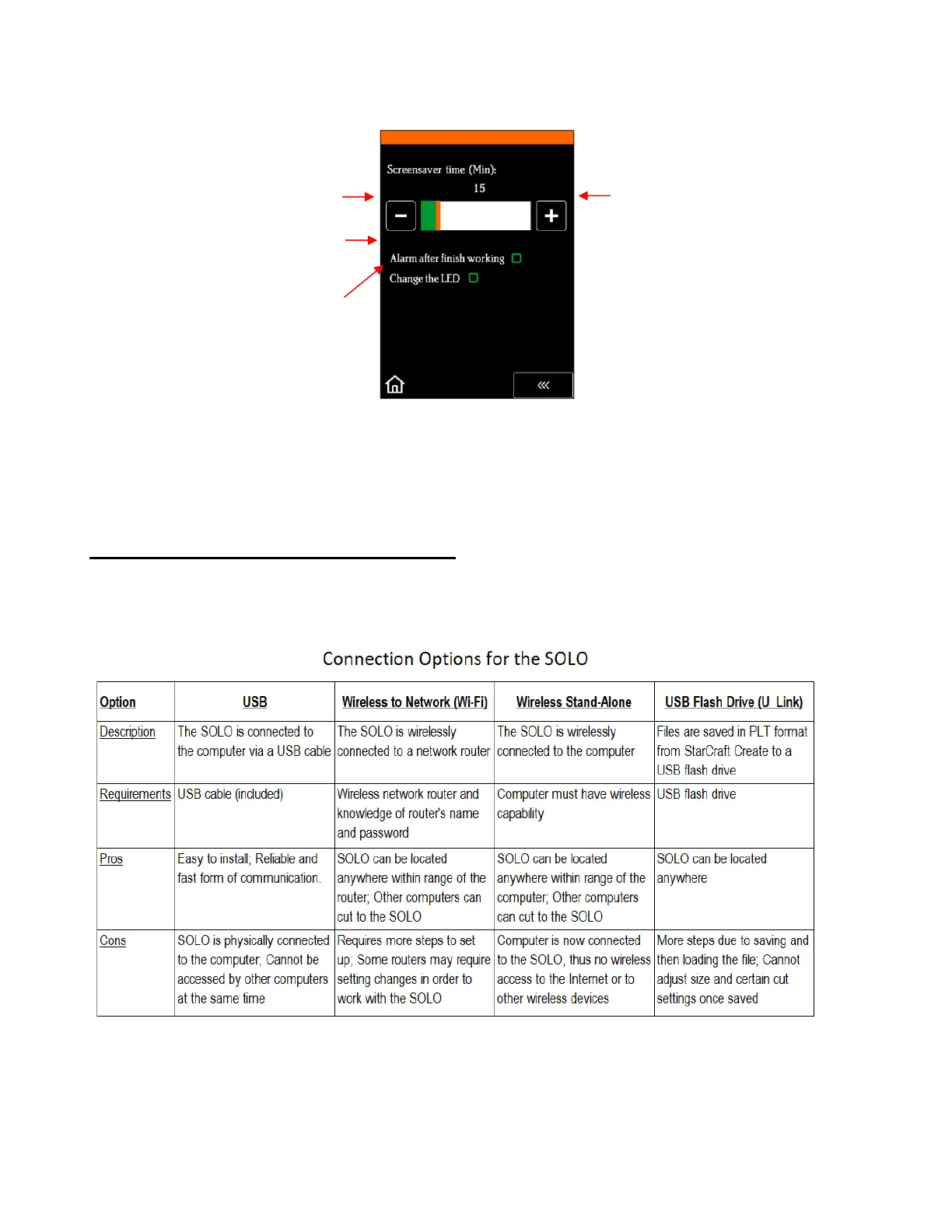
• Screen and alarm window has these settings:
• Unit allows you to choose either inches or mm for all relevant settings on the control panel.
• Language allows you to choose from twelve languages for the control panel display screens.
1.08 Connecting the SOLO to Your Computer
• There are 4 ways that you can connect your SOLO to the computer. Review the information in the following
table to understand the differences between these options:
• Note that implementing any of these options does not preclude you from changing to another one, as
needed.
• Only USB and Wi-Fi are covered in this section. For details on the other two connections, refer to Appendix
C.



 To Next Page