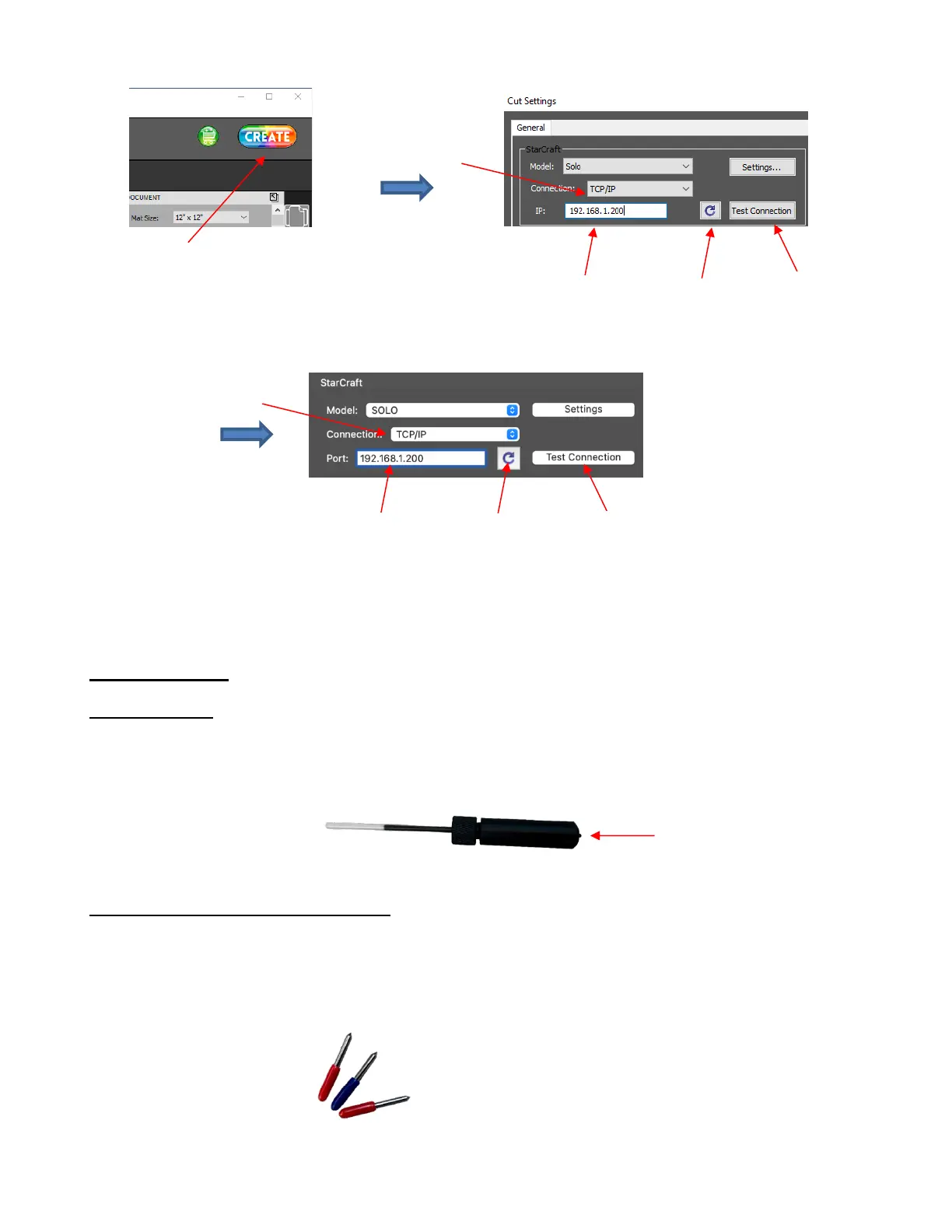
Note: if you are using the Mac version of CREATE, the IP Address window is called Port:
• If the SOLO is successfully connected to your computer, pressing Test Conection will cause the cutting
head to do a quick left-right jog. Note that it is natural for there to be a slight delay in response when the
connection is first established after powering on.
1.09 Accessories
1.09.1 Test Pen
•
The test pen is used in calibrating the SOLO’s camera (Section 3.02) and is recommended for
test drawing while you are learning where shapes will cut based on various software settings.
Note that a small piece of wax needs to be removed from the pen’s nib before use:
1.09.2 SOLO Bladeholder and Blades
•
The red blade holder is used for cutting a full range of materials, from thin paper, vinyl, HTV, cardstock to
craft foam, magnetic sheets and wood veneer. Details on loading the blade and setting the blade
exposure are covered in Section 2.01.
•
There are two kinds of blades that came with your SOLO:
The 45° red capped blade is well-suited for cutting thinner materials such as heat transfer vinyl, wall and
decal vinyl, paper, and cardstock. Two of these are included with the SOLO.



 To Next Page