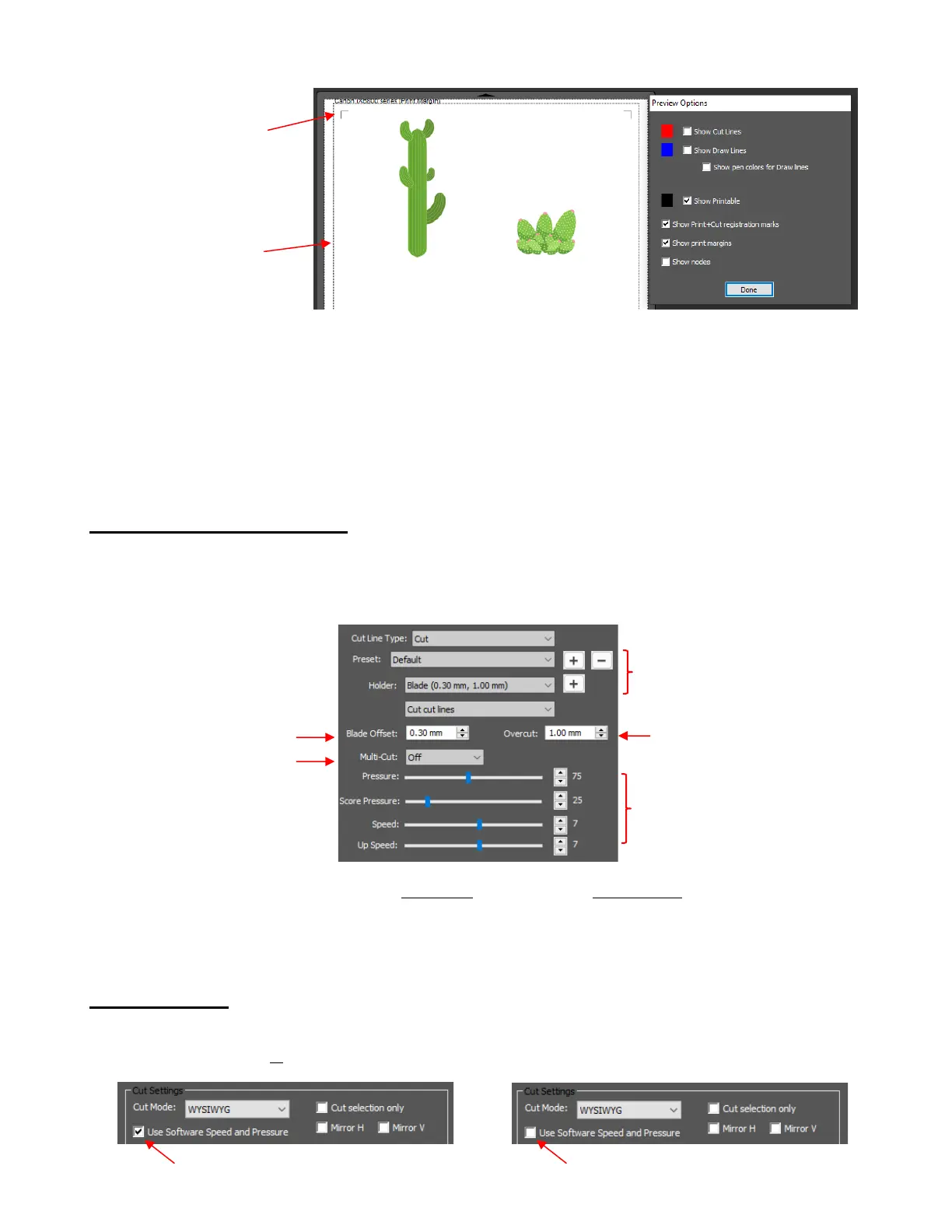
• NOTE: If you mark the option for Show Print+Cut registration marks and they do not appear:
Verify that you have set up the SOLO (refer to Section 1.06.2)
Verify that all layer(s) you wish to view are not hidden on the Layers Panel
In the Cut Settings window, verify that you have not marked the option for Cut selection only
2.03.5 Determining Cut Settings
• In the lower half of the Cut Settings window, there are a number of settings which should be understood
thoroughly, as you will be checking these settings before every cut. The following screenshot shows the
section number to go to for more information:
• Section 2.09 contains links to tables with suggested settings for your initial test cut. If you cannot find your
material in these tables, use the flow chart in Section 2.08 while test cutting your material to determine
optimum settings.
2.04 Cut Settings
• Before presenting the various settings, note that the Pressure/Force and Speed settings can be set in the
Cut Settings window or on the control panel itself:



 To Next Page