4. StarCraft CREATE Software
• This chapter covers just those functions in StarCraft CREATE that are most commonly used. Again, red
section numbers refer to this user manual while blue reference numbers refer to the StarCraft CREATE
User Manual.
4.01 Main CREATE Screen
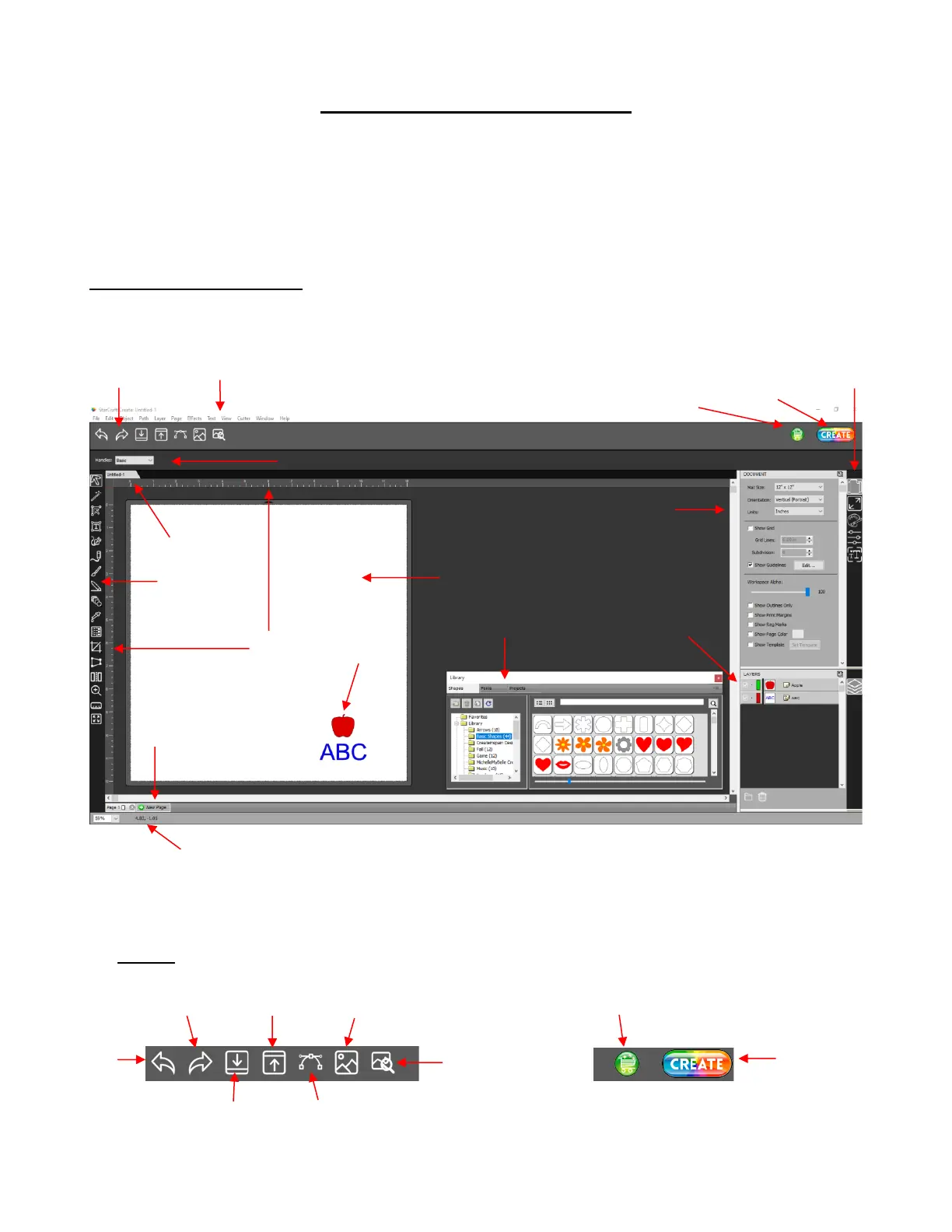
• Below is a screen shot of the main screen in CREATE identifying various elements.
• The various bars and panels provide the following functions. A red section number in parentheses refers to
the section number in this manual where the function is covered. A blue section number refers to the section
number in the StarCraft CREATE Manual where the function is covered.
• Toolbar



 To Next Page