3. Print+Cut (Contour Cut)
3.01 Introduction
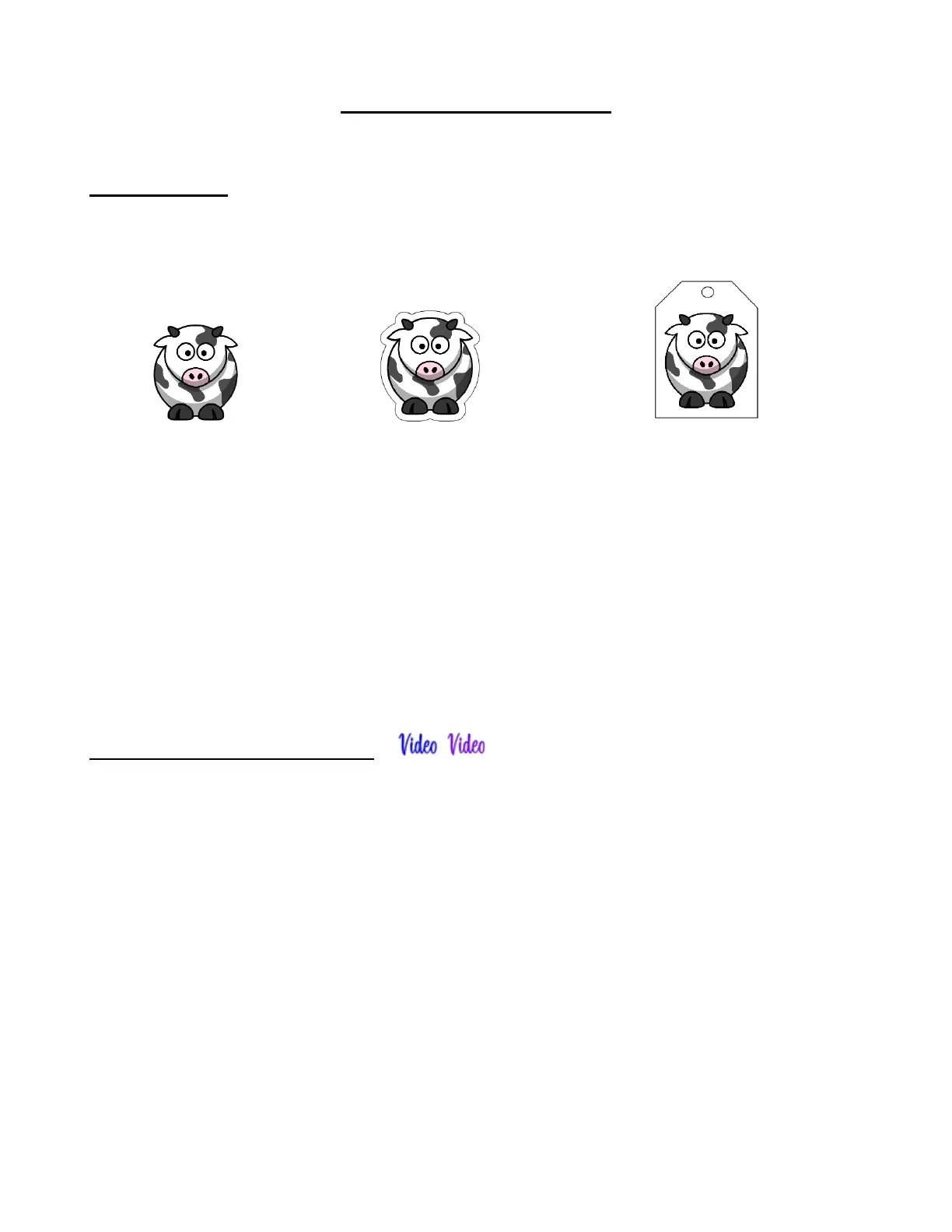
• The Print+Cut process (also called contour cutting) involves printing an image from CREATE to any printer
you own and then, with the aid of the SOLO’s camera, have the image or images cut out with perfect
precision. Here are three examples:
• In order to get precise PNC results, you must calibrate the camera. This calibration only needs to be done
one time. If you have travelled with your SOLO or it’s been bumped fairly hard, you might want to repeat it
because it’s quick to do.
• The process, which is conducted through the control panel, involves:
(1) Having the SOLO draw a test grid shape (built into the control panel). At that point the camera takes
a photo and displays it on the control panel.
(2) Tapping the center of the grid shape photo on the control panel. At that point the camera takes over
and completes the calibration.
3.02 Camera Calibration Procedure
• You need the following items for this calibration:
Sheet of paper
Solo test pen (remove the wax on the nib)
(1) Place the sheet of paper into the SOLO. You can use the cutting mat to hold the paper or insert the paper
directly.
(2) Mount the test pen into the SOLO so that the nib is slightly above the paper.
(3) Select Speed/Force and set SPEED to ~ 8 and FORCE to ~ 40. Click on Test to verify the test shape is
clearly drawn. If it is too faint, increase FORCE as needed and repeat.
(4) Move the pen an inch or two away from the test so that there is room for the calibration shape to be drawn.
(5) On the Main Screen, press Set and then Camera.
(6) Press Adjust to switch to calibrate mode. Press and hold the OK button for several seconds until it and the
arrows around it turn red:



 To Next Page