2.07.2 Setting Up an Array of Repeats
• An array of repeated shapes can be set up either within CREATE or on the control panel. The following
steps present the more commonly-used software method. For instructions on creating an array on the
control panel go to Appendix B1.
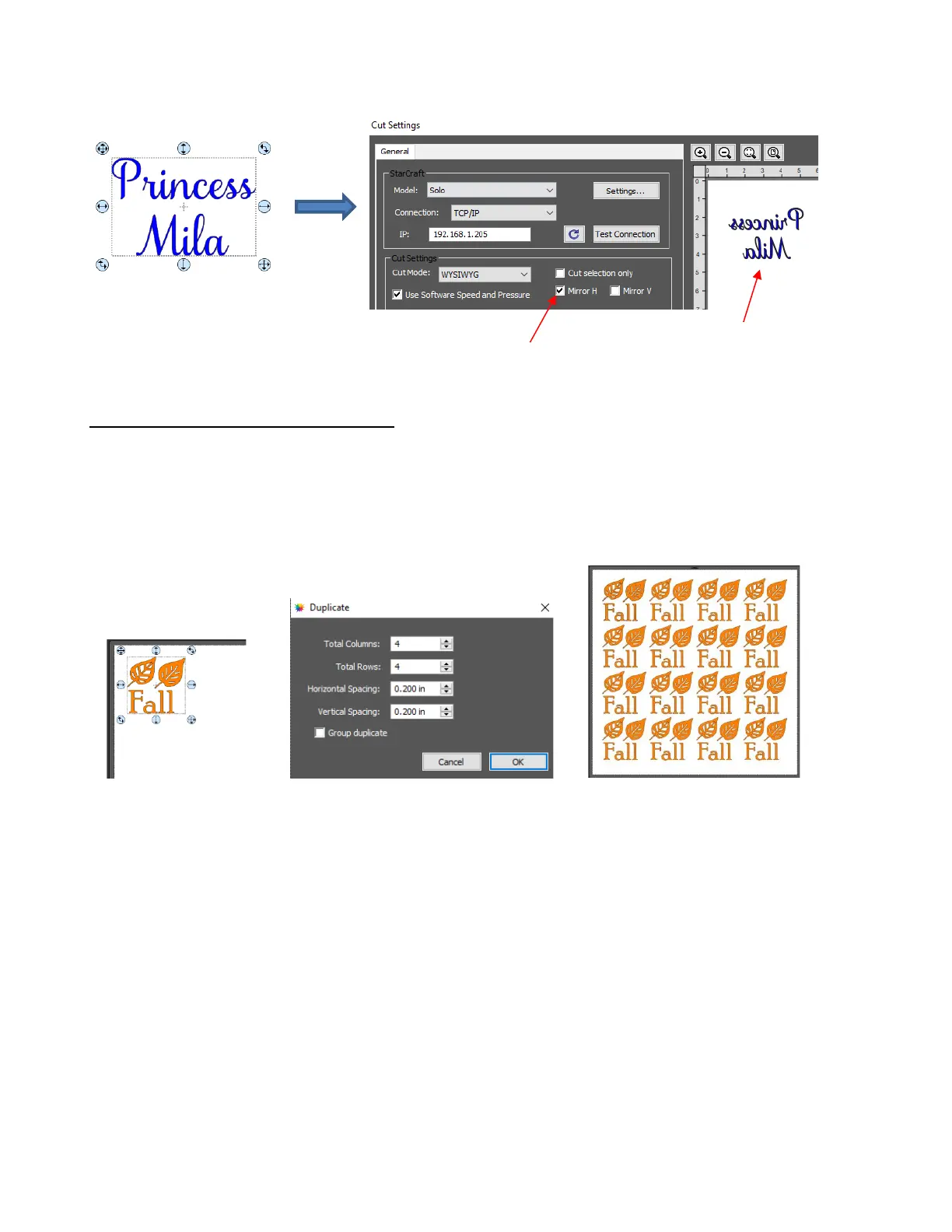
• To access the Duplicate function, first select the shape(s) and then use either Ctrl+D or Object Duplicate
to open the Duplicate window. Enter the number of repeats and spacing as shown:
• More about the Duplicate function is covered in Section 3.17.4 of the StarCraft CREATE User Manual.
• CREATE also has a nesting feature to economize on material usage. To activate, go to Effects>Nest:



 To Next Page