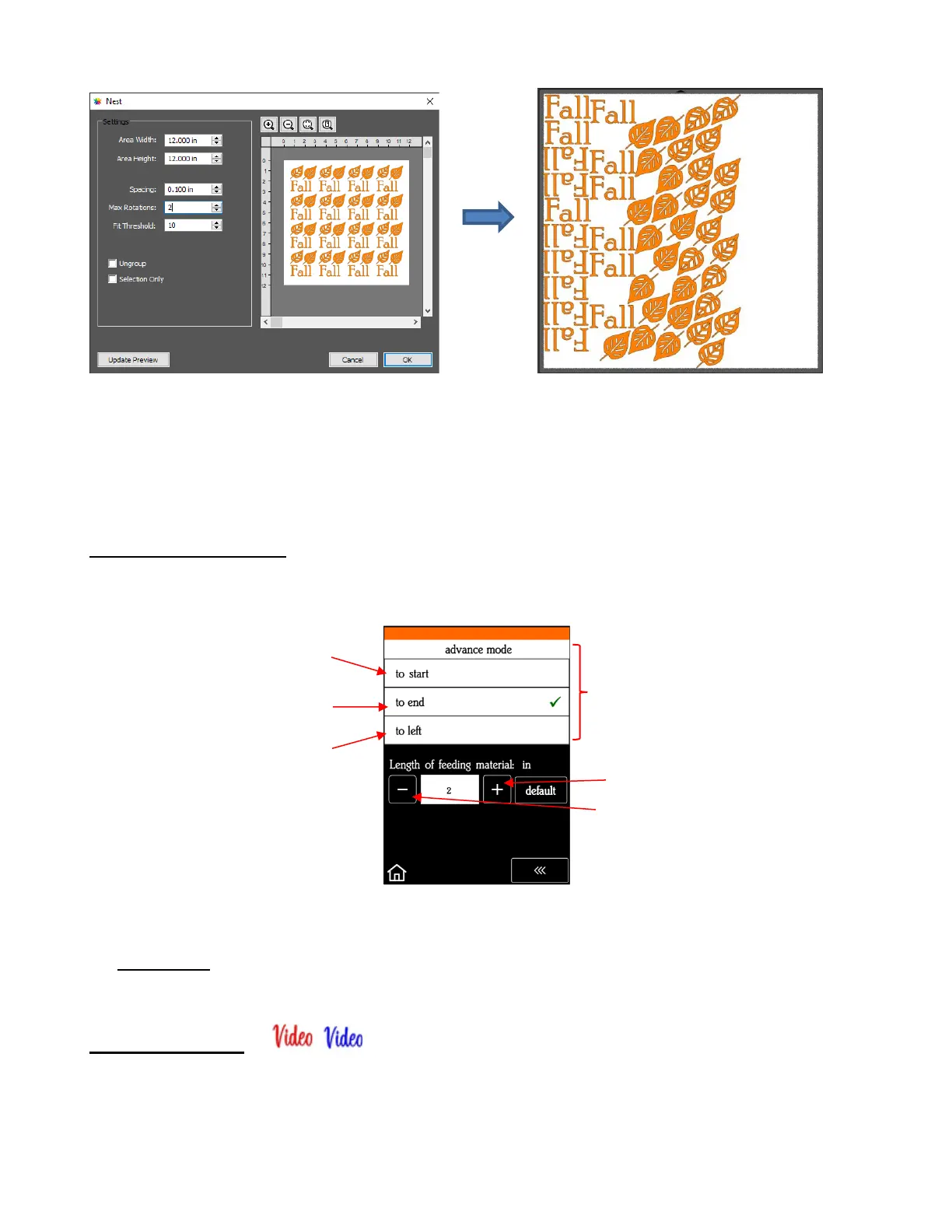
• More about the Nest function is covered in Section 8.09 of the StarCraft CREATE User Manual.
2.07.3 End of Cut Action
• The End of Cut Action is set on the SOLO’s control panel. The function, which has 3 options, is opened by
going to Set>Advance Mode. Its three options control what happens when a cut is completed:
• The settings below the option menu are activated when choosing either to end or to left. Enter a specific
distance for the blade holder to advance in that direction.
• IMPORTANT: If your mat is being kicked out at the end of every cut, change this setting from “to end” to
“to start.”
2.07.4 Cut by Color
• The Cut by Color tab in the Cut Settings window displays all colors used in the project so that you can pick
and choose which colors to send to the SOLO:



 To Next Page