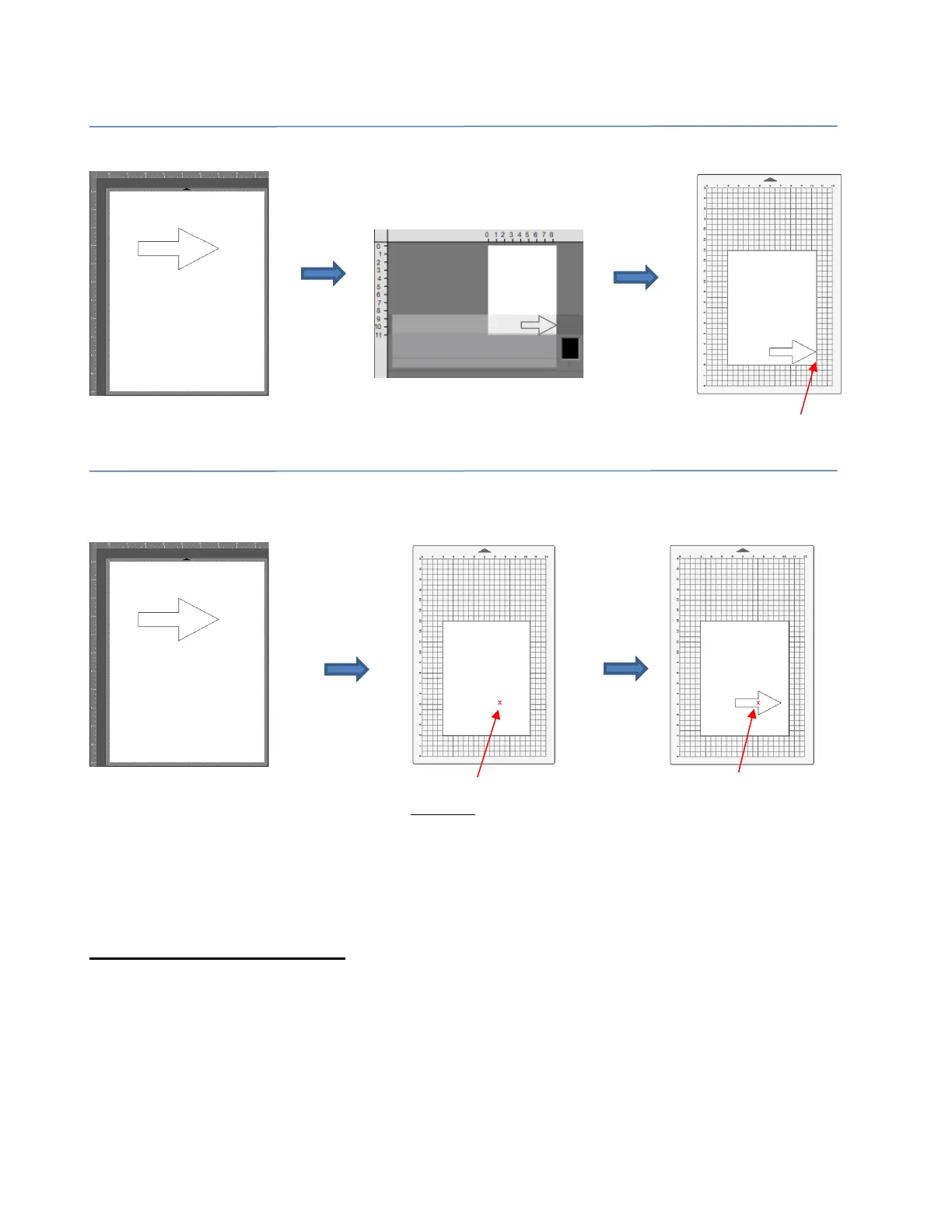
• Horizontal (Landscape) Orientation is covered in Section 2.06. A fourth cut mode is called Print+Cut
(aka print-and-cut or print-then-cut or PNC) which is located in the bottom left corner of the Cut Settings
window. This mode is covered in Chapter 3.
2.03.3 Style Panel Assignments
• The Style Panel, which is on the Properties Panel, contains settings which are applied during the cutting
(or printing) process. Note that these settings can be deactivated after cutting, returning layers to their
“normal” status.
• It has the following settings:



 To Next Page