• IMPORTANT: You do want to make sure that when cutting the design, the blade carriage does not travel
too far to the left, exceeding the left side limit which is about 3-1/4” from the inside of the left end cap. So,
always take note of how far to the left you might be sending a design to cut.
• IMPORTANT: Whether you are using a cutting mat or not, it is highly recommended for new users that the
Mat Size (also called the Page Size) dimensions selected on the Document Panel match the material
dimensions you plan to use in the cutter (versus, say, the 12” x 19” SOLO mat or other size). This will help
you better learn where shapes will cut on the SOLO.
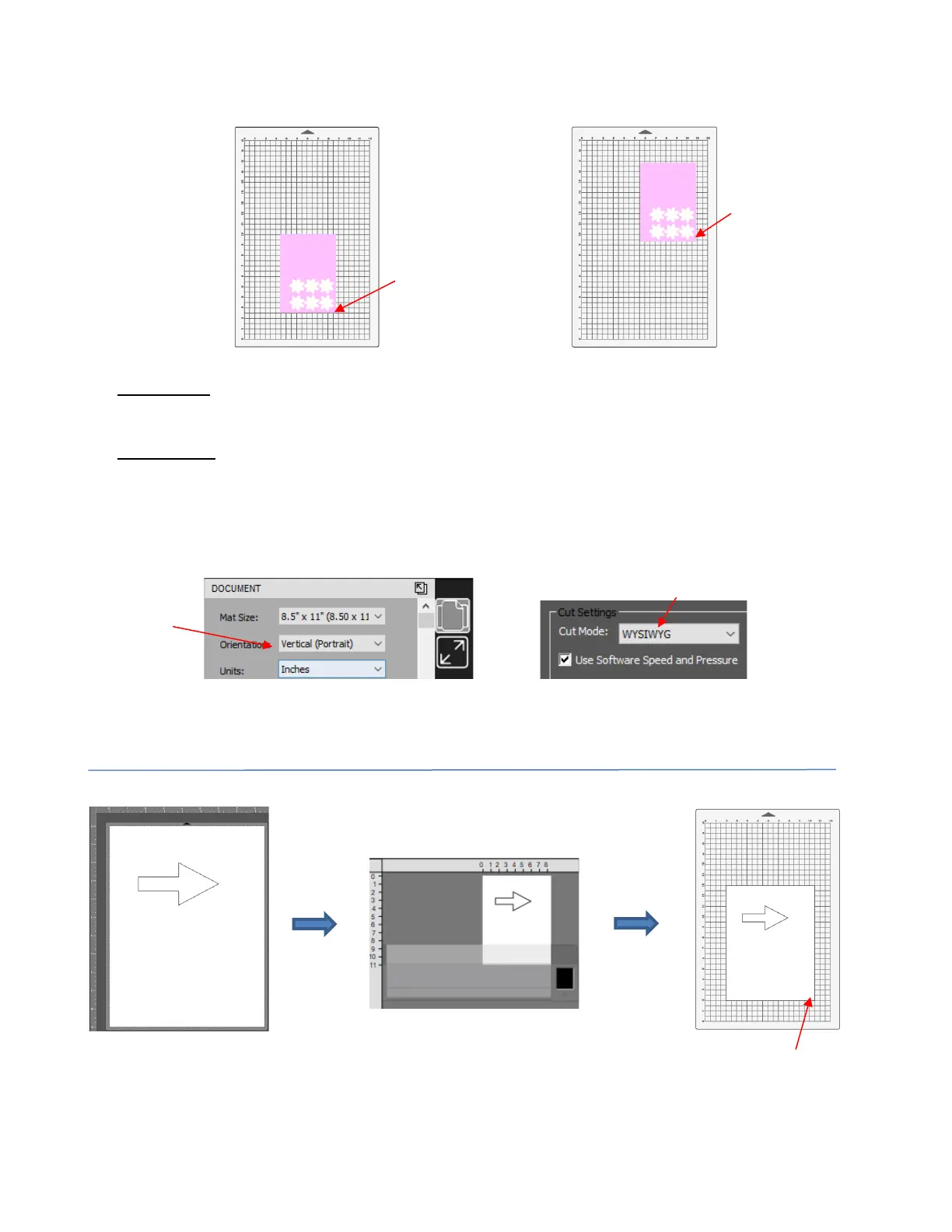
• The location where shapes will cut is based on a combination of three settings – where you set the origin
before cutting plus these two:
• The following screenshots illustrate where a shape will cut when the Page is set to Vertical (Portrait)
Orientation and the Cut Mode is changed to each of the three possible options:



 To Next Page