2.09 Suggested Cut Settings for Various Materials
• The optimum settings for any given cut are a function of the following factors:
1. Blade tip exposure/depth (how much of the blade is showing at the bottom of the blade holder)
2. Condition of the blade (new, slightly dull, quite dull)
3. Blade tip height before cutting (distance between the tip of the blade and the material below it)
4. Variations in the material (brand, thickness, composition, exposure to humidity)
5. Condition of the cutting mat, if using one (tackiness, even or slightly warped)
6. Conditon of the cutting strip on the SOLO (new or scratched up, evenly pressed down or uneven)
7. Intricacy of the design (large basic shapes vs small lettering vs perfectly round circles, etc.)
• The following links are successful settings obtained by SOLO testers for various materials. Again, keep in
mind the listed factors above, especially #1 - blade exposure/depth, which will impact other settings, such as
pressure:
143Vinyl Testing:
Rhonda M Testing: https://tinyurl.com/376kfw2k
Sandy McC Testing: https://tinyurl.com/2s43fwde
• Because any two users (or even two testers) will obtain different results, providing very specific settings is
impossible. Instead, users need to recognize cutting problems and how to correct them by adjusting their
own settings. Refer back to Section 2.08, as well:
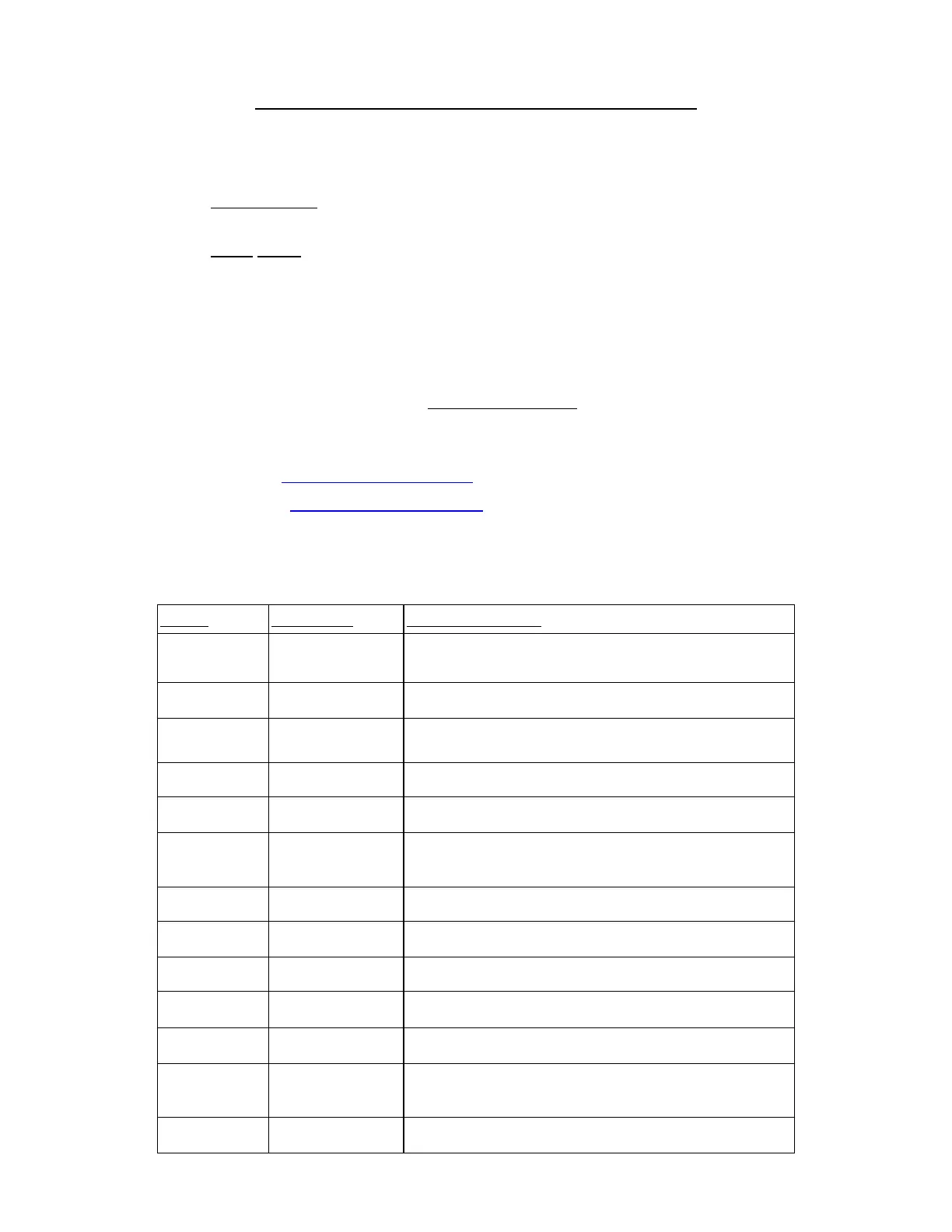
Material Cutting Issue Suggested Correction
Cardstock (5.01) Not cutting cleanly
Use clean sticky mat, material pressed evenly, reduce blade
exposure and increase pressure, use multi-cut on heavier cardstock.
Cardstock (5.01) Cardstock is tearing
Dry cardstock in low temp oven, reduce blade exposure with more
pressure, if needed
Cutting mat is skewing,
shapes are distorted
Less pressure + lower speed, with more passes
Copy Paper Paper is tearing Reduce blade exposure, increase pressure if needed
Fabric, Felt,
Leather (5.04)
Use extra sticky mat or stabilize, reduce blade exposure, with more
passes
Small shapes are
pulling away from
backing sheet
Reduce blade exposure, increase pressure if needed
Not cutting cleanly in
some places
Same as above + check cutting strip
Magnet sheet Not cutting cleanly
Use extra sticky mat, more passes with low blade exposure (for
thicker sheets)
Mylar - clear Not cutting cleanly Use extra sticky mat, more passes with low blade exposure
Mylar - opaque Not cutting cleanly
Use 2 passes plus extra sticky mat, more passes with low blade
exposure
Circles not weeding
easily
Use 2 passes, after cutting brayer well and press to a very sticky mat
to aid in weeding
Small shapes are
pulling away from
backing sheet
Reduce blade exposure, increase pressure if needed
Not cutting cleanly in
some places
Same as above + check cutting strip



 To Next Page