Black plate (258,1)
一般Model "A2520GE-A" EDITED: 2015/ 10/ 22
5-16
Audio/Audio set
! Initial screen
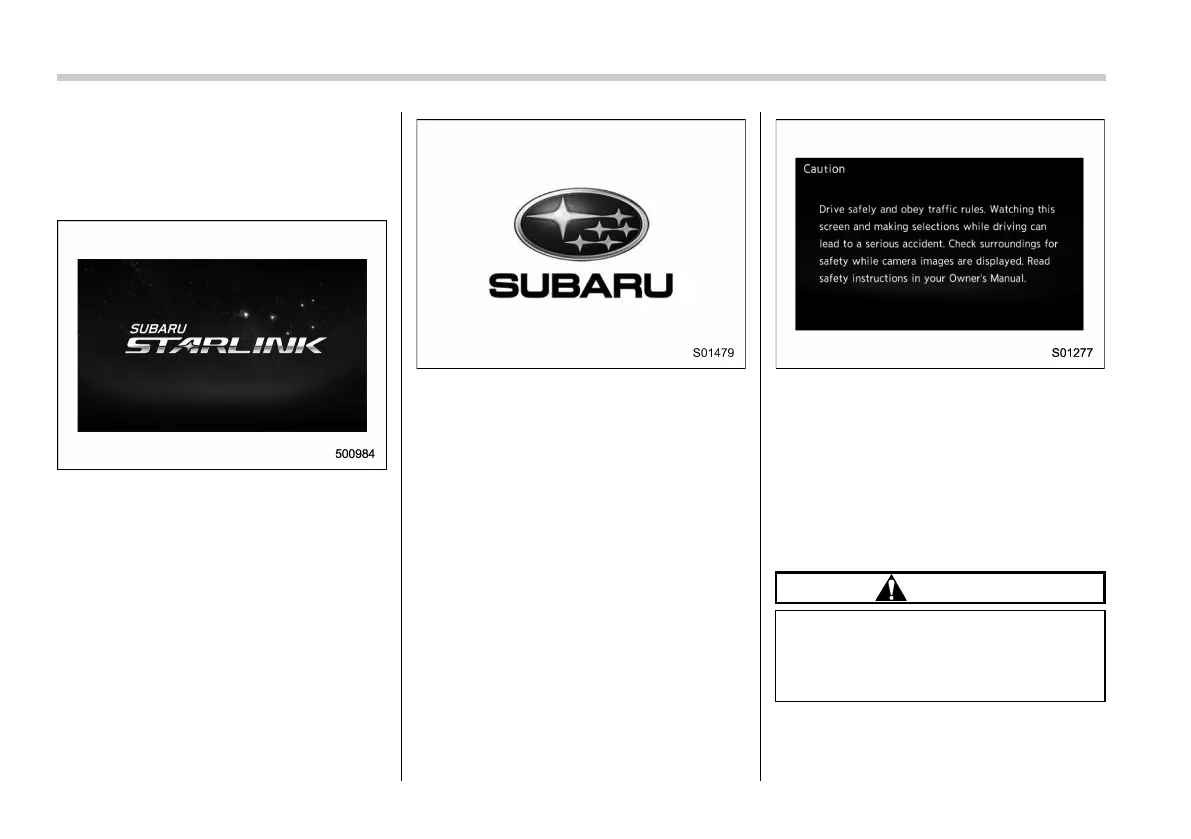
1. When the ignitio n switch is in the
“ACC” or “ON” position, the initial screen
will be displayed and the system will begin
operating.
For Europe
Except for Europe
. After a few seconds, the “Caution
(Caution)” screen will be displayed.
. After about 5 seconds, the “Caution
(Caution)” screen automatically
switches to the next screen.
. For Europe: When using the
SUBARU STARLINK function, the dis-
play screen may be different from the
screen above.
& Basic operation
This section describes some of the basic
features of the audio/visual system. Some
information may not pertain to your sys-
tem.
Your audio/visual system works when the
ignition switch is turned to the “ACC” or
“ON” position.
CAUTION
To prevent the battery from being
discharged, do not leave the audio/
visual system on longer than neces-
sary when the engine is not running.














 To Next Page