Storage Devices 9-11
9
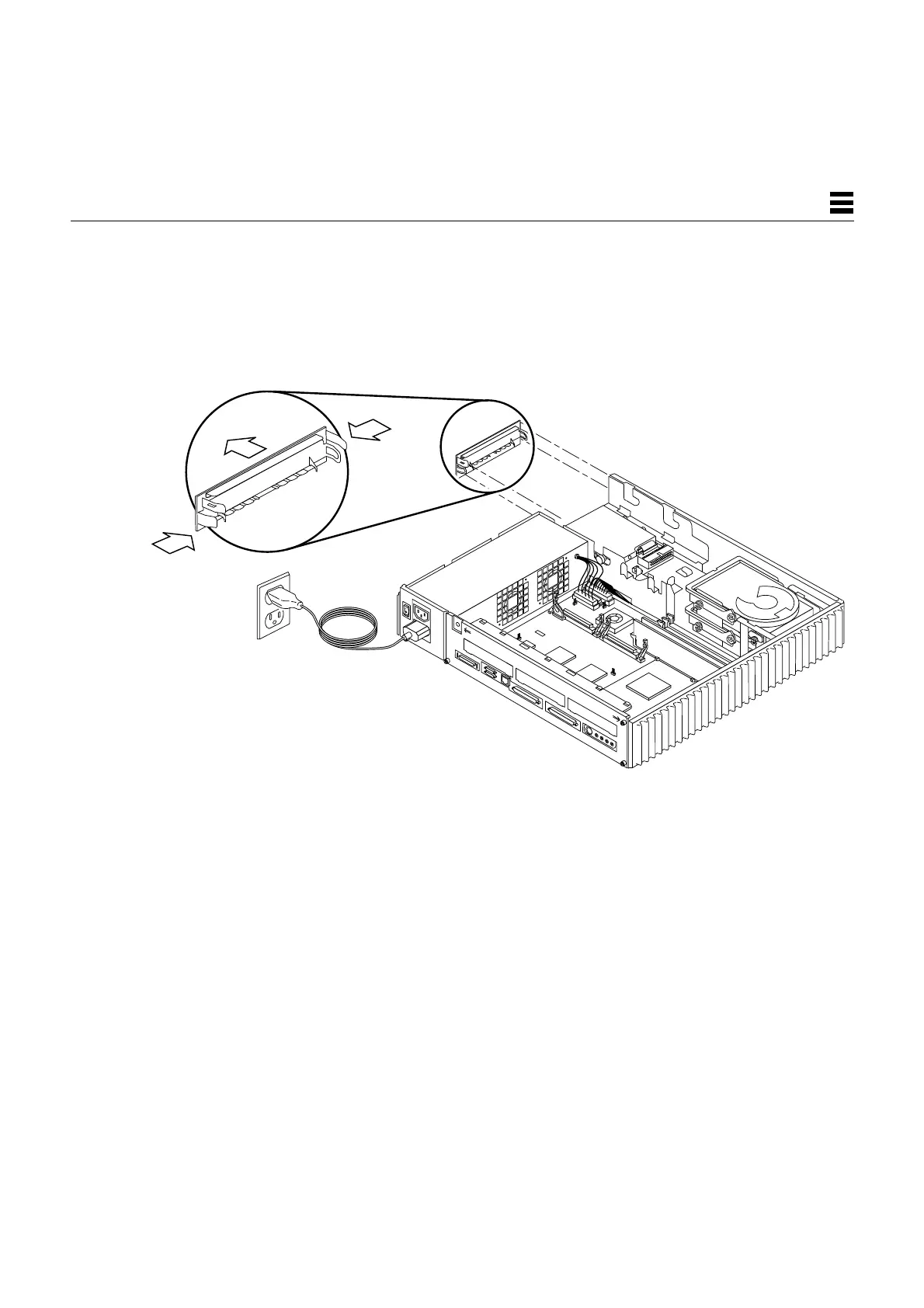
3. If the CD-ROM drive is not installed, remove the CD-ROM filler panel as
shown in Figure 9-8. If the CD-ROM drive is installed, remove it.
See Section 9.2.1, “Removing the CD-ROM Drive,” if you need to remove
the CD-ROM drive.
Figure 9-8 Removing the CD-ROM Filler Panel
Push tabs inward
and pull panel out.














 To Next Page